Overgrown Turns Your Read-Later Chrome Tabs Into a Jungle
Leave a tab alone long enough and vines start covering its links. How fast does the jungle grow, and how do you clear it?
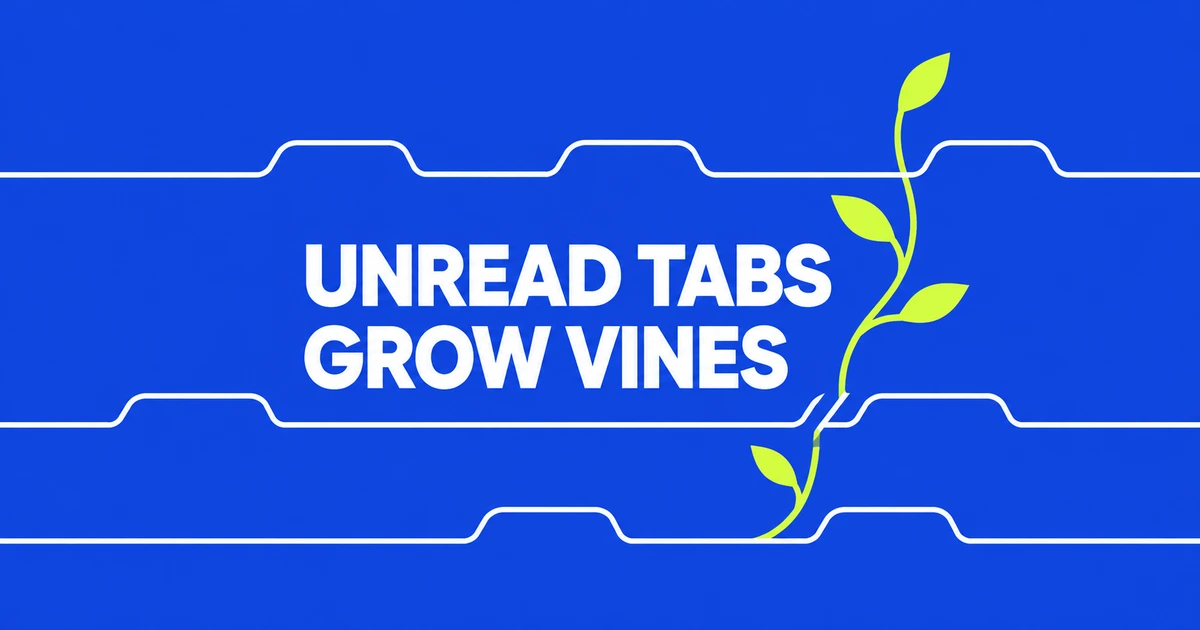
- Overgrown adds growing plants to Chrome tabs left out of view.
- Drag through the vegetation to regain access to the page underneath.
- Reading List and Memory Saver address storage and performance needs separately.
Returning to a tab becomes a little gardening job
Charlie Gerard introduced Overgrown on October 20. Its clock advances while a tab is out of view and pauses while you look at it. “Unread” describes time away, not an assessment of whether you understood the page.
Once vegetation passes 5% coverage, scrolling remains available but clicks, selections and dragging on the underlying page are blocked. Cut the plants back to 5% with your mouse and the remaining growth disappears. Leave again and it starts returning.
Gerard presents it as a creative project, without claiming that the extra interaction will make people read more. The attraction is the experience of coming back to something neglected.
Load the distribution folder in Chrome
The repository’s installation instructions use an unpacked extension. You need the distributed files on your computer, then select their folder in Chrome:
- Download the repository’s
distfolder. - Open
chrome://extensionsand enable Developer mode. - Choose Load unpacked and select
dist.
The manifest requests storage, tabs and scripting permissions, along with broad host access. Those permissions belong in the installation decision alongside the visual effect.
Saving a backlog and saving RAM are different jobs
If your goal is to stop keeping pages open for later, Chrome already offers Reading List. Right-click a tab and add it to the list; reopen the collection through Bookmarks and lists → Reading list. That gives the link somewhere to live after you close the tab.
For memory pressure, Memory Saver under Settings → Performance deactivates unused tabs and reloads them when you return. The amount of vegetation in Overgrown is not a RAM meter.
Choose Overgrown if the act of revisiting a neglected tab sounds more appealing with a small game attached. The creator’s demo is the useful starting point for deciding whether that interaction belongs in your browser.