Cutmark Keeps Video Projects on Your Mac and Brings Your AI Agent Along
The video script you revise with an AI agent sits in one place while the recordings and edits live in another app. What changes when all of it becomes ordinary folders on your Mac?
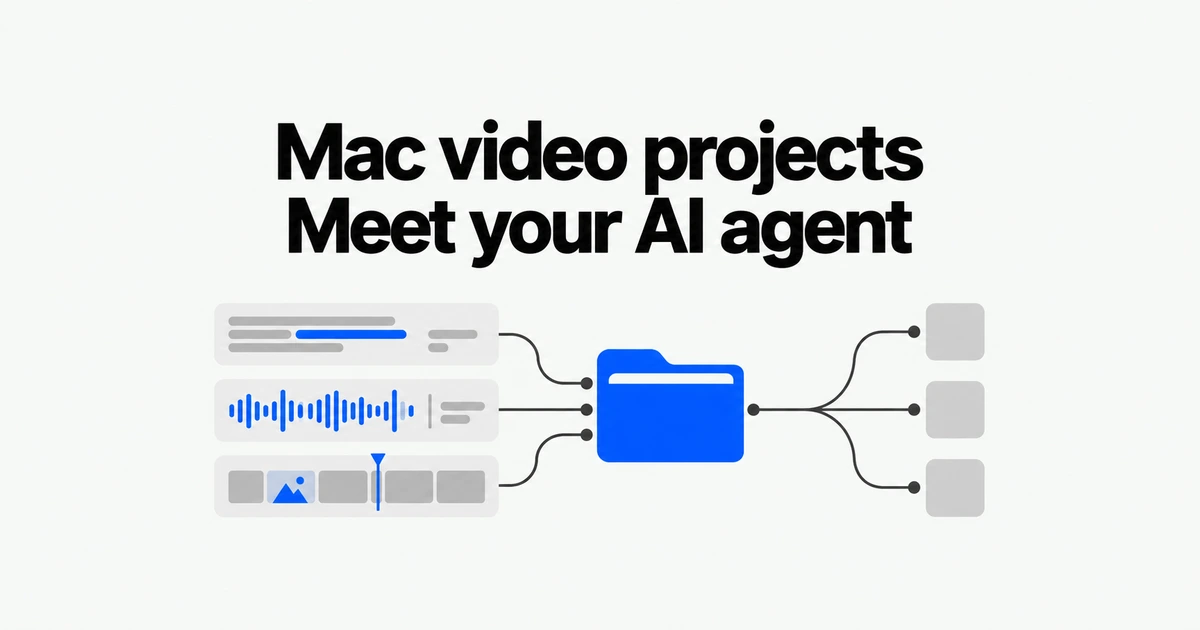
- Cutmark stores scripts, recordings and production assets in ordinary Mac folders and connects them to an AI agent you already use.
- Version 0.3.0 includes camera and screen recording plus a non-destructive visual timeline.
- It requires Apple silicon and macOS 15 or later. External AI requests still follow the connected provider’s data handling and billing terms.
Keep scripts and recordings in the same local workspace
Cutmark is a Mac production workspace for talking-head videos and screen recordings, built by TriHerm Labs and created by Fernando Abishai. It keeps source material on the Mac and connects an existing agent to the production workflow.
The default library is ~/Movies/Cutmark. Projects contain sessions, and sessions hold scripts, takes, edits, storyboards, thumbnails and publishing assets. You can change the library location. This workflow does not require a hosted project database.
The published file layout includes script.md, session.json, separate camera and screen recordings, and an edits directory. Keeping those as ordinary files makes the material accessible through Finder and other tools, rather than hiding every part of production inside a single application format.
Local storage does not determine where AI inference happens
Cutmark’s in-app chat supports Claude Code, Codex, pi and opencode. It uses the account, API or provider configuration associated with the selected runner. During setup, the selected AI tool is installed only after you choose one and press Install.
| Part of the workflow | Where it belongs |
|---|---|
| Recordings, scripts and project assets | The Cutmark library on your Mac by default |
| AI production requests | The selected runner’s account, provider and model configuration |
| External transfers | Can occur through a chosen provider or explicit generation or publishing action |
| AI charges | The connected service’s billing terms |
The project’s privacy description explicitly allows for data leaving the Mac through a selected provider or an action that sends it to an external service. A local library therefore does not establish that AI work is offline. The provider and the material supplied to a request matter as well.
Cutmark is MIT-licensed, but that does not include free model inference. Reusing an existing agent configuration also reuses that service’s applicable terms. The application organizes production and connects the tools; it does not replace their subscriptions or API billing.
Version 0.3.0 adds a visual, non-destructive timeline
The 0.3.0 release notes describe three capture modes: camera, screen, or both together. Screen capture can target a display or an application window.
In the visual timeline, users can trim, extend back into the original source range, split, reorder, duplicate, remove and undo without changing the original recording. A filmstrip, waveform, time ruler and movable playhead support review of the selected footage.
After a recording is saved, a small preview offers playback, review and an Edit action. That connects capture to the editing workspace while the script and other production material remain part of the same project.
The useful distinction is continuity across production steps. An agent can help with a script or review notes while the person checks the actual footage and edit. Those capabilities do not establish that a finished video has the right pacing or tells the intended story; the exported result still needs that judgment.
Expect a Mac setup step, not just a standalone AI model
The documented requirements are an Apple silicon Mac, macOS 15 or later, Apple’s Command Line Tools, ffmpeg, ffprobe and at least one configured chat runner. First-run setup can guide you through missing dependencies.
The download is Cutmark.dmg from GitHub Releases. Version 0.3.0 is ad-hoc signed and not Apple-notarized, so macOS may request an additional first-launch confirmation. The release instructions include checking the download against the supplied SHA-256 checksum. The repository’s iPhone companion is not part of the current Mac release.
Cutmark’s strongest fit is a creator who wants scripts, takes, editing and agent-assisted review to share one file-based workspace. If complete offline operation is a requirement, evaluate the connected AI provider as well as the library location. Keeping a project on your disk answers the storage question; it does not, by itself, answer the inference question.