Does Copilot Auto-Approval Give Commands Unrestricted File Access?
With Allow all turned on, the approval prompts go quiet, yet a command still gets denied a file. What is the sandbox blocking, and what does it leave open?
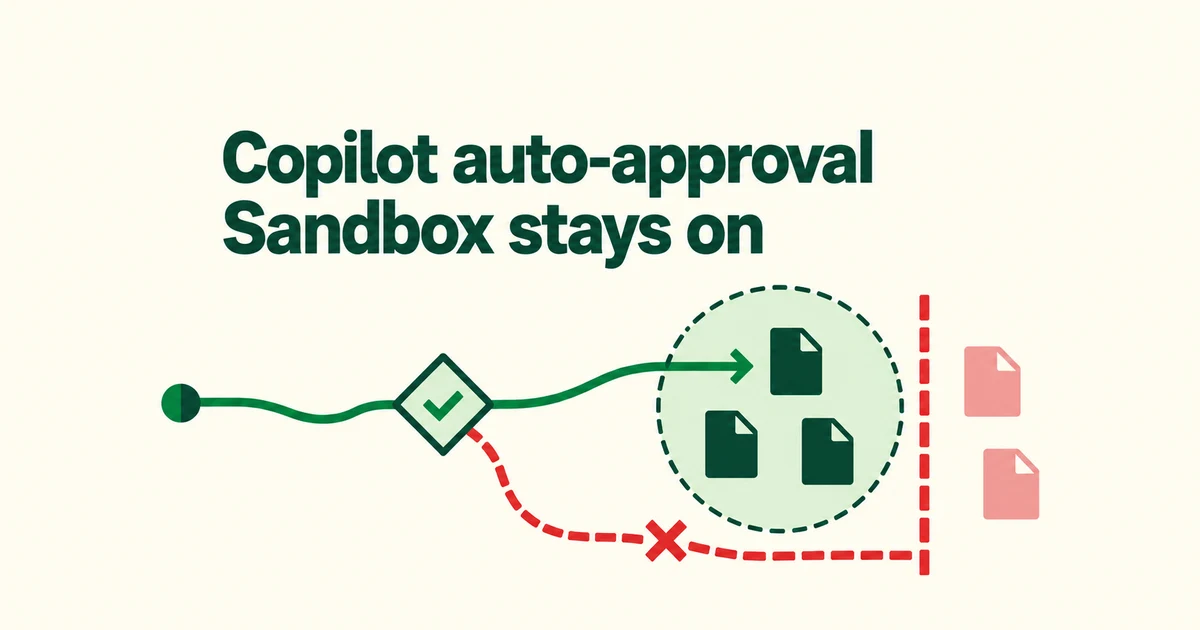
- Approval controls whether a tool asks first; sandboxing controls the access of supported operations.
- CLI local sandboxing defaults to off unless enterprise policy requires it. Outbound internet access is still allowed by default.
- Built-in file tools and remote MCP servers do not share the shell’s operating-system isolation.
Skipping the prompt does not switch off the sandbox
For Copilot sessions in VS Code, Allow all and Autopilot skip confirmation while an enabled sandbox continues to restrict terminal filesystem and network access. This does not mean every tool is covered by that sandbox.
Command-matching rules answer a different question: should this command ask first? VS Code documents parsing and file-write detection limits, so automatic approval is not itself an access boundary.
GitHub’s October 7 local-sandbox release puts execution restrictions under policy control. Those restrictions concern tool execution, independently of the model selected.
Verify the active CLI session
Local sandboxing defaults to off unless enterprise policy requires it to be enabled. In an interactive Copilot CLI session, enable it and inspect the result:
/sandbox enable
/sandbox status
/sandbox policy
Meet the host prerequisites: Linux needs bwrap 0.5.0 or later and slirp4netns; Windows needs a supported Windows 11 update and sandbox capabilities. VS Code has its own host configuration and platform requirements.
The Copilot app and CLI maintain separate settings. Enabling one does not enable the other. Local containment also does not create a separate virtual machine.
Configure file paths and connections separately
The CLI’s /sandbox interface exposes filesystem and network controls. Its default filesystem grants include writable working and temporary directories and Git metadata. The rest of the repository above the working directory is readable; selected developer-tool paths and caches receive additional access.
| Task | Control to inspect |
|---|---|
| Read reference files elsewhere | Add the absolute path as Read-Only. |
| Exclude a sensitive location | Add a Denied path. |
| Reach an API or package registry | Review outbound access and host rules. |
Outbound access defaults to on; CLI local-network access defaults to off. Enabling the sandbox therefore does not make the session offline. Local-server behavior also depends on the operating system.
After changing settings, inspect /sandbox policy. It includes automatic grants and managed restrictions. To preview the developer-tool access for an install, use /sandbox policy npm install; this does not run the install.
Check which tool enforces the policy
Shell commands and search subprocesses receive OS-enforced restrictions. Built-in file-reading and editing tools run inside the CLI and check the policy in software, without that OS backstop.
A remote MCP server is outside the local filesystem boundary. Its connection from the CLI can still be restricted by network policy when MCP sandboxing is enabled.
Allow sandbox bypass lets Copilot ask for approval to retry a blocked command with broader access. An enterprise-enforced sandbox.allowBypass: false prevents individual bypass approvals and disabling the sandbox for the session.
To reduce prompts without accidentally expanding access, inspect the effective policy first and grant the paths and connections the task needs. Then choose the approval behavior appropriate for that scope.