Copilot’s Global Default Now Applies to Unconfigured Features
A Copilot feature shows up for your developers even though no admin ever switched it on. Which features follow the global default now, and how do you turn one off?
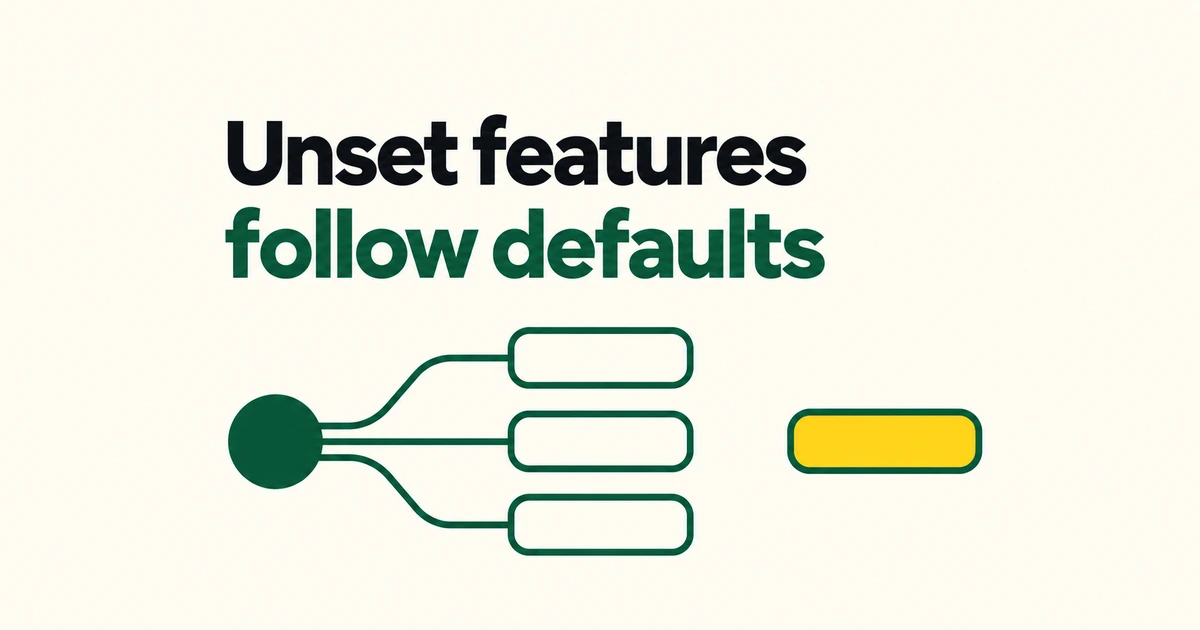
- Eligible, unconfigured GA features on Copilot Business and Enterprise now inherit the selected global default.
- The October 22–26 rollout preserves explicit feature settings and preview opt-ins.
- Changing the default afterward does not switch off features whose policies are already set. Existing access needs its own policy change.
Unconfigured does not mean disabled
GitHub’s October 22 announcement schedules enforcement of the global default through October 26, with different enterprises and organizations receiving it at different times. It covers eligible generally available features and supported client capabilities on Copilot Business and Enterprise.
An eligible feature left Unconfigured receives the selected default. A feature an administrator has explicitly enabled or disabled keeps that choice.
The change to existing unconfigured policies happens once. GitHub says later changes to the default will not alter feature policies that are already set. Selecting Disabled afterward is therefore insufficient evidence that previously enabled features have been turned off.
An enterprise can enforce a decision or delegate it
The default availability reference describes three enterprise choices for eligible, unconfigured GA features.
| Enterprise choice | Effect |
|---|---|
| Enabled everywhere | Enables the feature; organizations cannot disable it. |
| Disabled everywhere | Disables the feature; organizations cannot enable it. |
| Let organizations decide | Delegates where supported; otherwise the feature is disabled. |
A delegated feature that an organization has not explicitly configured follows that organization’s default. Delegation is not itself an enablement decision.
The organization administration guide also explains that an organization cannot override an explicit enterprise policy. If a local control cannot be changed, the enterprise setting is the next place to look.
Previews stay opt-in, and model availability has a separate policy
Preview features do not receive automatic enablement from this feature policy. An existing preview opt-in survives the move to GA. Without that prior choice, a feature follows the default when it becomes eligible.
The documented scope includes Features & clients policies, Copilot code review on the Agents page, and MCP servers in Copilot on the MCP page. Exceptions include restrictive data residency and FedRAMP model policies on GHE.com, and the policy for storing local sessions in the cloud.
Model access is governed separately through Default availability for released models. That policy is also distinct from the default model selected inside a user’s session. Changing the feature default should not be read as a change to every model setting.
Inspect current access before choosing the next default
Enterprise owners can open AI controls → Copilot to review the default. Individual feature policies are under Features & clients → Configure features & clients. Organization owners use their organization’s Settings → Copilot → Policies.
For an access review, start with the current feature states and explicitly configure anything that needs to change. Then choose the default for features that become eligible later. This keeps a future enablement decision separate from revoking access that already exists.
The MCP setting also has a defined boundary. GitHub’s administration guide says MCP servers in Copilot governs generally available MCP support in Copilot. It does not govern access to the GitHub MCP server from third-party hosts such as Cursor.
Frequently asked questions
Will changing the default to Disabled turn off every enabled feature?
No. Later default changes do not rewrite feature policies that are already set. Review the individual policies for features you intend to disable.
Are preview features automatically enabled by the rollout?
No. Previews remain opt-in. When a feature becomes eligible at GA, an existing explicit choice is preserved; otherwise the default can apply.
Use explicit policies to record which capabilities the company allows today, and the default policy to decide how it admits newly eligible features.