How to Recalculate Later Results After Editing SpeedCrunch History
Several calculations in, you notice the unit price you typed at the start was wrong. Can SpeedCrunch update everything below it without losing the original scenario?
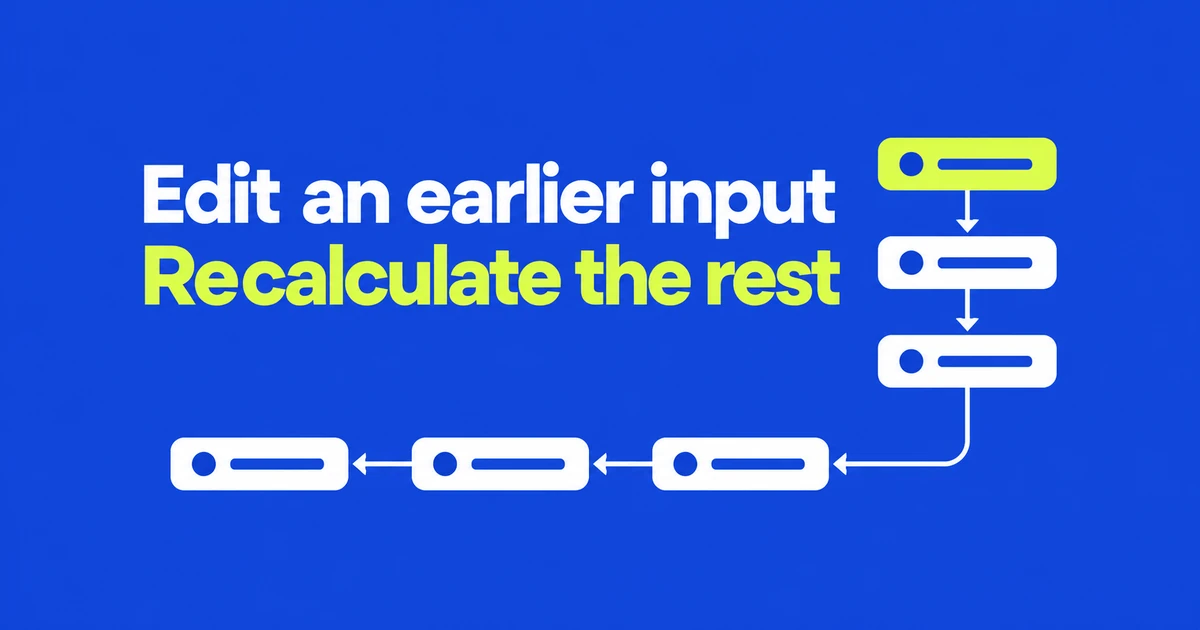
- Rewriting an earlier expression recalculates the entries beneath it.
- Variables connect shared inputs to later formulas; cloning preserves the original scenario before you edit.
- History rewriting dates to 1.0. Version 1.1 adds private tabs for temporary calculations you want discarded on close.
A correction can flow through the calculations below it
SpeedCrunch can revisit an earlier expression and recompute the rest of a calculation history. The interface manual describes editing a highlighted calculation block and applying it as a history rewrite. All expressions below the changed entry are then recalculated.
This is useful when an incorrect input appears halfway through a sequence. It goes beyond recalling an old result into the editor: the subsequent expressions are evaluated again.
The current download is version 1.1, but the release history places history rewriting, tabs, and split panes in 1.0. The latest release builds on that workspace rather than introducing it.
Give shared inputs names
The variable guide documents assigning a value to a name and using that name in later expressions. For an illustrative price calculation, the inputs could look like this:
unit_price = 12
quantity = 8
total = unit_price * quantity
The product is 96. Rewrite the first assignment to use 15 and recalculate the following expressions, and the product becomes 120. Named inputs make it easier to see which assumption changed than repeating bare numbers throughout a history.
To preserve the original scenario, clone the session before editing it. Session → Clone… copies even unfinished input. Separate sessions let you retain the original and revised calculations side by side.
Version 1.1 improves copying and temporary work
Private tabs are a 1.1 addition. They provide a session whose contents are discarded on close and omitted from the workspace restored at the next launch.
Calculation copying also gets more useful: a whole calculation can include the expression and every displayed result format, with a single-line option for pasting into another document or conversation. The release notes also list faster startup when restoring sessions, history, and panels, plus a fix for missing global user definitions in restored sessions.
Choose the session’s lifetime separately from its calculations
Open a private session with Session → New Private Tab. The private-session documentation says it cannot be recovered through closed-tab restoration. Explicit copying and exporting remain available.
| Goal | Choice |
|---|---|
| Continue after restarting the app. | Use an ordinary, automatically saved session. |
| Discard temporary work on close. | Use a private tab. |
| Keep a private calculation after all. | Choose Keep to convert it into a saved session. |
| Import the work back into SpeedCrunch. | Export as JSON. |
| Show the results in a browser. | Export as HTML. |
History rewriting handles revised inputs, cloning preserves an alternative scenario, and private tabs control whether temporary work survives. They solve different parts of the same calculation workflow.
Frequently asked questions
Is history rewriting new in 1.1?
No. It appears in the 1.0 release notes. Private tabs arrived in 1.1.
Does a private tab prevent exporting?
No. It changes automatic saving and restoration. You can still copy or explicitly export its contents.