Safari “Cannot access uninitialized variable”: Is top-level await the cause?
Chrome loads the module fine, but Safari throws “Cannot access uninitialized variable” on the same page. Is it the old Safari loader or a bug in your own imports?
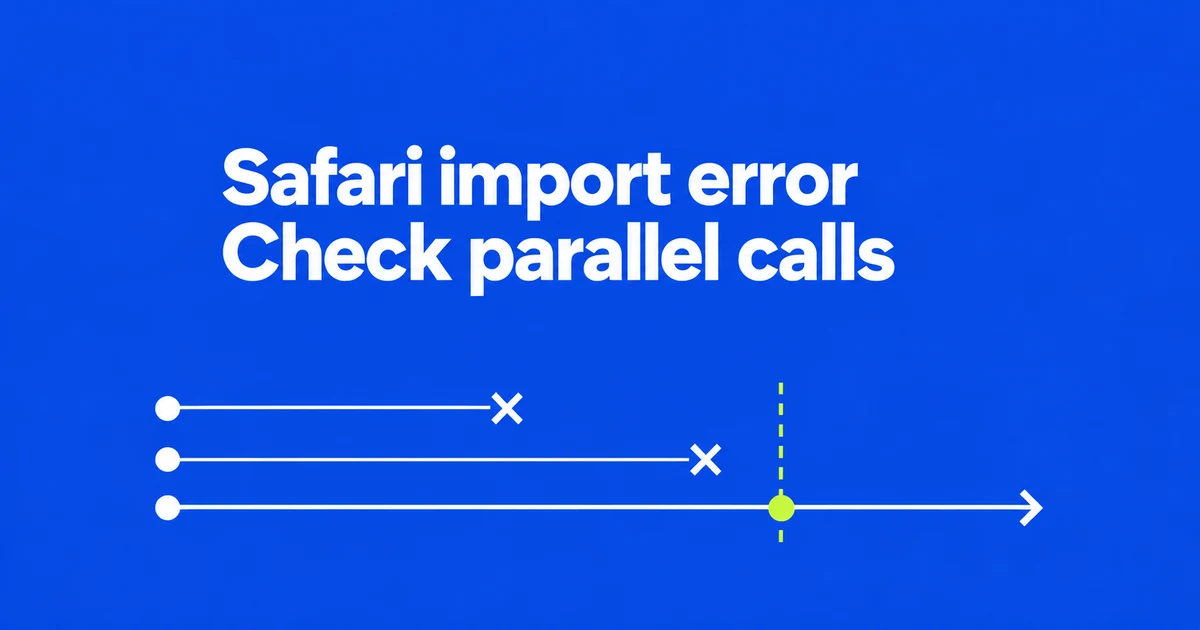
- Safari 27 fixes asynchronous module evaluation and initialization ordering.
- Concurrent imports of the same module are a clue to the older loader bug.
- An uninitialized variable or cyclic dependency can produce a similar error independently.
A second import could finish before the module was ready
If an asynchronous module works in Chrome but fails in Safari, look for overlapping imports of that module. Safari 27.0 replaces the ECMAScript module loader and fixes ordering problems that exposed exports before evaluation finished.
In WebKit’s example, three dynamic imports target a module containing top-level await. The older loader lets the second and third imports finish while the first is still evaluating it. Reading an uninitialized export then fails.
Bug 242740 contains reports of concurrent imports behaving differently from sequential ones, an Astro initialization error, and a second import resolving immediately. These reports identify a specific loader failure, rather than making every ReferenceError a Safari bug.
Downloading JavaScript does not finish module evaluation
The promise returned by import() fulfills with the module namespace after loading and successful evaluation. A successful network response alone does not mean its exports are ready.
Top-level await allows asynchronous work during module evaluation. A module that needs an awaited configuration must wait for that dependency; unrelated modules need not all stop loading. Inspect when the import settles and when the export is read, alongside the HTTP response.
Check initialization order and cycles separately
Reading a let or const binding before initialization also causes a ReferenceError. Execution order matters, including when imports create a cycle.
| Observed failure | Next check |
|---|---|
| Concurrent imports fail only in an older Safari. | Compare the same bundle and inputs in Safari 27 or later and another engine. |
| Multiple browsers fail when reading the same binding. | Inspect initialization order and cyclic dependencies. |
| The module request fails with HTTP or CORS errors. | Check its URL, response and access policy first. |
A cycle is not automatically an error. The MDN modules guide explains that failure occurs when the binding is still uninitialized at the moment it is used. Moving shared code into a third module is one way to remove a problematic cycle.
Retest the production output before removing a workaround
Record the failing Safari version and import path. Compare a single import with overlapping calls, then repeat on the newer loader. This gives a more useful diagnosis than matching an error string alone.
Use the actual production bundle: the WebKit issue also records differences involving bundler output. A successful development session does not establish that deployed chunks behave identically.
Safari 27 makes revisiting top-level await worthwhile. Whether an old workaround can go depends on the browser versions your service supports and the failure you reproduced. Keep browser compatibility checks separate from fixing an application’s own initialization order.