Safari Styles Remain After Clearing adoptedStyleSheets: What to Check
You cleared one component’s adoptedStyleSheets, yet Safari keeps applying its old theme. When other components share that sheet, do you empty it or just detach it?
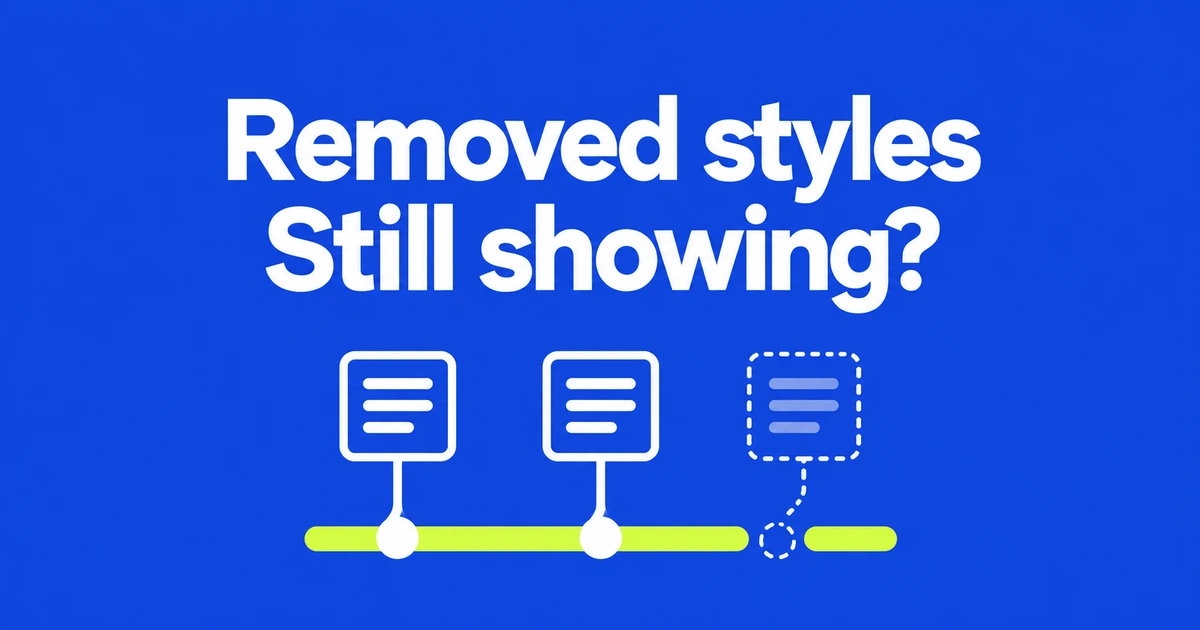
- Remove a component's stylesheet reference from that component's root.
- Clearing a shared CSSStyleSheet changes it for every adopter.
- STP 255 fixes stale application after shrinking the array and missed updates after removing a duplicate.
Remove the adoption, not the shared rules
When an old theme survives component cleanup, identify what the cleanup changed. Document.adoptedStyleSheets holds the constructed sheets adopted by a document; a ShadowRoot has its own adoption list.
The same sheet can serve multiple roots. Calling sheet.replaceSync('') empties the shared rules, affecting every adopter. To detach a theme from one root, remove its reference there:
// root is the document or intended ShadowRoot.
// themeSheet is the original CSSStyleSheet object.
root.adoptedStyleSheets = root.adoptedStyleSheets.filter(
  (candidate) => candidate !== themeSheet
);
This removes every occurrence of that object while preserving the other entries' order. A new sheet containing identical CSS is a different object, so retain the original reference. After removal, check that the adoption list and the rendered result agree.
Test removal and later updates separately
Safari Technology Preview 255 fixes removed sheets continuing to apply after the array is shortened. It also fixes sheet changes being ignored after a duplicate is removed.
The first check is whether a removed sheet stops styling the target. The second is whether a surviving sheet still propagates changes. These are macOS preview fixes; verify the stable Safari and iOS versions used by your application.
Follow the reference through the lifecycle
Constructable stylesheets share an object across adopters. Removing it from the document does not remove an independent adoption by a shadow root. Use that distinction to organize the diagnosis:
- Identify the document or shadow root that received the sheet.
- Record the array length and whether it still contains that object after removal.
- If duplicates exist, distinguish leaving one reference from removing them all.
- Modify a surviving sheet and compare the target's computed style before and after.
replaceSync() synchronously replaces a constructed sheet's contents. Keep that operation separate from detachment while diagnosing the problem, so a failed update is not mistaken for failed removal.
Do not merge unrelated Safari reports
WebKit bug 260716 concerned a non-writable length property in 2023 and was closed as fixed. Its similar symptom does not establish the cause of a current failure.
A report about read-only styles in Web Inspector concerns editing in the tool, which is another distinct symptom. Check the actual adoption list and rendered result first. Those observations tell you whether to examine root cleanup, shared-sheet updates or browser behavior without accidentally clearing a theme used elsewhere.