RTX 5060 Ti 8GB vs 16GB: What to Buy for a PCIe 4.0 PC
Your upgrade list has two 5060 Ti cards and a motherboard that stops at PCIe 4.0. Is the extra money better spent on 16GB of VRAM or a newer platform?
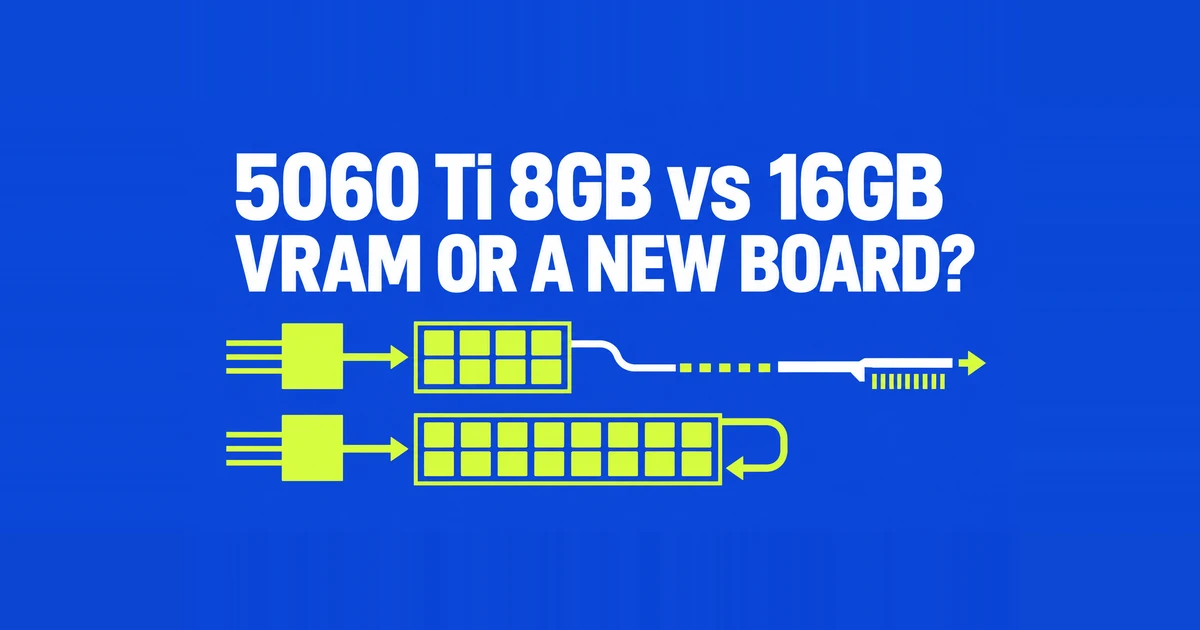
- For a new RTX 5060 Ti purchase aimed at demanding 1440p games, prioritize 16GB. An inexpensive 8GB model makes more sense when your games and acceptable settings are already known.
- Keep a suitable PCIe 4.0 platform. Quasarzone’s ten-game testing found an average difference below 1% between PCIe 4.0 and 5.0 with the 16GB models it tested.
- Compare the actual 16GB premium against faster GPUs, too. Extra memory prevents capacity problems; it does not turn a 5060 Ti into a higher performance tier.
A graphics card upgrade becomes much more expensive if it quietly turns into a motherboard, CPU, and memory upgrade. With the RTX 5060 Ti, the sensible starting point is the card’s memory capacity and the games you intend to play. PCIe 5.0 support alone is a weak reason to replace an otherwise suitable PCIe 4.0 platform.
The harder decision is whether the price of the 16GB card still makes sense. It is the preferable configuration for demanding games, but that preference does not justify an unlimited premium. A discounted 8GB model, a reasonably priced 16GB model, and an overpriced 16GB model are different buying propositions.
What the extra memory actually buys
NVIDIA’s specifications list both memory capacities under the same RTX 5060 Ti GPU. The 16GB version does not double the shader count or widen the memory interface.
| Core specification | 8GB version | 16GB version |
|---|---|---|
| CUDA cores | 4,608 | 4,608 |
| VRAM | 8GB GDDR7 | 16GB GDDR7 |
| Memory interface | 128-bit | 128-bit |
| NVIDIA boost specification | 2.57GHz | 2.57GHz |
| PCIe connection | 5.0 x8 | 5.0 x8 |
Extra VRAM gives game assets more room to stay on the card. If a workload already fits comfortably, more capacity brings little benefit. When it does not fit, the result can include uneven frame delivery and a substantial performance gap. Factory overclocks and cooling also vary between retail cards, so the memory label does not describe every difference between two listings.
The game settings explain apparently conflicting reviews
In Tom’s Hardware’s 21-game geometric mean, the 8GB card was only 2.3% slower at 1080p medium. At 1440p ultra, it was 18% slower. Those describe different purchase expectations: reducing settings for a budget build, or preserving higher image quality.
An individual game can make that choice clearer. In TechSpot’s Final Fantasy XVI testing, 1440p output with DLSS Quality and the Ultra preset produced 41fps on 8GB and 74fps on 16GB. Native 1440p with the High preset reduced the gap to a few percent. That is a settings trade, rather than evidence that every 1440p game needs the same amount of memory.
The useful question is whether you accept that trade in the games you are buying the card to play. A small average difference in a broad test suite cannot erase a problem in your favorite game. Conversely, a demanding Ultra result does not describe an older game running at modest settings.
Look beyond average fps. A 1% low result helps expose slow frame delivery that an average can conceal. In the same TechSpot review, enabling frame generation in The Last of Us Part II at 1440p, DLSS Quality, and Very High pushed the 8GB card’s 1% lows into single digits. Medium settings improved frame pacing. A larger displayed frame count is not sufficient evidence of a smoother experience.
Why an x16 slot does not give this GPU sixteen lanes
The RTX 5060 Ti uses eight PCIe lanes. MSI explicitly describes its card as a PCIe Gen 5 x16 interface that uses x8. The physical connector and the number of active lanes are separate specifications.
At x8, approximate theoretical bandwidth in one direction is 32GB/s for Gen5, 16GB/s for Gen4, and 8GB/s for Gen3. These rounded values are link capacities, not game frame rates. They are also separate from the card’s local VRAM bandwidth: 28Gbps memory across a 128-bit interface gives a theoretical 448GB/s.
A faster link helps move data between the card and the rest of the system. It does not create more space inside an 8GB framebuffer. That distinction matters when deciding whether to spend money on the GPU configuration or the platform underneath it.
How much does keeping PCIe 4.0 or 3.0 cost?
Quasarzone’s direct testing found that the 16GB models’ average Gen4 loss against Gen5 was below 1% in its ten-game FHD and QHD comparisons. The RTX 5060 Ti 8GB lost 4.6% on average at QHD, including a 17.9% loss in The Last of Us Part II. Those percentages compare PCIe generations on a given memory configuration; they are not the gap between the two capacities.
Gen3 needs more care. In the same publication’s three online games, Lost Ark, Overwatch 2, and PUBG, both 5060 Ti capacities lost performance as bandwidth narrowed. Gen3 losses against Gen5 were roughly 8–9% at FHD and 5–6% at QHD. Choosing 16GB does not eliminate every bus limitation.
There are also cases where capacity matters much more than the newer link. TechSpot tested the 16GB card on Gen3 against the 8GB card on multiple PCIe generations. In Spider-Man 2 at 1440p output, Quality upscaling, and Very High, 16GB delivered 90fps with a 56fps 1% low. Its average was 210% higher than 8GB on Gen4 and 120% higher than 8GB on Gen5.
This is a specific memory-constrained scenario, not a universal performance multiplier. The test used a Ryzen 7 9800X3D platform to examine the link. An actual older CPU can impose a separate limit on game simulation and frame preparation. Retaining Gen3 is therefore a question about the whole PC and your frame-rate target, rather than a simple compatibility verdict.
Put a number on the premium before deciding
Calculate the premium as the difference in price divided by the 8GB card’s price. For hypothetical prices of $400 (₩548,000) and $500 (₩685,000), the extra $100 (₩137,000) is 25%. These are example prices, not current retail quotes; the conversions use ₩1,370 per dollar. Use the delivered price of the models you can actually buy, including any necessary power or case changes.
That percentage is not a required frame-rate return. You can reasonably pay more to retain a particular game’s texture quality or avoid severe stutters, even when the broad average gain is modest. But if your games fit within 8GB at the settings you want, the same premium buys less practical benefit.
When a 16GB 5060 Ti approaches the price of a faster 16GB GPU, expand the comparison. Paying heavily for a premium cooler does not change the underlying chip. Compare the games, power requirements, and features you use before treating additional spending within the same model name as the obvious upgrade.
For an existing owner, the relevant cost is different again. Replacing an 8GB card means paying for another card and recovering whatever the old one actually sells for. A small difference between two new listings does not describe that transaction. If one troublesome game becomes comfortable after a texture adjustment, the value of replacing the whole card depends on how much you care about restoring that texture setting. Decide from that visible compromise, rather than paying solely to change the capacity printed on the box.
Check the older card's capacity in generation comparisons, too. GamersNexus tested the RTX 5060 Ti 16GB against the RTX 4060 Ti 8GB and reported roughly 13–27% higher performance at 1440p across its games. Both the GPU generation and memory capacity change in that comparison. A 4060 Ti 16GB owner cannot use that range as the expected gain from replacing their card. Avoiding an 8GB limit is a reason to favor 16GB when buying new; it does not establish an upgrade benefit for someone who already has that capacity.
If you already own 8GB, adjust the troublesome game first
Start with the game that causes the problem. Disable frame generation and revisit the same saved scene or route. Reduce texture quality one step, then test ray tracing and broader presets separately. Changing one option at a time makes it easier to see which visual compromise improves the experience.
This is a practical troubleshooting sequence, not proof that every stutter comes from insufficient VRAM. If acceptable settings already meet your target, keeping the card costs nothing. If preserving the image quality you want still causes problems, compare the 16GB version and faster alternatives using that exact game and setting.
Finally, check the retail card’s dimensions and power connector. MSI’s 16G GAMING example measures 247 × 135 × 51mm, uses a 16-pin power connector, and lists a 600W recommended PSU. Those are specifications for that model. Buying a card that fits your case and existing power setup is part of keeping an upgrade within its original budget.