Roku Samples Moved to GitLab: Update Your Clone Without Starting Over
Your Roku samples clone pulls from Roku’s GitHub repo and pushes to your own fork. Now that the GitHub repo is archived, which remote changes and which one stays?
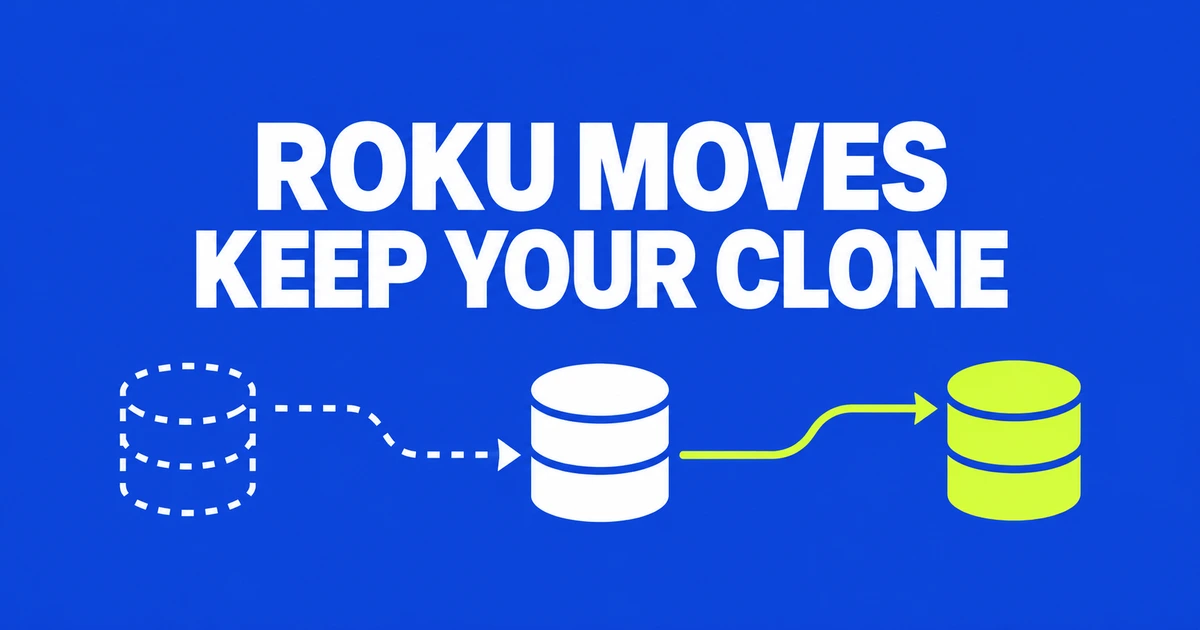
- Roku archived its GitHub samples repository on October 15 and directs development to GitLab.
- Existing clones can change their remote URL without recreating the working directory.
- Your fork, submodules and download links need separate attention.
The old page is a pointer, not the development destination
Roku's official samples repository on GitHub became a read-only archive on October 15, 2026. Its README points development to gitlab.com/rokudev/samples and directs new issues and merge requests there.
An accessible GitHub page therefore does not establish that you are following the current project. The old repository remains as a route to the new home.
Update the remote, not the working directory
GitLab's migration tutorial explains how to reuse a local clone. Start inside that repository and inspect its remotes:
git remote -vIf origin points directly to the old official samples repository, the corresponding change is:
git remote set-url origin https://gitlab.com/rokudev/samples.git
git remote -v
git remote show origin
The first check shows configured URLs; remote show also queries the remote by default. Complete any authentication or access setup required by the destination. Changing a URL does not itself update the source files in your working tree.
Do not replace your fork's origin by accident
If origin is your own fork and upstream is Roku's repository, update the latter:
git remote set-url upstream https://gitlab.com/rokudev/samples.gitThat example assumes upstream already exists. To retain your current connections and add the new destination, choose an unused name:
git remote add roku-gitlab https://gitlab.com/rokudev/samples.gitThe Git remote reference distinguishes fetching from an upstream project and pushing to your own repository. Inspect a separately configured push URL too. Pointing at Roku's project does not grant permission to push into it.
Submodules and download URLs do not follow automatically
If Roku samples are a submodule, update the appropriate URL in .gitmodules. Then synchronize that initialized submodule's local URL setting. Replace the path in this example with your actual submodule path:
git submodule sync -- path/to/roku-samplesThe submodule reference defines what synchronization changes. It is separate from the parent repository's remote.
Also inspect references to rokudev in team documentation and download scripts. For raw files or archives, use the destination's actual download link rather than assuming that replacing the hostname preserves the URL format.
The useful distinction is between your own publishing destination and the upstream source you follow. Preserve the former, update the latter, and check the links that fetch material outside Git.