Can Rapier Convert Images to JPEG XL Without WebGPU?
Some visitors to a page that converts images to JPEG XL with WebGPU have no GPU adapter at all. What does Rapier do when the GPU disappears halfway through a job?
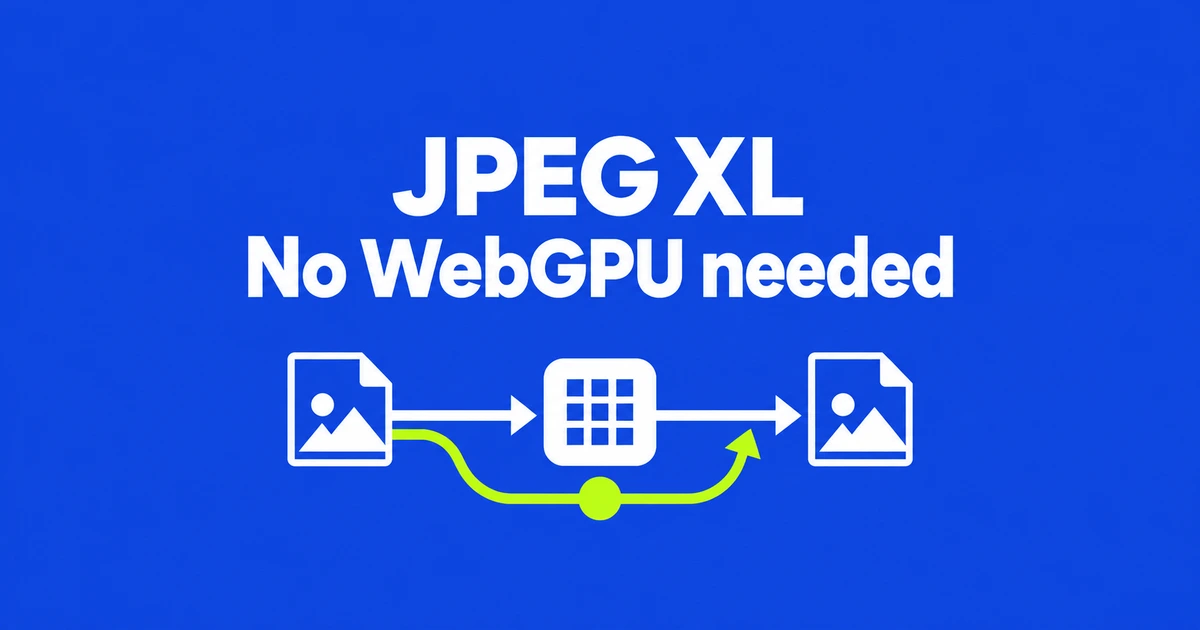
- Rapier’s basic encoder runs on the CPU; WebGPU is optional.
- The file-conversion helper needs a deployed still-image or complete worker.
- Creating JXL bytes and displaying them are separate capabilities.
CPU encoding is a supported path
Rapier JXL is a JavaScript JPEG XL encoder. Its basic encode function runs on the CPU. The asynchronous path can move photographic processing stages to WebGPU and falls back to the CPU when an adapter is unavailable, the device is lost or a GPU error occurs.
The API reference also makes GPU use optional for quality-targeted search through encodeToScore. A missing WebGPU capability therefore need not disable conversion altogether.
The developer’s GPU measurements give the acceleration claim a concrete scope: on an NVIDIA T4, 24 phone photographs at quality 75 and effort 1 had median times of 6.7 seconds on the CPU and 2.1 seconds on the GPU. At quality 90, those medians were 6.8 and 2.9 seconds. These are measurements of that setup, not timings for a reader’s phone.
Deploy the worker alongside the file helper
For a page receiving image files, use toJXL from rapier-jxl/image. It returns an image/jxl Blob. Install the package and copy its still-image worker from dist/rapier-still-worker.js to a URL your page can load.
npm install rapier-jxlimport { toJXL } from 'rapier-jxl/image';
// file is the File selected by the user.
const jxl = await toJXL(file, {
worker: './rapier-still-worker.js'
});
console.log(jxl.type); // image/jxlThis call belongs in a web project that resolves the package import. Your application still connects the returned Blob to a download or preview interface. The worker option accepts a Worker instance or a worker URL; choose rapier-worker.js when animation is required.
The small core is only one part of a converter
The README’s build table, checked on October 26, separates these standalone gzip-level-9 sizes:
| Build | Gzip bytes | Purpose |
|---|---|---|
| Core | 28,920 | Encodes typed RGBA pixels. |
| Image helper | 1,184 | Passes input to a worker and returns a Blob. |
| Still worker | 149,572 | Includes photo and JPEG conversion, without animation. |
| Complete worker | 214,332 | Adds animation and other format operations. |
A file-conversion feature is therefore larger than the roughly 29 KB pixel encoder. For ordinary still images, plan around the helper and still worker, plus your own interface.
Encoding does not install a browser decoder
Rapier’s reference separates producing JXL data from rendering it: display needs native support or a separate decoder. Loading an encoder does not add JXL support to the browser’s image element.
Native Canvas export has another trap. The toBlob documentation says unsupported output types fall back to PNG. Requesting image/jxl and assigning a .jxl filename is not enough to prove that the output contains JPEG XL.
For supported JPEG inputs, Rapier’s file helper uses a path that can reconstruct the original bytes. Setting transcode: false instead decodes and re-encodes the pixels. Choose according to whether preserving the original JPEG is part of the requirement.
To try the product without integrating code, the developer offers a Rapier conversion page described as processing files on the device. For an application integration, check the worker URL, output Blob and target browser’s rendering and color using representative input files.