Profile a Running Python Server With Tachyon—No Restart Needed
Your Python server gets slow under real traffic, and restarting it wipes out the state you want to study. How does Tachyon sample the running worker without touching its code?
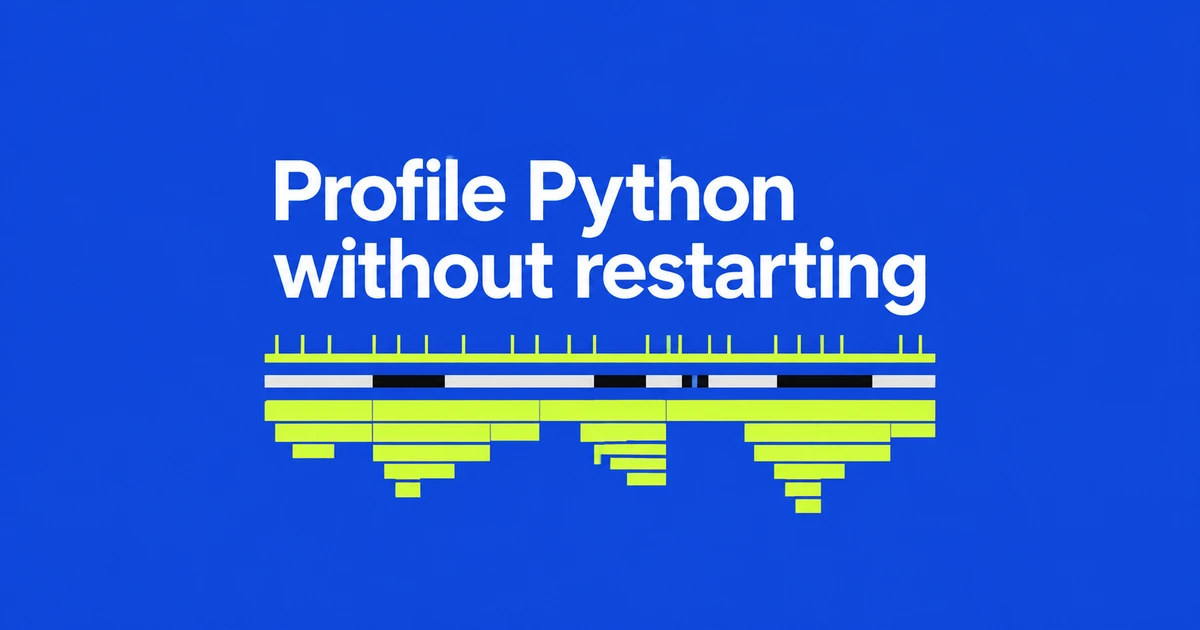
- Attach Python 3.15’s profiling.sampling to a live PID to collect stack samples.
- Wall and CPU modes help separate waiting from active computation.
- Match the Python version and build, obtain process-memory access, and check which threads and workers you are observing.
Capture the slow state before restarting the server
Tachyon in Python 3.15 samples a running process from the outside. You can inspect a slow server without adding instrumentation or restarting the application.
This example collects 30 seconds of stacks and writes an HTML flame graph. Replace 12345 with the Python worker's actual PID and use an interpreter that matches the target:
python3.15 -m profiling.sampling attach --flamegraph -d 30 -o wall.html 12345The attach command detaches after collection. Open wall.html in a browser to inspect the call paths represented in the samples. Choose an observation window that includes the slow requests you want to investigate.
A wide sleep frame is not evidence of CPU pressure
The default wall mode includes I/O, lock waits and sleeping. A function waiting for an external API can therefore occupy a large share. CPU mode keeps samples from threads actively executing on a CPU core:
python3.15 -m profiling.sampling attach --mode cpu --flamegraph -d 30 -o cpu.html 12345| Observed pattern | Where to investigate |
|---|---|
| Prominent in wall mode, small in CPU mode. | Network, disk, locks or other waits along the call path. |
| Prominent in both modes. | Computational work performed along that path. |
Collect under comparable traffic: these commands run at different times, so a different request mix can also change the graph. Use the profile to locate work worth inspecting, then examine what the function actually does.
Match the interpreter and choose the right worker
The profiler and target must use the same Python minor version. Pre-release versions require an exact version match, and attachment cannot cross between standard and free-threaded builds. Installing a 3.15 interpreter alongside an older server is not sufficient.
Process-memory access is also restricted by the OS: ptrace permissions and policy on Linux, root or debugger entitlement on macOS, and administrator rights or SeDebugPrivilege on Windows. Use the diagnostic account and interpreter allowed by that environment.
Only the main thread is sampled by default; add -a for all threads. Separate worker processes have separate PIDs. Locate the worker serving the slow request before treating one profile as representative of the server.
Samples do not count function calls
Seeing a function in 100 samples does not mean it ran 100 times. One long invocation may appear repeatedly. For exact call counts and complete call relationships, use profiling.tracing. The existing cProfile name remains available for compatibility.
Default sampling reads the target without stopping it, but the profiler still consumes machine resources. The separate --blocking option pauses the target during reads. Start with a bounded observation window and the relevant worker, then choose the next measurement according to whether the evidence points toward waiting or computation.