pip Install Blocked? When to Use venv or pipx
You followed the suggestion to try pipx after pip refused an installation. Now the package is listed, but your script cannot import it. Where should that dependency have gone?
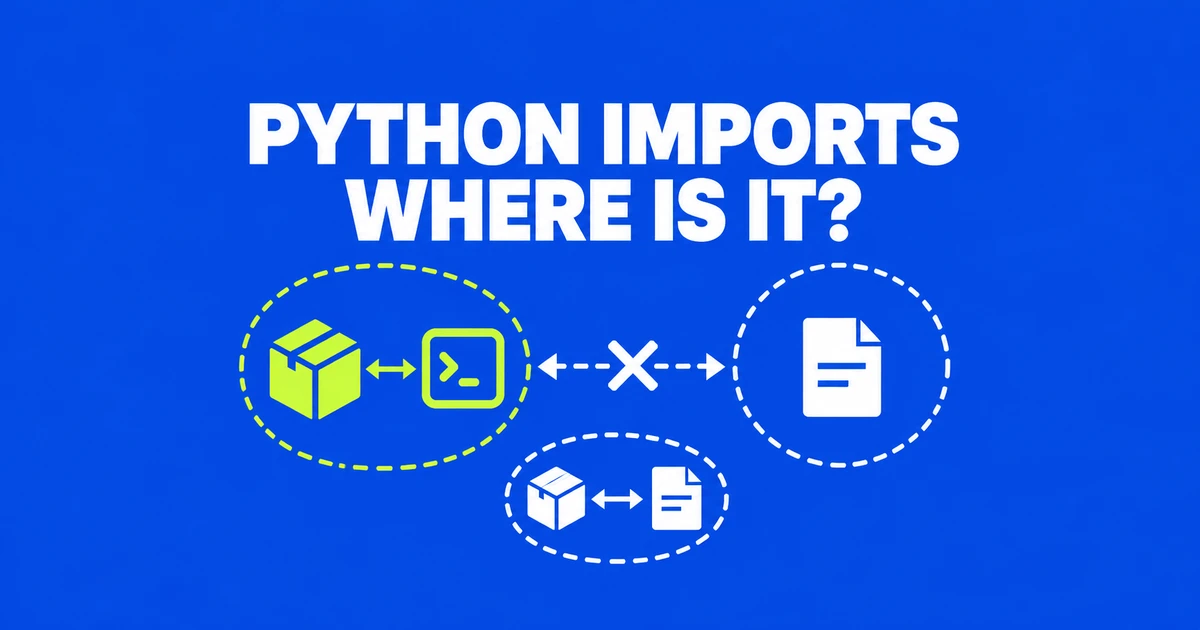
- A successful pipx installation makes an application's commands available; it does not add libraries to every Python interpreter.
- Install imported libraries into a project venv and run your script with that environment's Python.
- Use the distribution's package manager for its Python components and pipx for independent command-line applications.
Why pipx can succeed while import fails
If pipx lists a package but your script raises ModuleNotFoundError, the script may be running in a different Python environment. pipx gives an application its own environment and exposes its commands. Your ordinary python3 process does not automatically search that application's installed libraries. For a dependency imported by your own code, install it into the project environment that runs the code.
This is a real source of confusion after an externally-managed-environment error. In an Ubuntu user's Reddit question, ib_async appeared in pipx's list but was unavailable to a script. The user later reported that setting up the virtual environment again resolved the problem.
| What you need | Where it belongs | How you use it |
|---|---|---|
| A library imported by your code | Your project's virtual environment | Run the code with that environment's Python. |
| A standalone terminal application | An application environment managed by pipx | Run its exposed command from your shell. |
| A Python component supplied by your operating system | The distribution's managed installation | Install and update it through the distribution's package manager. |
A tool can fit more than one workflow. A formatter used interactively across unrelated folders can be convenient as a pipx app. A formatter pinned alongside a project's test tools can belong in that project's environment. Follow the repository's existing dependency instructions when they exist, so local commands and the project's automation use the intended installation.
Install the library in your project environment
The following examples use bash or zsh on Ubuntu or a Mac with Homebrew Python. Start in a new practice directory, or use your existing project's environment. Do not replace an existing .venv just to follow the example. Requests is an illustrative library here; substitute the dependency required by your code.
On Ubuntu, a missing venv module or an ensurepip setup message can mean the environment tools need installing. Ubuntu's python3-full package includes venv support. These preparation commands are for Ubuntu:
sudo apt update
sudo apt install python3-full
Choose an unused folder name, then create the environment and install with its Python. If environment creation fails, resolve that error before continuing to installation.
mkdir python-demo
cd python-demo
python3 -m venv .venv
.venv/bin/python -m pip install requests
.venv/bin/python -c "import requests; print(requests.__file__)"
The final command prints the imported module's file location. With this installation, it should point into the project's environment. venv creates an isolated package directory and an environment-specific Python entry point. Using that entry point with -m pip ties the installer to the interpreter you selected.
If you have already written app.py in the project directory, run it with .venv/bin/python app.py. Keep source files and input data outside the .venv directory. The environment can be recreated from dependency instructions; your own code and data cannot be recovered merely by reinstalling those dependencies.
Find the Python that actually runs your script
Activation is a convenience for a shell session. In bash or zsh, it puts the environment's executable directory earlier on PATH, so shorter commands select that environment:
source .venv/bin/activate
python -m pip show requests
python app.py
deactivate
You can instead keep using .venv/bin/python without activation. A new terminal or an editor's Run command may select another interpreter. If the terminal works but the editor fails, select the project's environment Python in the editor rather than installing another copy into whichever Python happens to start there.
To inspect what your current python3 command selects, print its executable and environment status, then query the package through that same interpreter:
python3 -c "import sys; print(sys.executable); print(sys.prefix != sys.base_prefix)"
python3 -m pip show requests
The executable path identifies the Python process. A True result on the next line indicates a virtual environment; it does not prove that it is the particular project environment you wanted. Compare the path too. Then repeat the query with .venv/bin/python if the shell selected something else.
pip show reports the installed package's Location. This is more useful than comparing a bare pip list with a pipx list, because those tools can be describing separate environments. Installing the library into the project environment also lets the project control its dependencies without depending on an unrelated application's installation.
What externally-managed-environment is protecting
A distribution may provide Python both for your use and for software it ships. Replacing or shadowing one of its Python dependencies can change what that software imports. PEP 668 describes this problem for system-wide installations and user-directory installations: a package need not overwrite the original file to be found first on Python's search path.
The current packaging specification tells installers to check whether they are outside a virtual environment and whether the Python provider has marked the installation as externally managed. That combination produces the default refusal. It is a property of how the interpreter is supplied, rather than a rule that every installation of a particular Python version must reject pip.
This explains why --user may still be rejected. Moving packages into your home directory does not necessarily keep them off the managed interpreter's search path. The --break-system-packages option overrides the protection; it does not create a project environment or resolve ownership between package managers. For an ordinary application you are developing, the project venv above gives pip a separate place to install.
Homebrew likewise recommends virtual environments for projects and pipx for applications. Let Homebrew manage the base Python it supplies, while project dependencies are installed through the project's interpreter. Removing a distribution's default Python is not a repair for a project dependency error.
Use pipx when the result you want is a command
pipx manages isolated application environments and makes their executable commands available on PATH. This is useful for a terminal tool that you want to run from different working directories. It does not make that tool's libraries a shared import collection for other Python programs.
Install pipx through the appropriate package manager. On a Homebrew Mac, use:
brew install pipx
pipx ensurepath
For Ubuntu 23.04 or later, pipx's installation guide gives this distribution-package route:
sudo apt update
sudo apt install pipx
pipx ensurepath
These are alternatives for different systems. Open a new terminal after adjusting PATH, then install the example formatter and query its version:
pipx install black
black --version
pipx list
The version command does not reformat your project. It checks that the application command is reachable. The list command shows the managed package, its exposed commands, and its environment path. If you are comparing it with a project installation, that path explains why the two package lists can differ.
For later maintenance, pipx upgrade black updates the managed application, while pipx uninstall black removes it. pipx also provides reinstall, such as pipx reinstall black, to rebuild an application environment when necessary after a Python change.
Recreate the environment when the project moves
A venv is not a portable bundle of a project. Its installed scripts can contain absolute interpreter paths, so moving the directory may leave those scripts pointing at the old location. Move your source and data, then create a fresh environment at the destination using the project's dependency instructions.
For a small personal project without an existing dependency file, a snapshot can record installed packages. Choose a new filename: shell redirection overwrites an existing file of the same name.
.venv/bin/python -m pip freeze > requirements.snapshot.txtpip freeze outputs installed packages in requirements format; it is not a dependency solver or lockfile generator. Record the Python version as well. A list captured on one operating system or Python release does not guarantee that every package is installable on another.
At the new location, create the environment with python3 -m venv .venv, install with .venv/bin/python -m pip install -r requirements.snapshot.txt, and run the actual script with that environment's Python. This final run also exposes missing input files or external-service configuration that a package installation alone cannot restore.