Port 3000 Already in Use? Find What Started It with proc
The listener is called node, just like the servers for your other projects. Which terminal or project started this one?
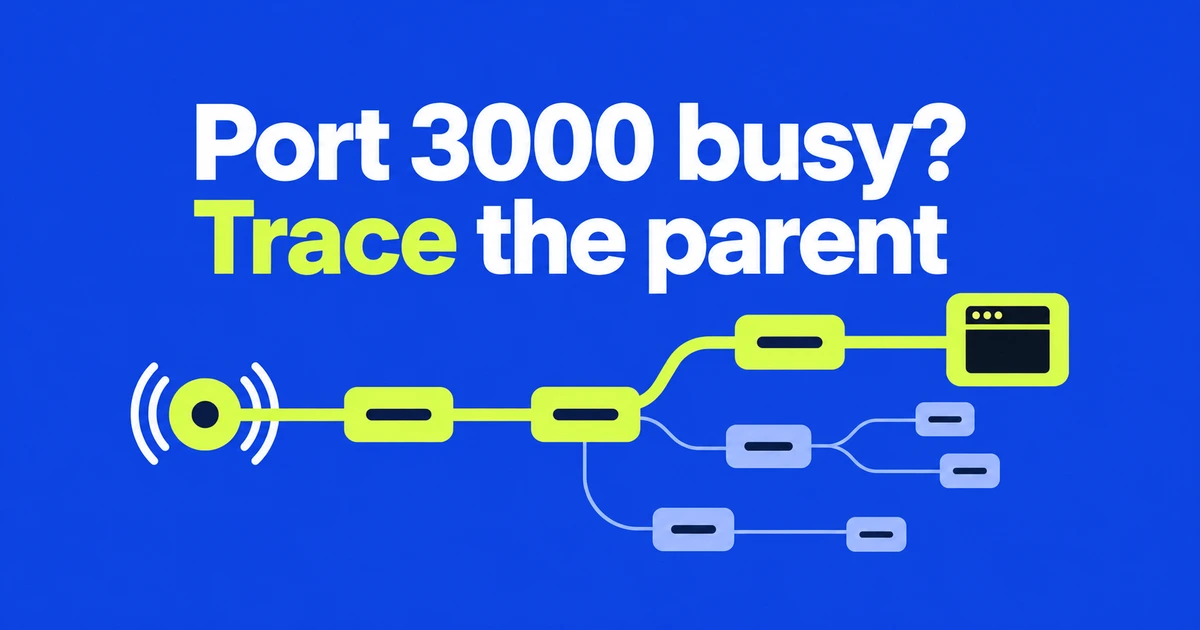
proc on :3000finds the listener;proc why :3000traces its parents.- On macOS and Linux, stop starts with SIGTERM but can force-kill after its timeout. kill uses SIGKILL; free also checks that the port is released.
- Scope name-based targets to the right project and preview changes with
--dry-run. Several unrelated projects can all have a process named node.
Find out what opened the port before closing it
When a development server reports EADDRINUSE, finding a process called node is only part of the answer. You also need to know which project it belongs to and what started it. proc provides a shared command syntax for those questions across macOS, Linux and Windows. The signal behavior below applies to macOS and Linux.
On a Mac with Homebrew, the documented installation command is brew install yazeed/proc/proc. Once installed, begin with two read-only commands:
proc on :3000
proc why :3000
The first finds the process listening on the port. The second follows its ancestry. According to the why reference, each step includes uptime, helping an old tmux session stand out in the chain. Neither command terminates anything.
Inspecting the working directory and parent chain gives you more context than a PID alone. An old server from another terminal needs a different decision from the server you are actively using.
A colon means a port; a bare number means a PID
:3000 targets port 3000, while 3000 targets process ID 3000. A name such as node can match multiple processes. Use a directory filter when you intend to work on one project:
proc by node --in .
proc stop node --in . --dry-run
The first command limits discovery by the current working directory. The second previews the stop targets without sending a signal. Remove --dry-run only after confirming that the listed processes are the ones you intend to stop.
The directory option is a matching filter, not a sandbox. It can also exclude a process whose working directory does not match the project you expected, so compare the result with the port lookup.
A graceful stop can still end in a force-kill
The important difference is what each command does after resolving the target. “Graceful” describes how stop begins, not a promise that it will never force termination.
| Command | Termination behavior | Follow-up |
|---|---|---|
proc stop :3000 | Sends SIGTERM, then force-kills processes that outlive the default 10-second timeout. | Waits for the targeted processes to exit. |
proc kill :3000 | Uses SIGKILL immediately. | Does not provide free’s port-availability check. |
proc free :3000 | Requests termination first, then force-kills remaining processes. | Polls to verify that the port is available. |
With stop, --timeout changes the wait before escalation. For example, proc stop :3000 --timeout 20 allows 20 seconds after the initial signal. It gives the program time to finish cleanup, but still escalates if it remains running.
free accepts port targets and adds a check for whether the listener has disappeared. It supports --wait to configure waiting and --dry-run to preview the target. It is not a graceful-only operation.
Normal interactive use includes confirmation. Previewing with proc free :3000 --dry-run is useful before making a change, but a preview describes the current state: another process can acquire the port before the later command runs.
If the listener returns, inspect what is restarting it
Run proc why :3000 again if the port immediately becomes busy. A development tool or service manager may be configured to restart its child. In that case, use the managing tool’s stop control for the workload instead of repeatedly terminating the child.
A successful free command checks availability at that point in time. It does not reserve the port or prevent a supervisor from opening it again.
For scripts and coding agents, discovery output is also available as JSON:
proc on :3000 --json
proc why :3000 --json
The documented exit codes distinguish success (0), error (1), not found (2), permission denied (3) and invalid input (4). Keep discovery separate from mutation: the current free implementation skips its interactive confirmation in JSON mode. Do not assume that adding --json to a destructive command changes only its formatting. Confirm the project, owner and intended scope before automating termination.