Can You Still Use a Legacy Plugin in OBS 33?
Your streaming plugin still loads, but OBS 33 labels it Legacy. What will that label mean when you move to the next version?
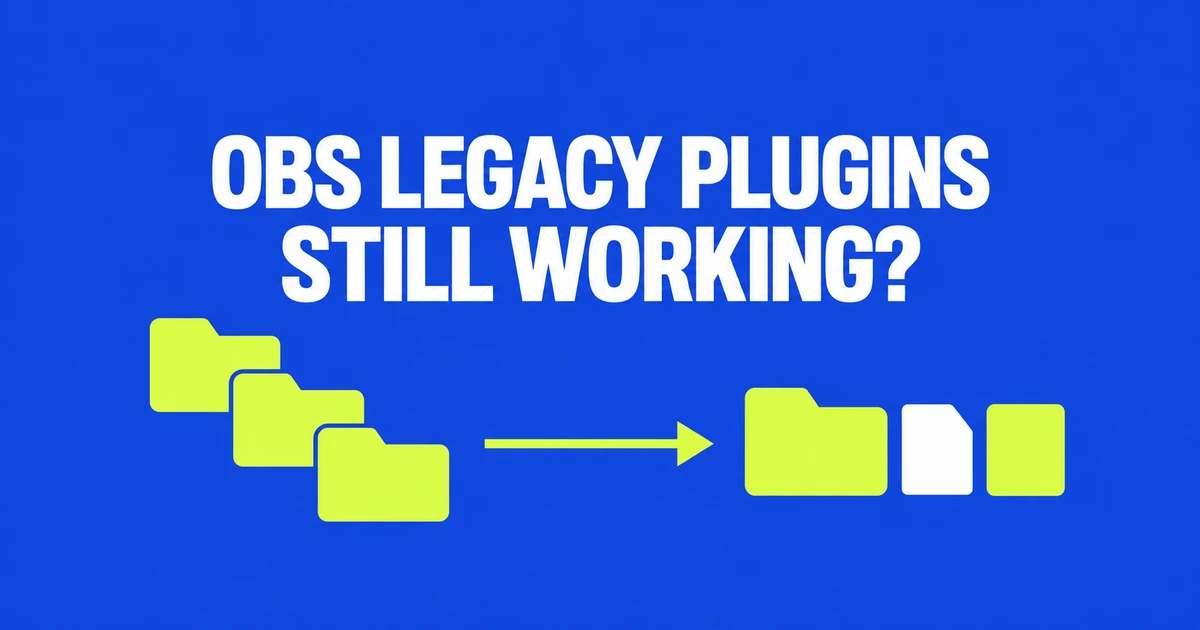
- Legacy identifies an old installation location or layout, rather than a failed load.
- OBS 33 retains legacy loading until 34; that does not guarantee compatibility for every plugin.
- Portable installs use a separate location, and Safe Mode excludes third-party plugins.
A Legacy badge is not a load-failure report
OBS Studio 33.0.0, released October 23, introduces a new plugin loader while keeping legacy locations available until version 34. Upgrading to 33 does not, by itself, disable every existing installation.
There is a concrete example of the transition working: the Lua Bridge maintainer reported an October 20 test with OBS 33 RC2 on Windows in portable mode. The plugin loaded from the legacy layout with the OBS_LEGACY_PLUGINS_PATH environment variable pointing to that location. That is a maintainer's test of one plugin against a release candidate, not a compatibility result for your entire setup.
The DLL moves beside the data directory
The official migration guide specifies this layout for an ordinary Windows installation:
C:\ProgramData\obs-studio\plugins\example-plugin\
  example-plugin.dll
  data\
The old bin\64bit nesting disappears. OBS's new core directory is reserved for its own modules.
Check the plugin's installer and supported build
A correct path cannot solve every compatibility problem. The OBS plugin guide identifies three separate constraints: operating system, architecture and OBS version. A plugin needs a build for your operating system and CPU architecture, as well as support for your OBS version.
Prefer the plugin author's current installation instructions. OBS explicitly excludes Program Files installations and plugins with complex dependencies from the simple move-files-up workaround. A new package may be needed even when the DLL looks easy to relocate.
Portable mode and Safe Mode change the diagnosis
Portable OBS 33 uses plugins\plugin-name\ under its own installation root and ignores ProgramData. macOS plugin locations are unchanged.
Safe Mode loads no third-party plugins. OBS 33 also stops starting its WebSocket server in that mode, so a disconnected control application is not necessarily evidence of a misplaced plugin.
Identify the launch mode, check the author's supported build and installer, then assess loading in normal mode. Those checks separate a migration notice from a missing plugin or an incompatible binary.