Move npm’s latest Tag With OIDC Instead of a Stored Token
Your release job publishes to npm through OIDC, yet moving the latest tag still needs a stored token. What permission is the workflow missing?
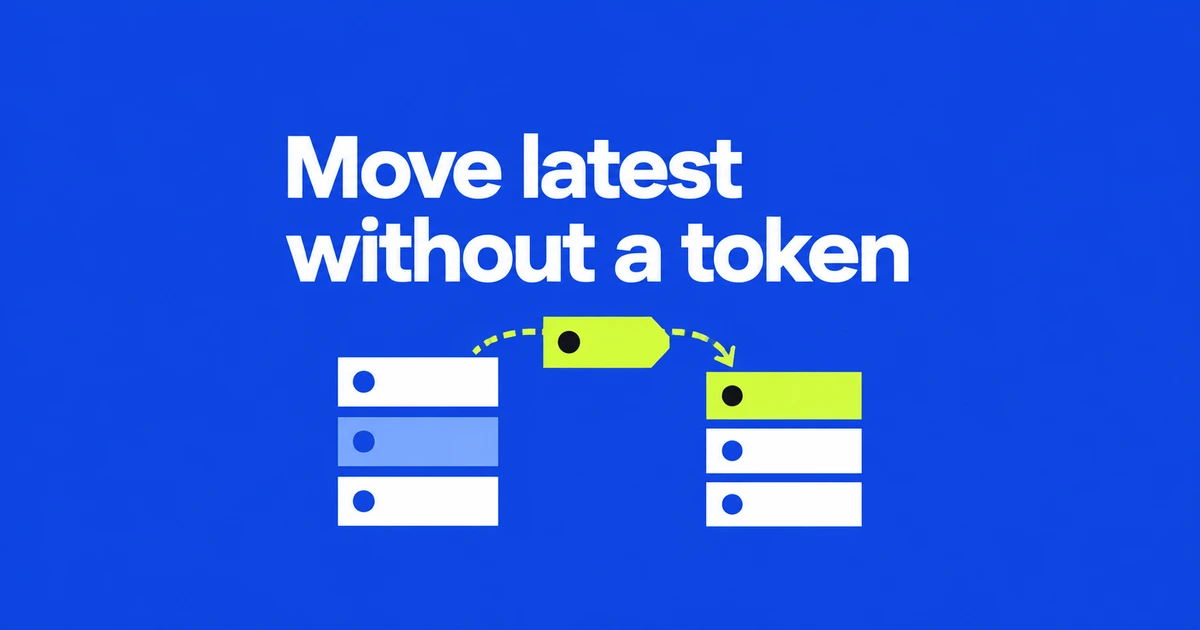
- Moving npm tags with OIDC requires the separate Allow npm dist-tag permission.
- Use npm 11.21.0 or later in the 11.x line, or 12.2.0 or later in the 12.x line.
- Reading public tags does not prove that CI can change them.
Tag automation now has its own OIDC permission
A workflow that publishes through OIDC does not automatically have permission to change dist-tags. The September 30 update adds an opt-in called Allow npm dist-tag. Enable it on the trusted publisher responsible for tag management to use short-lived credentials instead of a stored npm token.
This fills a specific release-workflow gap. In GitHub’s earlier community discussion, maintainers requested OIDC tag support because managing multiple release tags still required an API token. Another reported that migrating publication to OIDC had disrupted tag automation.
The permission defaults to off for both new and existing configurations. It is independent of direct publishing, so a staging-only configuration can receive tag access. Existing token-based tag operations continue to work.
A CLI that can publish may still be too old for tags
npm’s documented minimums are 11.21.0 in the 11.x line and 12.2.0 in the 12.x line. The older 11.5.1 requirement for basic trusted publishing is insufficient for this feature. Check the executable inside CI:
npm --versionFor GitHub Actions, use a GitHub-hosted runner, match the repository and workflow filename registered on npm, and enable the tag permission there. The job also needs id-token: write.
GitHub’s OIDC mechanism proves the running job’s identity. Permission to request that identity token is distinct from npm’s authorization to modify a package. Both sides must match the intended workflow.
Point latest at a version that is already published
Distribution tags label package versions, making release channels easier to address. This example assumes version 2.1.0 of the placeholder package is already published. Substitute your package and intended version, then run it in the configured CI workflow:
npm dist-tag ls example-package
npm dist-tag add [email protected] latest
npm dist-tag ls example-package
According to the CLI reference, a plain npm install example-package selects latest by default. Choose the target version deliberately. To move a preview channel instead, replace latest with your project’s tag, such as next.
Use npm dist-tag rm example-package beta to remove the beta label. That removes a tag, not a published version. Moving a label with add does not require publishing another copy of the package.
A successful public lookup does not prove write access
Public tags are readable without authentication, and npm whoami is not a trusted-publishing permissions test. npm recommends verifying the operation you intend to perform.
If publication succeeds but tag changes fail, revisit the CI version and the permission on the matching publisher configuration. Confirm an intended tag change through OIDC before retiring its stored token. Other tasks, including authenticated private-package installation, still need their own authentication arrangements.