GitHub Secret-Scanning Alerts: Update Name Filters Before November 12
Your audit log collector still reports success, but after November 12 some secret-scanning events stop reaching your alerts. Which filter breaks, and what does it match instead?
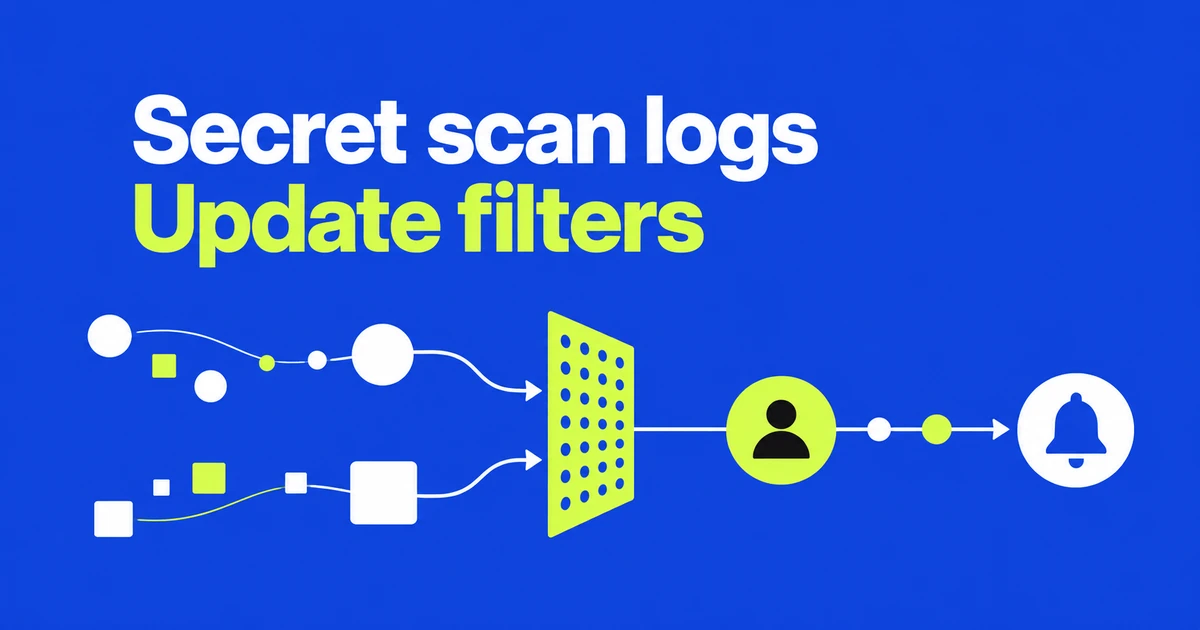
- Display-name filters can miss affected secret-scanning events after the November 12 change.
- Accept both business formats or use the unchanged numeric business_id.
- Test searches, classification and alert routing as well as raw event ingestion.
The type stays the same; the value’s meaning changes
GitHub’s October 20 notice schedules the change for November 12. In affected events, business will contain the enterprise slug instead of its display name. It remains a string; event names and numeric business_id values are unchanged.
GitHub recommends accepting both name formats or using the numeric ID. A string-type validation alone will not detect the semantic change.
Start with alert activity and push-protection bypasses
The notice identifies affected secret_scanning_alert.* events and secret_scanning_push_protection.bypass. It does not announce a blanket change to every audit event.
The event reference distinguishes alert creation, resolution, and other activity. For example, secret_scanning_alert.create records a detected secret becoming an alert, while secret_scanning_alert.resolve records resolution. The bypass event records a user bypassing push protection for a detected secret.
Inventory the events and fields your integration actually consumes. That gives the change a concrete scope, whether the destination is an enterprise dashboard or a security-team notification.
Successful ingestion can hide a failed match
Consider a fictional enterprise with display name Dima Example, slug dima-example, and ID 9001. These are illustrative values, not a production payload.
| Example field | Old format | New format |
|---|---|---|
business | Dima Example | dima-example |
business_id | 9001 | 9001 |
An external filter requiring an exact match to the display name would reject the new string. The collector could report success and the raw event could still be stored, while a downstream view appeared empty.
In this example, using the numeric ID as the matching key separates identification from a human-readable label. Keep display labels available without making every routing decision depend on them.
Exercise the filter and the destination, not only the parser
A practical transition check starts with a sample from the affected events your integration already receives. Create test inputs for the old and new name formats, then check that both reach the same enterprise classification. Add a different enterprise ID as a negative case so an overbroad rule does not pass unnoticed.
Follow each input through search results, alert creation, and the receiving team. Synthetic integration inputs can exercise those checks without committing a real secret.
GitHub’s access documentation distinguishes the web interface, JSON/CSV exports, REST API access, and streaming. Their data coverage differs, so obtain samples through the path your integration uses. Streaming collects activity from enablement onward; it does not backfill earlier events.
A green collector status is only the first checkpoint. The useful result is both formats reaching the correct alert destination.
FAQ
Do UI-only users need to create a SIEM filter?
No. The review concerns existing automation that compares enterprise display names. There is no reason to add a new integration just for this change.
Will enabling streaming on transition day recover older events?
No. Use already retained data or available query and export paths for earlier samples; streaming starts collecting when enabled.