How to Keep Whitespace Hidden Across GitHub Pull Requests
You and a teammate open the same pull request and see different file counts. Whose diff is right, and how do you keep whitespace hidden on every PR without toggling it?
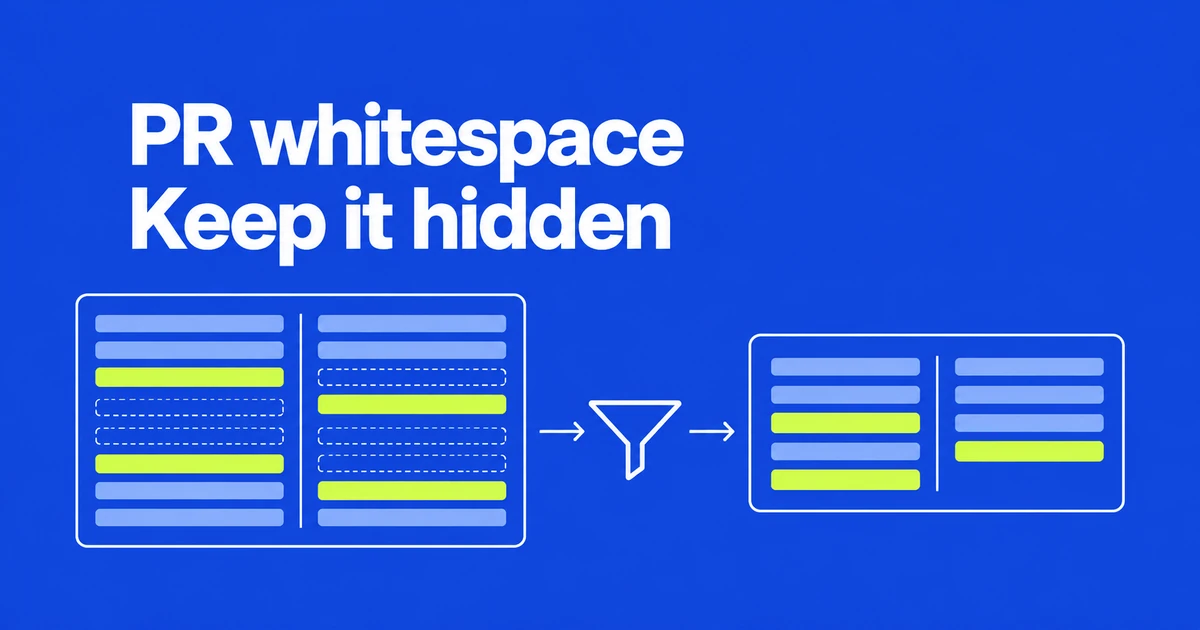
- Save Always hide in the PR whitespace settings instead of repeating the choice on every review.
- Hide whitespace for a single diff, or reveal it temporarily without changing your saved preference.
- File counts and diff statistics follow the visible diff, so align filters when comparing review results.
Choose a default or hide whitespace for one diff
In a PR’s Files changed page, open Settings → Whitespace changes. GitHub’s announcement describes three choices:
| Option | Effect |
|---|---|
| Always show | Keep whitespace changes visible. |
| Always hide | Hide whitespace changes by default. |
| Hide for this diff only | Apply the choice to the current diff. |
A saved preference follows the individual reviewer across PRs. It is not a repository-wide setting that changes everyone else’s display.
Statistics describe the diff currently on screen
When whitespace is hidden, a Hide whitespace filter appears beside All commits. Its X temporarily reveals whitespace without replacing the saved preference. File counts and diff statistics reflect the displayed diff.
Two reviewers can therefore see different numbers without that difference establishing a new commit. When comparing the same changes, align the filter state first. The temporary override is also useful when a review needs the complete whitespace-inclusive view.
New and deleted files use both columns
Split view now gives new and deleted files the full width used in unified view. GitHub describes the benefit as more reading space and less line wrapping. The change is specifically about those file states.
The linked community discussion illustrates a competing preference. User aaronhipple welcomed persistent whitespace settings but objected to the wider layout because it disrupted scanning additions on the right and deletions on the left. For that reviewer, retaining the directional distinction mattered more than the additional reading width.
A practical adjustment is to read the file’s change status instead of relying only on which side it occupies. Wider lines can be easier to read while still requiring a different visual habit.
Tracking progress does not submit feedback
GitHub’s reviewing guide uses Viewed to collapse a file and track review progress. A subsequent change to that file clears the mark.
Comments in a pending review remain visible only to their author until submission. Finish the review with the appropriate Comment, Approve or Request changes action. Reading a file, recording progress and approving a change are separate steps.
Frequently asked questions
Does clicking X remove my Always hide preference?
No. It temporarily shows whitespace while preserving the saved choice.
Does Viewed approve the PR?
No. It tracks file-review progress; approval is a review-submission choice.
Save the display you prefer, align filters when comparing changes, and submit the feedback when the review is complete.