GitHub Package Firewall Brings Policy Checks to npm Installs
A fresh npm release patches the vulnerability you’re chasing, and the package firewall blocks it. What do these policies check, and which installs do they actually cover?
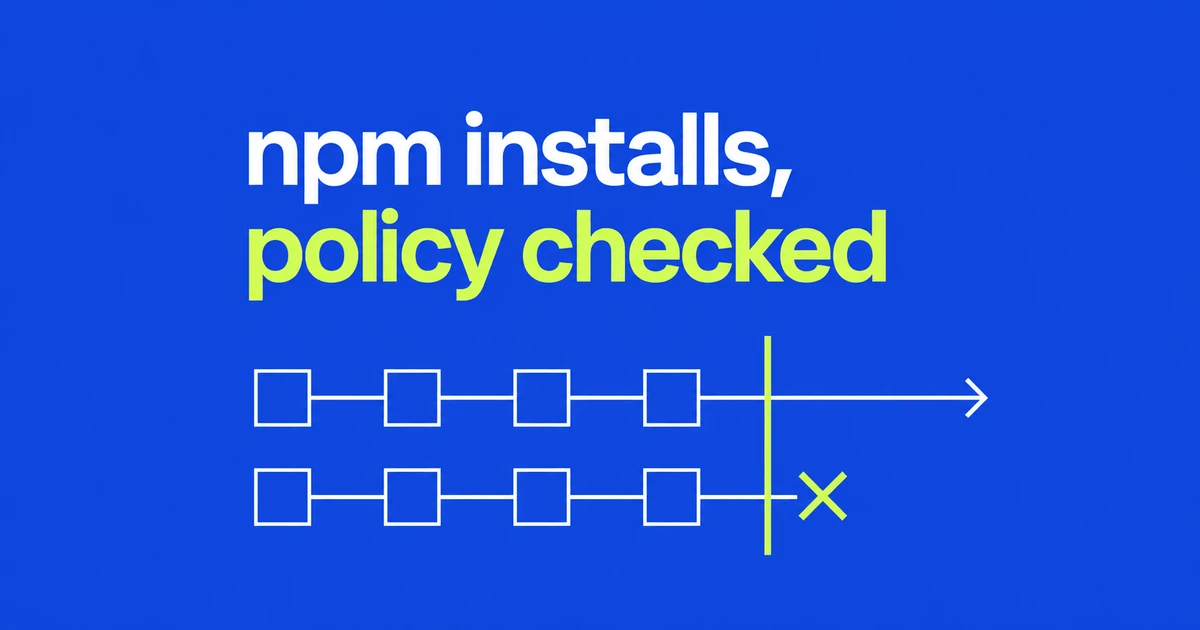
- The public preview covers npm for Enterprise Cloud customers.
- Installing dependencies can execute scripts, making package delivery a useful enforcement point.
- Policies work on traffic routed through the firewall. Check runners, agents, and project registry settings.
An npm preview for Enterprise Cloud
GitHub announced package firewall on October 20. Enterprise Cloud customers, including those using data residency, can use the public preview for free. General availability is expected to introduce metered billing.
The service sits between endpoints and upstream package registries, inspecting metadata requests and downloads. Enterprise policies can evaluate package age, security advisories, and supply-chain signals.
An install can run code before the application starts
npm 11's lifecycle documentation lists install hooks such as preinstall, install, and postinstall for both npm ci and npm install. Dependency installation is more than copying files.
Scripts also support legitimate build tasks, and their executables need not be JavaScript. That makes delivery-time checks relevant to automated installations without implying that every install script is malicious.
A policy needs a package delivery path
GitHub's setup guide specifies a default minimum package age of one day. After choosing policies, configure endpoints to request packages from the enterprise-specific firewall registry. Each request also needs an authentication token for a user or bot account that belongs to the enterprise.
| Layer | What to inspect |
|---|---|
| Enterprise | Age threshold and blocking rules |
| Runner, workstation, agent | Requests use the firewall registry |
| Project | Scoped registries and lockfile destinations |
The last row matters because npm selects registries by scope. A lockfile created against a custom registry can retain that destination after the default changes. Verify the actual install path instead of assuming one registry setting covers every package.
Inspect the reason before requesting an exception
A blocked installation provides an exception-request URL in npm output or CI logs. Even a security fix can be too new for the configured cooldown. Exceptions become part of the policy and can later be removed.
The Advisory Database defaults to reviewed vulnerability advisories. Use type:malware for malware notices and ecosystem:npm to narrow the ecosystem. An advisory ID helps establish what was flagged; an empty search result does not establish safety.
FAQ
Does the preview cover Python packages?
No. npm is the currently supported ecosystem.
Does enabling enterprise policy protect every runner?
Only requests routed through the firewall receive its policy checks.
Start with the download path: a policy cannot inspect traffic that never reaches it.