Who Dismissed a GitHub Code Quality Finding? Find the Audit Record
A Code Quality finding vanished from the backlog, and no commit fixed it. Who removed it, and did the code ever change?
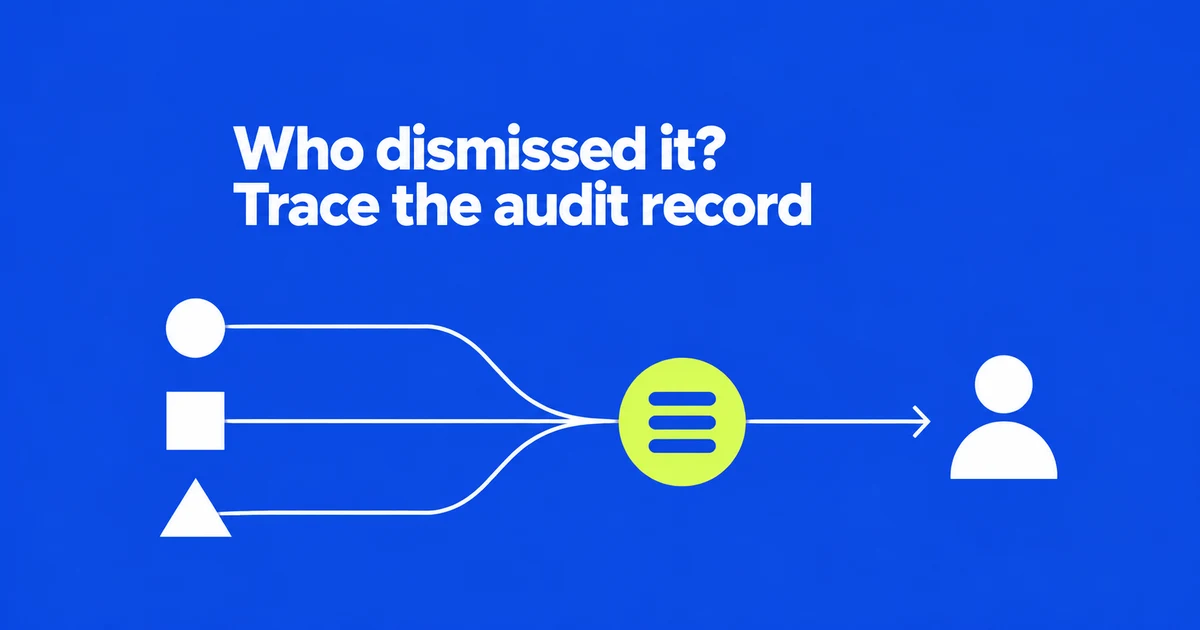
- Organization and enterprise audit logs identify manual Code Quality dismissals and reopenings.
- A single event can contain several findings, so event totals are not finding totals.
- A dismissal records a triage decision. Check the fix PR separately to establish that code changed.
Start in the organization’s audit log
If a Code Quality finding disappears without an obvious fix, look for its manual state change. GitHub’s October 13 update adds dismissal and reopening events without additional setup for repositories already using Code Quality.
Open the organization’s Settings → Logs → Audit log. Replace the example repository in these filters:
action:repo.code_quality_findings_dismissed repo:my-org/my-repo
action:repo.code_quality_findings_reopened repo:my-org/my-repo
Run each query separately. Add actor:USERNAME to inspect a particular account’s actions. The actor filter uses a GitHub username, not a real name; ordinary prose is not a substitute for audit-log filters.
Check IDs and counts, not just rows
Each event identifies the requester, time, repository, rule and affected findings. Multiple findings can share one event.
| Detail | Question it answers |
|---|---|
| Actor and time | Who requested the change, and when? |
| Repository and rule | Which check was involved? |
| Finding IDs and count | Which findings belonged to that request? |
For an activity report, follow those identifiers rather than counting rows as fixes. Reopening and dismissing the same finding are separate decisions about the same item.
Dismissal can be legitimate without changing the code
GitHub’s backlog guidance allows dismissal when a finding is irrelevant or not actionable—for example, an accepted standards exception, unmaintained legacy code or a false positive.
Remediation follows another path. Under Security and quality → Code quality → Standard findings, review the rule and proposed change. If you assign a fix to Copilot, inspect its draft PR and wait for CI before merging. Managing these findings requires repository write access.
The practical distinction is evidence: an audit event explains the triage action; the PR diff and merge establish the code change. Neither the existence nor the absence of a dismissal alone tells you whether the engineering decision was sound.
Missing results can be an access or filter problem
Organization audit logs require owner access. They retain 180 days of activity but display three months by default; use the created filter for older retained events. Repository write access does not itself grant audit-log access.
The new events are available on GitHub Team and Enterprise Cloud, including data-residency enterprises, but not Enterprise Server. Enterprise Cloud also supports retrieval through the audit-log API.
If the item is a security code-scanning alert, use its different event names: code_scanning.alert_closed_by_user for dismissal and code_scanning.alert_reopened_by_user for reopening.
Match the event to the product, then match its IDs to the findings. That establishes who changed the backlog without treating every disappearing item as a completed fix.