Why GitHub’s Advisory Comments API Leaves Out Confidential Notes
Your export of advisory comments matches the API's count, yet notes you read on the web are missing. Which comments does the API skip, and who sees them on the web?
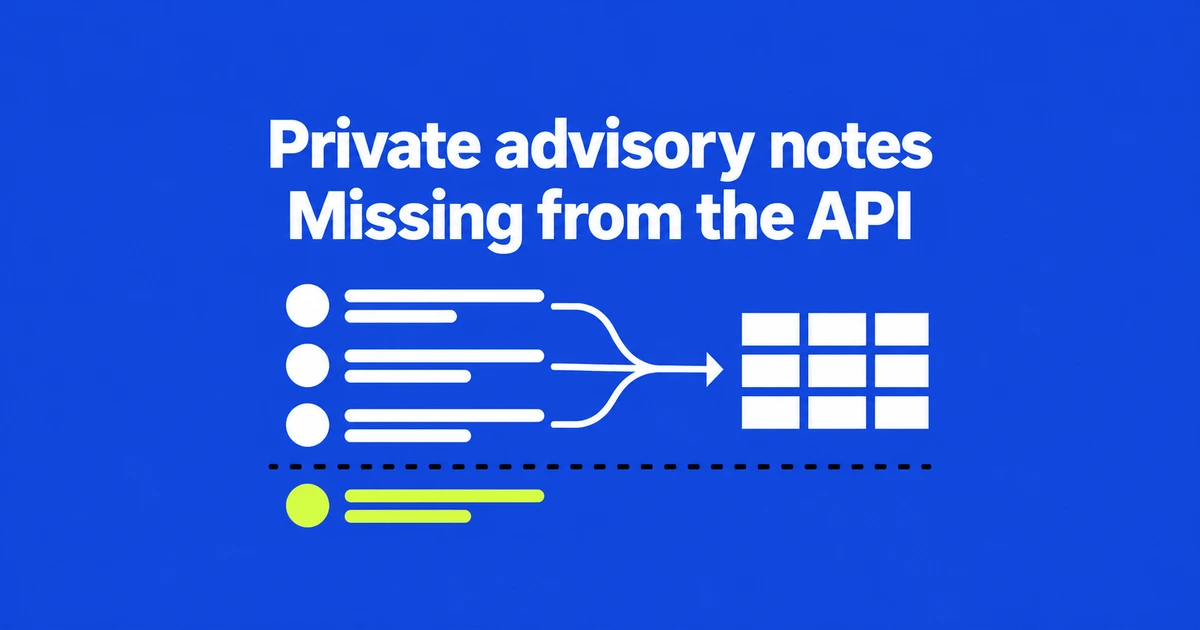
- The advisory comments API excludes confidential comments.
- Web visibility follows current repository write access, including for the reporter.
- Choose the comment type before posting; it cannot be switched afterward.
Web access does not imply API access
If a GitHub security advisory contains a comment that your API export lacks, check whether it is marked Confidential. GitHub’s current announcement explicitly excludes these comments from the public REST and GraphQL APIs. Being able to read the note on the web does not remove that limitation.
Introduced October 2, confidential comments keep investigation and coordination notes inside the advisory. They are available for public repositories with private vulnerability reporting enabled on GitHub Free, Pro, Team and Enterprise Cloud.
Repository security advisories already support private collaboration before a vulnerability is disclosed. Confidential comments add a narrower audience within that collaboration space. They are not simply ordinary comments on a private repository.
A matching comment count does not prove completeness
The comments REST API preview, also announced October 2, supports listing, reading, adding and editing regular comments. Its advisory comments count excludes confidential comments too. Matching the returned count does not establish that internal notes were exported.
For an audit or migration, label the result as regular comments. Missing internal discussion is not evidence that nobody investigated the report. This distinction matters when someone reads an exported timeline without opening the original advisory.
Regular comments still require permission to view the advisory and the appropriate repository security advisories permission or token scope. Satisfying those requirements fixes an access prerequisite; it does not make confidential comments available. Expanding a token’s permissions is not a workaround for this exclusion.
Repository write access determines the audience
The permissions reference distinguishes collaboration on an advisory from write access to its repository. Invited advisory collaborators without repository write access cannot create or view confidential comments. That includes reporters, unless they also hold repository write access.
| Current access | Confidential notes |
|---|---|
| Repository write access | Can read them. |
| Advisory collaborator or reporter without repository write access | Cannot read them. |
| Repository write access removed | Loses access. |
| Repository write access newly granted | Can read existing notes too. |
The management guide bases access on current permissions, not a frozen list of participants at posting time. These are not notes permanently restricted to a few named investigators. GitHub also records views of confidential comments in the audit log.
Separate internal notes from replies to the reporter
Open the advisory through Security and quality → Advisories, write the comment and select Confidential. Only maintainers will see this comment. before posting. A posted comment cannot be converted between regular and confidential.
Use a regular comment when asking the reporter for reproduction details or explaining a decision. A reporter or invited collaborator without repository write access cannot see a confidential note and receives no notification for it. A question placed only in that internal thread will not reach them.
Build automation around the regular comments the API exposes, and review confidential discussion through the web with the appropriate current permissions. Keep that boundary visible in exported records so their readers know which conversation they actually contain.