GitHub Actions Lockfiles Have a Reusable-Workflow Gap
The workflow file hasn’t changed in months, yet the upstream code it runs moves whenever a tag does. Which calls does the new lockfile pin, and which still slip through?
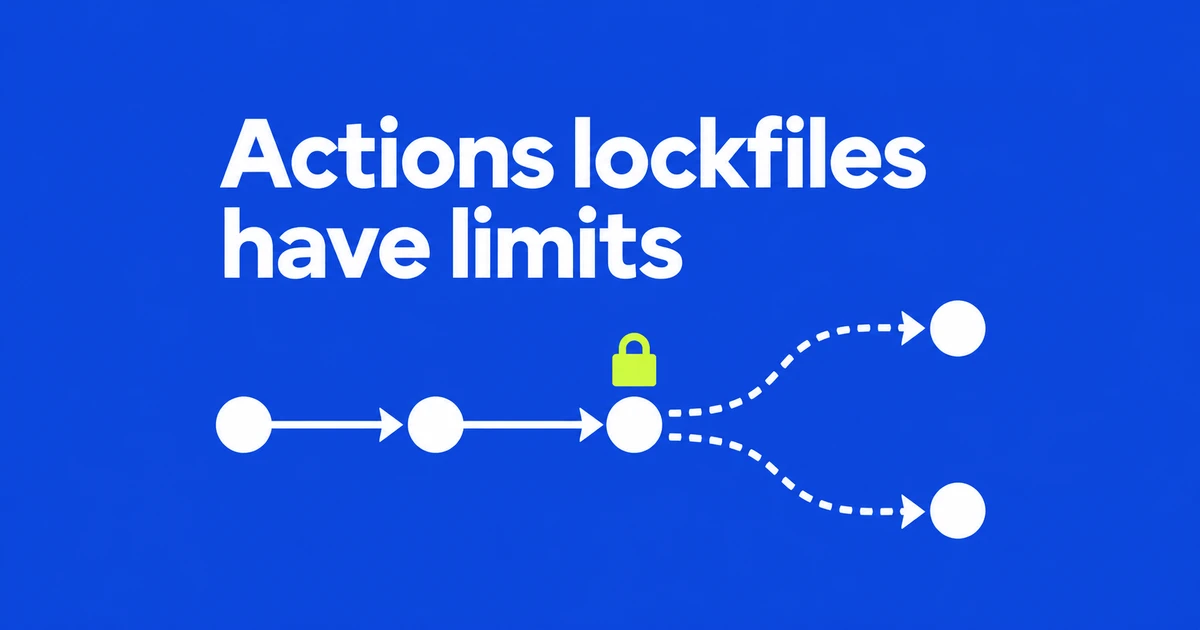
- Actions lockfiles keep onboarded workflows tied to recorded commits when tags move.
- The current CLI does not lock remote reusable-workflow calls or container images.
- If Dependabot version updates are enabled, an action update also refreshes its matching lock entry in the same pull request.
A readable tag can point to different code tomorrow
A workflow using owner/action@v3 normally resolves that tag when it runs. A workflow dependency lockfile records the reference and its commit in .github/workflows/actions.lock. Onboarded workflows execute that commit. Numeric owner and repository IDs also help verify that the repository behind a name is still the expected one.
GitHub’s October 14 announcement makes the public preview available to Free, Team and Enterprise Cloud, including data residency. Once a workflow uses the lockfile, moving an upstream tag no longer changes the commit that workflow executes.
Remote reusable workflows and images are not locked
The lockfile records supported remote actions and the actions they call. A job-level uses: that invokes a reusable workflow in another repository falls outside the current CLI’s support. That external workflow reference can still follow a moving tag.
| Dependency | Current scope |
|---|---|
| Supported remote actions and transitive dependencies | Covered for onboarded workflows. |
| Remote reusable-workflow calls | Not locked by the current CLI. |
| Container images | Not locked by actions.lock; pin an image with its digest. |
The conceptual documentation described broader reusable-workflow coverage. In issue #179, repository collaborator nodeselector acknowledged the documentation error on October 20. The CLI’s limitations list explicitly excludes these remote calls.
Generate a lockfile with the GitHub CLI extension
With an authenticated GitHub CLI, start with one workflow using the documented commands:
gh extension install github/gh-actions-lock
gh actions-lock .github/workflows/ci.yml
The extension can narrow a major-version tag to a specific release in the workflow as well as write actions.lock. Run git diff -- .github/workflows/ to see both sets of changes before committing them.
For onboarded workflows, allowed-actions policies are evaluated against locked commit SHAs. A tag-only allowlist entry may stop matching. A full SHA permits that commit; a wildcard permits the broader reference pattern specified by the policy.
Dependabot updates the action and its lock entry together
When Dependabot version updates are enabled, an action update for an onboarded workflow also refreshes its matching lock entry in the same pull request. That synchronization needs no extra configuration. Creating a lockfile does not itself enable Dependabot.
The CLI offers two read-only verification commands. --verify uses the network to check provenance. --verify-local runs offline and checks whether references have corresponding lock entries.
gh actions-lock --verify
gh actions-lock --verify-local
Frequently asked questions
Does the CLI support GitHub Enterprise Server?
No. Its documented hosts are github.com and Enterprise Cloud with data residency.