How to Stage Only Resolved Conflict Files in Git 2.56
You fixed a merge conflict and also edited a notes file you want left out of the commit. What exactly does Git 2.56’s git add --resolved stage, and what slips in with it?
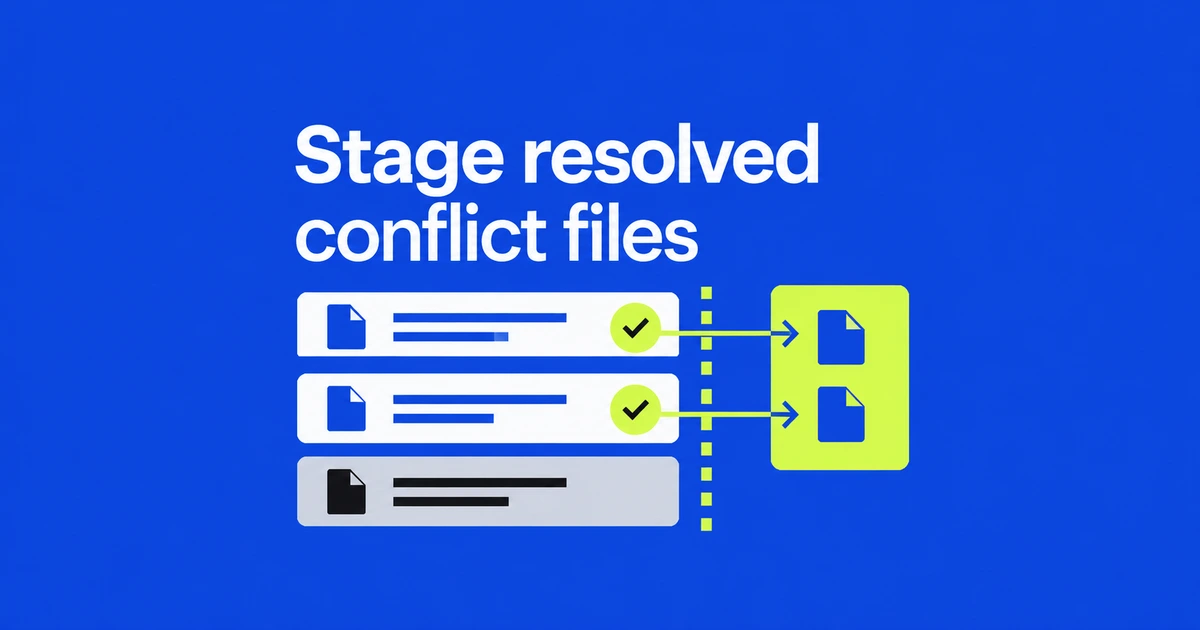
- Git 2.56 adds
git add --resolvedfor paths still marked unmerged in the index. - Leftover conflict markers in a selected regular file stop the entire selected set from being staged.
- The command selects files, not individual conflict-fixing hunks within a file.
Use a staging command that targets unmerged paths
After editing a conflicted file, run git add --resolved to record the resolution without sweeping unrelated files into the staging area. The option arrived in Git 2.56 on September 28.
Consider a merge that conflicts in config.ini while you also edit notes.txt. A broad git add -u can stage both tracked files. The new mode considers only paths that remain unmerged in the index, leaving the separate notes edit alone.
git --version
# Edit the conflicted files to their intended contents, then:
git add --resolved
Check your installed version if Git does not recognize the option. It does not choose a resolution for you; the working files must already contain the result you want.
A leftover marker blocks the selected set
The git-add reference specifies an all-or-nothing check: if a selected regular file still contains conflict markers, the command refuses to stage the files. It does not quietly stage the clean ones and leave the unfinished ones behind.
To record one finished file while another conflict remains in progress, narrow the selection:
git add --resolved -- config.iniThe check applies within that selection. Resolved deletions and binary conflicts can also be staged, although they do not have textual markers to validate. You cannot combine this mode with -u or -A.
Read the status columns, then read the diff
Run git status --short after staging. This illustrative result shows a recorded resolution and a separate unstaged edit:
M  config.ini
 M notes.txt
For resolved paths, the first status column represents the index and the second represents the working tree. Here, the configuration change is staged and the notes change is not. An unresolved UU entry uses different semantics: both sides modified that path and the conflict remains recorded.
Next, use git diff --cached to inspect what the next commit would contain. The targeted add does not remove unrelated changes you had already staged earlier.
It records your resolution; it does not validate the code
The merge workflow still requires you to decide the final contents, record them and finish the merge. Removing markers is not proof that the program behaves correctly.
The selection boundary is also a file boundary. If you added debugging code inside the same conflicted file, that code remains part of its current contents. This option does not extract only the lines that fixed the conflict. It serves a different purpose from choosing hunks with git add -p during ordinary staging.
Use the narrower command to keep separate files out of the resolution, then inspect the staged diff and run the checks appropriate to the project before committing.