Use Git Worktree to Open Another Branch Without Stashing
A hotfix lands halfway through your feature, and those edits aren’t ready to commit. What happens to them when you open the hotfix branch in a second folder?
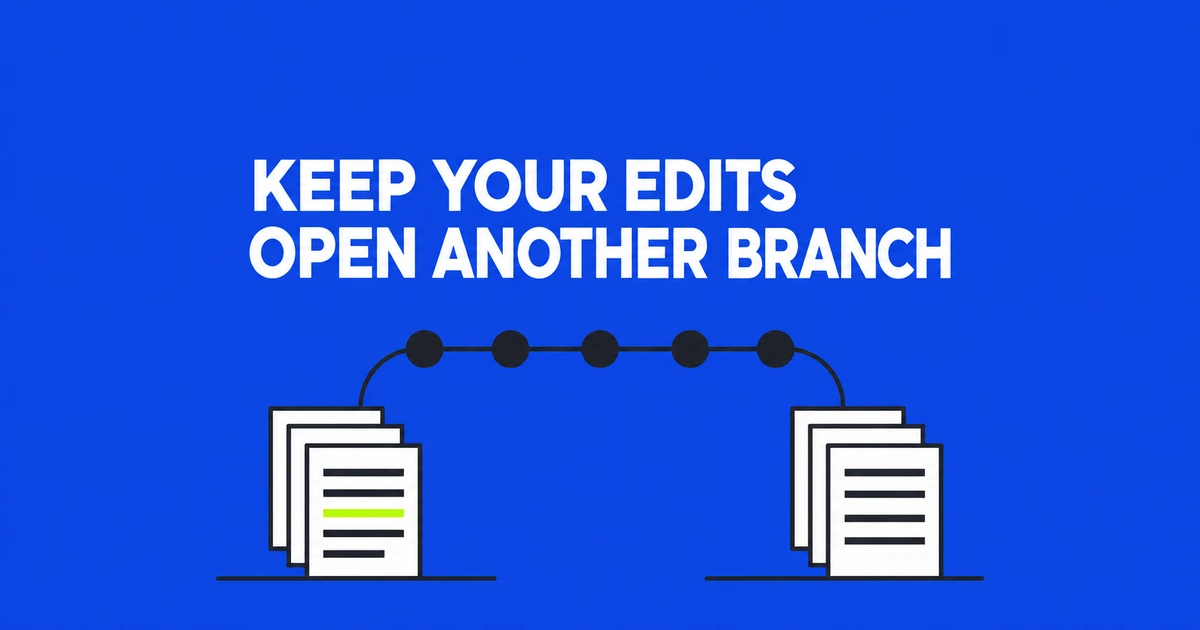
- A linked worktree opens another branch in another directory without clearing your current edits or staging area.
- It starts from committed files. Moving existing edits requires a separate operation.
- Commits and branch names are shared; removing a worktree, merging its branch, and deleting the branch are separate actions.
Choose a second directory when both tasks need to stay open
A hotfix request does not have to interrupt a half-finished feature. Git worktree can open the fix in a second directory while the feature's files and staging state remain where they are. You can keep both editor windows open without switching the branch underneath either task.
Stash suits a shorter interruption: save your changes, return the current directory to its HEAD state, do another task, then reapply the saved changes. A worktree avoids that save-and-restore cycle when you want both checkouts available at once.
A separate clone of the remote repository also gives you another directory, but creates another repository with its own branch and remote configuration. A worktree shares the existing repository's history and ordinary branch references. A commit made in one worktree is already available to the other; it does not need a push-and-fetch round trip between repositories.
| Method | Where unfinished work stays | Best fit |
|---|---|---|
| Stash and switch | A stash entry, reapplied later | Only one checkout needs to be open |
| Add a worktree | The original directory | Concurrent feature, hotfix, or review work |
| Clone again | The original repository | Separate repository configuration and branch management |
Start the fix from the remote branch you intend to use
Assume your original directory is project, you are working on a feature branch, and the repository has an origin/main remote-tracking branch. The new branch fix/login and sibling directory ../project-login must not already exist. Run these commands from the original project directory:
git status --short --branch
git fetch origin &&
git worktree add --no-track -b fix/login ../project-login origin/main &&
git worktree list
The first command shows your current state. With the usual fetch mapping, fetching updates remote-tracking references such as origin/main. The && operators allow worktree creation only after the fetch succeeds. A failed connection stops the sequence before it can create the fix from a stale reference. Your feature edits and staging state remain in the original directory.
The explicit starting point matters. As the fetch documentation explains, fetching updates the configured references; it does not automatically merge the remote branch into local main. Starting from local main after a fetch can therefore still start from an older commit.
--no-track prevents the new fix branch from automatically treating origin/main as its upstream. That avoids giving an independent fix branch an unintended default pull relationship. You can establish the appropriate tracking relationship when publishing the fix branch.
If the branch already exists, omit -b: git worktree add ../project-login fix/login. Git normally refuses to check out a branch that another worktree already uses. The list command identifies that directory so you can open it, or choose a genuinely new branch for the additional task.
For read-only inspection, git worktree add --detach ../project-review origin/main creates a checkout whose HEAD is not attached to a branch. If inspection turns into work you want to retain, create a branch in that directory before continuing to commit.
What is independent, and what is shared
The worktree manual distinguishes per-worktree state from shared repository data. Each checkout has its own HEAD and index. HEAD identifies its current commit or branch; the index holds the content prepared for its next commit. Staging a file in the hotfix directory does not stage the feature directory's version.
| Data | Behavior |
|---|---|
| Checked-out files and uncommitted edits | Separate in each directory |
| HEAD and index | Separate for each worktree |
| Commit objects and ordinary branch references | Shared within the repository |
| Repository configuration and remotes | Shared by default; per-worktree configuration is a separate feature |
| Stash entries | Visible across the repository's worktrees |
The linked directory can contain a .git file pointing to its administrative location rather than a complete copied repository directory, as described in Git's repository layout documentation. The checkout and its build outputs still consume disk space, even though the history is shared.
Git does not automatically recreate untracked or ignored environment files, dependencies, or local data in the new checkout. Prepare those using the project's normal setup process. Two app instances can still bind the same port or connect to the same external database. Separate working directories do not isolate those runtime resources.
Commit in the fix directory, then integrate deliberately
Open ../project-login in your editor and make the fix. The example below uses src/login.js as a placeholder for the file you changed. All shell commands still run from the original directory; git -C selects the other checkout explicitly.
git -C ../project-login status --short --branch
git -C ../project-login diff
git -C ../project-login add src/login.js
git -C ../project-login diff --cached
git -C ../project-login commit -m "Fix login handling"
Reviewing the unstaged diff, selecting a file, and reviewing the staged diff makes the commit's contents explicit. Run the project's relevant tests in the fix directory as well. The resulting commit advances fix/login; it does not rewrite the files in the feature checkout or automatically update main.
If your team integrates through pull requests, publish the fix branch and use that process. For a local merge, first finish or safely store the work in the directory that will host main. The merge manual explains why beginning with substantial uncommitted changes can make recovery from a conflicted merge difficult.
Once the original directory is clean, and main is not checked out elsewhere, this sequence updates main and integrates the fix:
git switch main &&
git fetch origin &&
git merge --ff-only origin/main &&
git merge fix/login
The && operators run each command only if the previous command succeeded. The fast-forward-only step stops if local and remote main have diverged. Resolve that history according to the project's integration policy before proceeding. The subsequent fix merge can also conflict if both histories changed the same content. Worktrees separate editing locations; ordinary merge rules still determine how the edits combine.
A new worktree does not transfer your current edits
A Stack Overflow question captures a common surprise: adding a worktree leaves staged and unstaged changes behind. The questioner's clarification made the case harder—they were partway through a merge with unresolved conflicts and wanted to move that state too.
Creating another checkout starts from a commit, not a snapshot of the original directory's unfinished state. If the goal is to pause that merge and start an unrelated fix, leave the merge in place and create the independent worktree described earlier. Nothing requires moving the conflicted files to begin the other task.
For ordinary edits without unresolved conflicts, a stash can transfer changes. This is a separate example from the hotfix flow. Start in the directory containing those edits, using an unused branch name and path. Run through the list command first. Continue with the lower apply block only after saving and worktree creation succeed and the message on stash@{0} matches the one you just supplied. Stop if Git reports no local changes to save or any step fails:
git stash push -u -m "Move unfinished work" &&
git worktree add -b feature/moved ../project-moved HEAD &&
git stash list
After confirming the new stash message and successful directory creation, apply that entry:
git -C ../project-moved stash apply --index 'stash@{0}' &&
git -C ../project-moved status --short
The -u option includes untracked files, but not ignored ones. Applying with --index attempts to restore staging as well as file changes; conflicts can prevent that restoration. Unlike pop, apply retains the stash entry, giving you a saved copy while you inspect the result.
Keep the shared stash list unchanged between checking it and applying the entry. If another worktree adds or removes a stash in that interval, locate the saved message again and update the reference in the apply command. Drop the intended entry only after confirming the restored work. This is not a procedure for transferring an unresolved merge. The original question's unmerged files are precisely why a generic “just stash it” answer does not solve every case.
Remove the checkout separately from its branch
When the fix directory is no longer needed, inspect both ordinary changes and ignored files. An ignored local configuration or dataset may still be something you want to retain elsewhere.
git -C ../project-login status --short --ignored
git worktree remove ../project-login
git worktree list
Remove deletes the checkout and its associated administrative entry. If changes or untracked files cause Git to refuse, commit or preserve them first. Move any local configuration or data you still need to a retained location before removing the directory.
The branch and its commits remain. After integration, running git branch -d fix/login from main deletes the no-longer-needed branch. The branch manual specifies that this checks for full merging into the upstream, or HEAD when no upstream is set. The earlier no-track option keeps this example aligned with the latter case.
If a directory was deleted outside Git and its registration remains, preview cleanup with git worktree prune --dry-run --verbose, then use git worktree prune. Prune cleans stale administration rather than removing a live checkout. For temporarily unavailable storage, git worktree lock --reason "External drive" path protects the registration until it is unlocked.
Use git worktree move for supported directory moves, or repair to restore connections after a manual move. The official manual also notes incomplete support for multiple checkouts with submodules. Such projects need a workflow that accounts for that limitation instead of assuming this ordinary-repository sequence covers their additional state.