Scrolled to the Bottom, but Your JavaScript Check Still Says No?
The list looks fully scrolled in Firefox, yet the button that unlocks at the bottom stays disabled. What number is your check actually comparing?
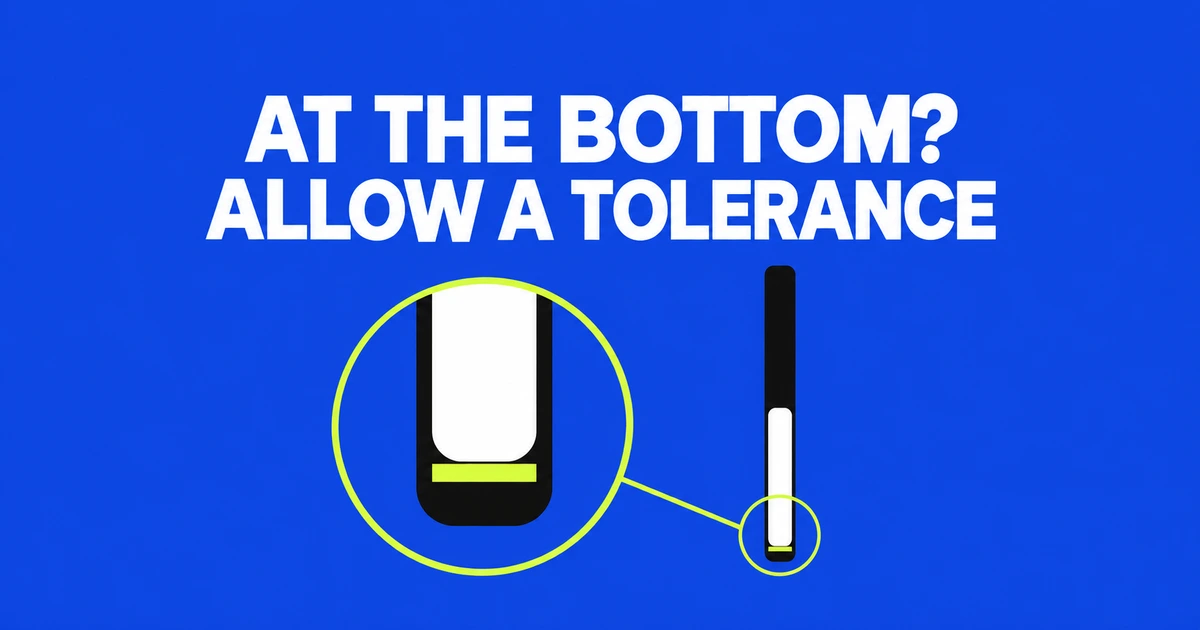
- An exact equality check can miss the bottom because the scroll offset may be fractional.
- For a conventional vertical container, compare the remaining distance with a small tolerance.
- Reverse layouts and Safari overscroll need separate consideration, regardless of Firefox 158’s precision change.
Allow a small distance instead of requiring equality
If you have scrolled to the bottom but the completion button stays disabled, inspect the equality check first. In a conventional container whose content flows downward, scrollHeight - clientHeight === scrollTop can fail because scrollTop may include a fractional component.
MDN’s bottom-detection example compares the absolute remaining distance with a threshold of 1. Wrapped in a function, that becomes:
function isAtBottom(element) {
  const remaining =
    element.scrollHeight - element.clientHeight - element.scrollTop;
  return Math.abs(remaining) <= 1;
}
The tolerance intentionally treats a position within one pixel of the calculated end as close enough. That is a small acceptance region, not an exact-coordinate test. Use it for the conventional layout it describes, rather than assuming it covers every scrolling arrangement.
The offset and the dimensions have different precision
These properties do not all return the same kind of number. The CSSOM View definition uses unrestricted double for scrollTop and long for scrollHeight and clientHeight. MDN’s scrollTop reference explains that the offset can have subpixel precision.
For an illustrative calculation, use scrollHeight 1000, clientHeight 400, and scrollTop 599.75. The remaining distance is 0.25. An equality comparison between 600 and 599.75 fails, while an absolute-distance check against 1 succeeds. These are example inputs, not measurements from a particular device.
| Property | Measurement | Relevant detail |
|---|---|---|
| scrollHeight | The content height, including overflow outside the visible area. | An integer; includes padding. |
| clientHeight | The visible inner height of the element. | An integer; excludes the border. |
| scrollTop | The vertical offset from the scrolling origin. | May be fractional or, for some layouts, negative. |
Read all three from the same scrolling element. If an inner list scrolls while your calculation uses the document’s dimensions, a tolerance will not correct that mismatch. Likewise, swapping in a height that includes borders changes the measurement rather than solving the precision problem.
Firefox 158 removed rounding to whole screen pixels
Firefox 158 no longer rounds scroll positions to whole screen pixels. Its October 13 release notes describe smoother, more precise scrolling, particularly on high-resolution displays and zoomed pages.
This is a reason to revisit integer assumptions, not evidence that fractional scroll offsets began with that release. The API’s floating-point type and the mismatch with rounded dimensions already existed.
After changing a check, inspect the actual container’s values at normal zoom and at a zoomed setting. Keep display formatting separate from the internal condition: rounding a number for a label is a different decision from deciding whether the user reached the end.
Reverse layouts and Safari bounce change the assumptions
A container using flex-direction: column-reverse can have a different origin. MDN describes a bottom position of zero, followed by increasingly negative scrollTop values as the user moves upward. Define what “bottom” means in that layout before reusing a downward-flow formula.
Safari can also report offsets beyond the ordinary maximum during elastic overscroll. MDN distinguishes this behavior from Chrome and Firefox. A distance-based check may therefore stop reporting true during part of the bounce; the example above does not promise to cover that motion.
For an ordinary vertical box, use measurements from one element and a small tolerance. For reverse-flow or elastic behavior, validate a condition that matches the intended interaction. The result is a geometric signal your UI can use; it does not establish that a person read or understood the content.