No shell in your Docker Hardened Image? How to build and debug it
The service starts fine, but docker exec says there is no shell to open. Where do you run your usual debugging tools on a Docker Hardened Image?
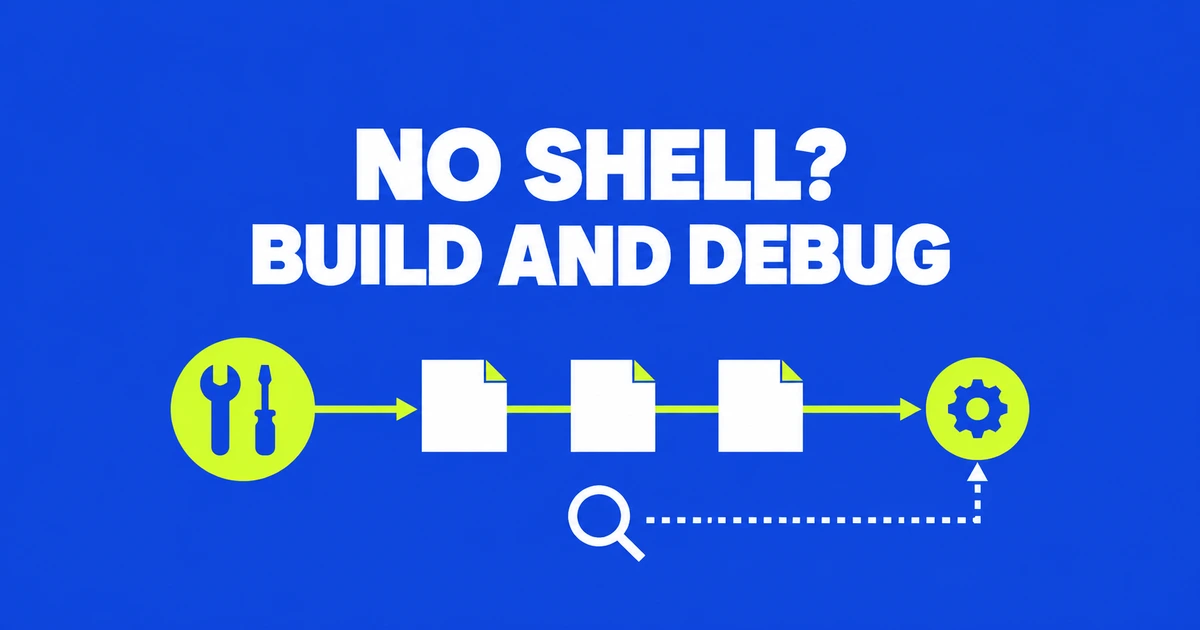
- DHI runtime variants omit shells and package managers by design.
- Use dev or sdk variants to build, then copy required artifacts into a runtime image.
- Docker Debug supplies inspection tools, but file edits to a running container affect that container.
A runtime image without sh needs a different inspection path
Docker Hardened Images runtime variants leave out interactive shells and package managers. If docker exec -it myapp sh cannot find the executable, first check the image variant. The missing shell alone does not establish that the container is broken.
Docker’s troubleshooting guide offers two relevant paths: a -dev variant for work needing a shell and installation tools, or Docker Debug to inspect a minimal container. They serve different stages of development.
The Community offering makes DHI available without an image subscription fee. Adoption still requires checking the tools and startup behavior that the existing Dockerfile assumes.
Install packages before the final runtime stage
A Dockerfile that installs packages, compiles code and runs the service in one image can be split into stages. Docker’s migration guide recommends dev or sdk images for building and a runtime variant for the final stage.
| Task | Suitable environment | What belongs in the final image |
|---|---|---|
| Shell commands, package installation, compilation | A dev or sdk build stage | The application and its runtime dependencies. |
| Running the service | A runtime variant | Required artifacts rather than the entire build toolchain. |
| Interactive development investigation | A dev-based container | Debug tools need not become part of the production image. |
The guide recommends keeping the distribution family consistent: Debian-based applications should start with Debian-based DHI, and Alpine applications with Alpine-based DHI. That reduces package-management and dependency changes. Copying the compiled program alone is insufficient if it needs additional runtime files.
Authenticate with docker login dhi.io before pulling. DHI does not provide a latest tag; choose a catalog tag matching the required version and distribution. Changing only the image name cannot fix shell commands left in a stage that has no shell.
Docker Debug supplies tools, with different effects for different targets
Where Docker Debug is available, point it at the existing container. Replace myapp with the name of the container you intend to inspect:
docker debug myappThe CLI reference explains that Debug brings its own toolbox even when the target has no shell. It can inspect files and processes without rebuilding the original image. Packages added through its install command belong to the toolbox.
The target’s state matters. Changes made while inspecting an image or a stopped container are discarded when the debug shell closes. For a running or paused container, filesystem edits are directly visible to that container. Leaving the original image unchanged does not make live file edits temporary or harmless to the running service.
Docker Desktop 4.49.0 made Debug free for all users. An Engine-only server should not be assumed to include the same command. For development that needs an ordinary shell, Docker also documents dev variants such as dhi.io/python:3.13-dev.
Finish with file access and entry-point checks
Runtime DHIs run as nonroot by default. The migration checklist calls for checking that the application can read its files and write to required directories. Match ownership and permissions to the user in the chosen image.
Its ENTRYPOINT or CMD may also differ from the previous image. Inspect that configuration with the image documentation or docker inspect. A startup shell script still needs an interpreter that exists in the final environment.
The practical split is straightforward: install and compile in the build stage, run the application in the runtime stage, and bring inspection tools through Debug or a development variant when needed.