Which Kernel Does an Ubuntu Docker Container Use on Linux and Mac?
You pull the newest Ubuntu image, but the container reports a kernel version that doesn’t match that Ubuntu release. Where does that kernel come from on Linux and on a Mac?
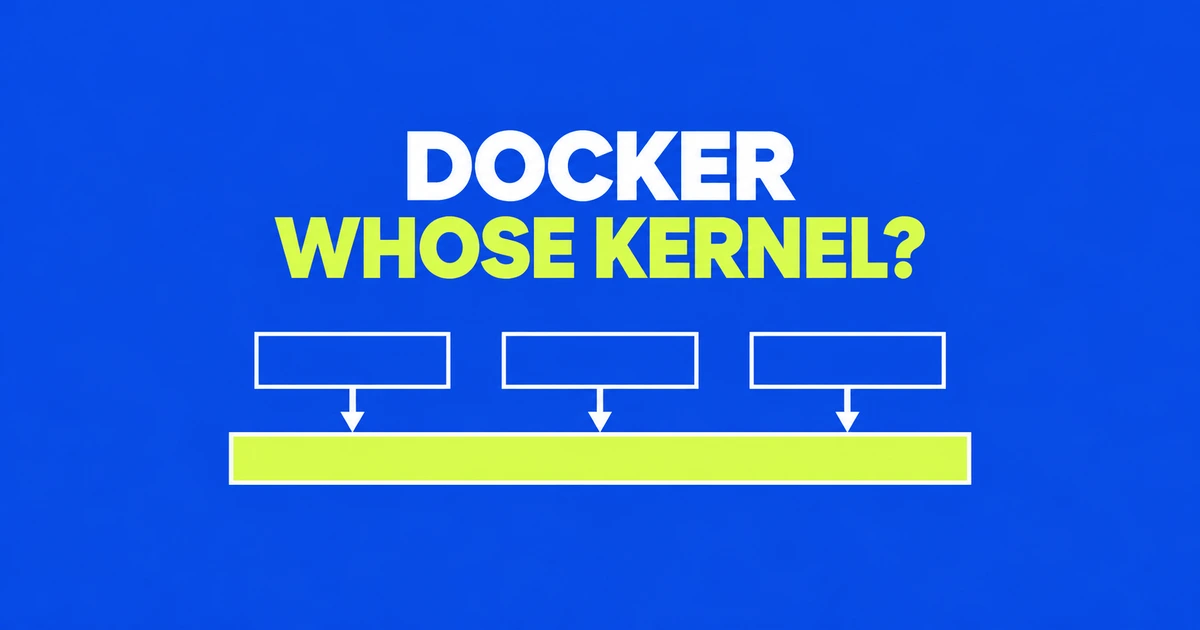
- An Ubuntu image supplies user-space files, not a separately booted Ubuntu kernel.
- Containers run directly by Docker Engine on Linux share that host's kernel. On Mac, Docker Desktop supplies a Linux VM.
- Docker Desktop for Linux also uses a VM, so the host platform alone does not tell you which kernel a container uses.
The Ubuntu label does not select a running kernel
An Ubuntu container running directly under Docker Engine on Linux uses the Linux host's kernel. Its image supplies the programs, libraries and other files visible inside the container. Starting it does not boot a separate Ubuntu operating system as a VM would.
The October 22 essay Docker is weird revisited this distinction through its author's experience building a container runtime. Docker's own container introduction describes an isolated process sharing a kernel, rather than a miniature machine with a kernel of its own.
An image packages the environment that process needs. A Python application image might include the interpreter, application code and dependencies. Moving to a different Ubuntu image changes that user space. It does not replace the kernel serving the process.
On Mac, the Linux VM is the container host
Docker Desktop supplies a Linux virtual machine to run Linux containers. Those containers share its Linux kernel, not the macOS kernel. This does not require a separate VM for every container.
| Execution environment | Kernel used by a Linux container |
|---|---|
| Docker Engine running directly on a Linux host | The host's Linux kernel |
| Docker Desktop on Mac | The kernel inside Desktop's Linux VM |
| Docker Desktop on Linux | The kernel inside Desktop's VM |
The third case matters. Docker's Linux Desktop FAQ explicitly describes its VM architecture. Reasons include a consistent experience across platforms and the ability to supply kernel features independently of the host distribution. “I am on Linux” is therefore incomplete: native Engine and Desktop are different execution arrangements.
A shared kernel can still provide separate environments
Docker uses namespaces to separate what processes can see. That isolation lets containers have distinct views of their environment while the same kernel handles execution.
Isolation does not automatically assign a fixed CPU or memory allowance. Docker's resource documentation says containers have no resource constraints by default; they can consume what the host kernel's scheduler allows. Packaging an application and limiting its resource consumption are separate operations.
Privileges are another separate dimension. Rootless mode runs the daemon and containers without root privileges inside a user namespace. It changes the privilege arrangement, not the shared-kernel architecture.
Change the layer that owns the requirement
If an application needs a different library or runtime, changing the image's user space can address that requirement. If it needs a Linux kernel capability, the relevant environment is the container host or Desktop VM. Pulling a newer Ubuntu image does not by itself add that capability.
When describing a setup, name both the image and where it runs. “Ubuntu container” leaves out whether Docker Engine is on a Linux server or Docker Desktop is supplying a VM on a Mac. The image supplies files; the execution host supplies the kernel. Containers and VMs can therefore be parts of the same stack.
FAQ
Does updating the Ubuntu image update the kernel?
No. It updates user-space files and dependencies. The running kernel belongs to the container host or Docker Desktop VM.
Why use a VM if containers are lightweight?
The container remains a process sharing a kernel. Desktop uses a VM to supply the Linux environment underneath it. These are two layers with different jobs.