Why width: 100% Still Overflows With border-box—and Where stretch Helps
A card with width: 100% fits its 320px parent until you add side margins, while width: auto still fits. What is 100% actually measuring?
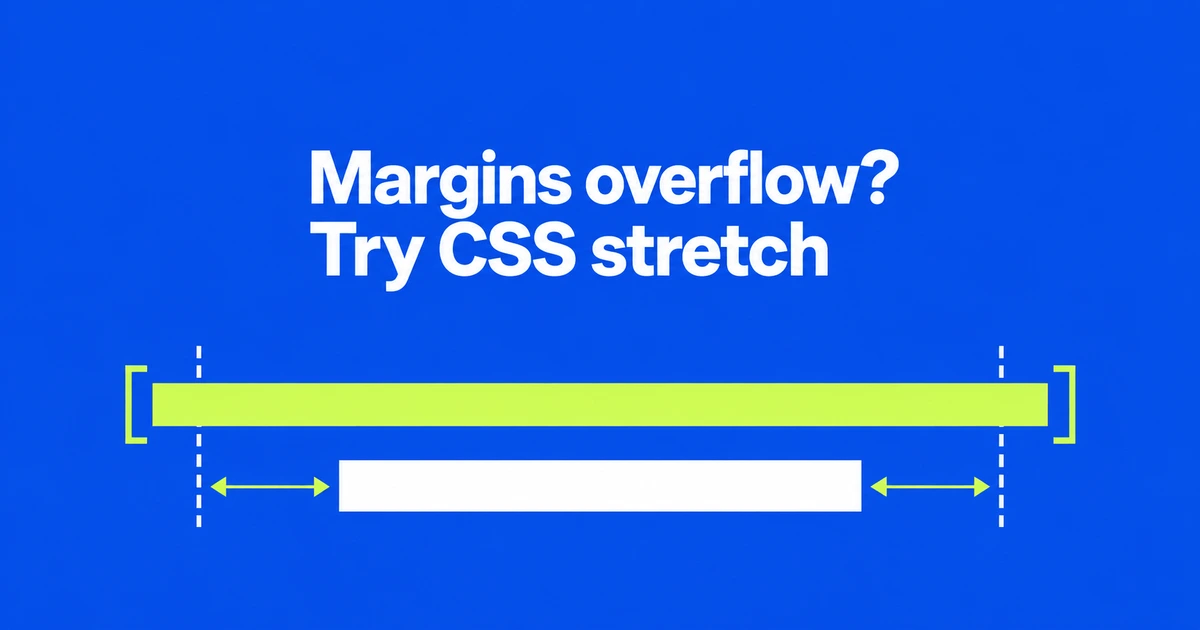
- border-box includes padding and borders in width, but excludes margins.
- width: stretch targets the margin box; Safari 27 adds support for the sizing keyword.
- A normal block may already fit with auto. Minimum sizes and long content need separate checks.
Margins remain outside a 100% border box
A card can overflow its parent even with box-sizing: border-box. That setting includes padding and borders in the declared width, but excludes margins. Adding horizontal margins to an already full-width box asks for extra space.
With a 320px-wide parent, a 100% border box is already 320px wide. Leaving another 16px on each side cannot fit within that same width. Reducing padding changes the space inside the border; it does not absorb those outer margins.
Safari 27’s support for stretch sizing provides another option. The keyword targets the space occupied by the margin box.
The same card becomes 288px wide with stretch
Consider a normal block with a 320px containing block, fixed horizontal margins, and no minimum or maximum width constraint:
.parent { width: 320px; }
.card {
  box-sizing: border-box;
  margin-inline: 16px;
  padding: 12px;
  border: 2px solid;
  width: 100%;
}| width | Border-box width | Content width | Room for both 16px margins |
|---|---|---|---|
| 100% | 320px | 292px | No |
| stretch | 288px | 260px | Yes |
| auto | 288px | 260px | Yes, in this normal block layout |
These are box-model calculations for the stated example. With stretch, subtract the two margins from 320px to get a 288px border box. Its 24px of padding and 4px of border leave 260px for content. With 100%, only padding and borders are subtracted from the 320px border box, leaving 292px of content.
Try auto before adding a new sizing rule
For an ordinary block in normal flow, removing width: 100% may be enough. The normal block width calculation lets auto fill the remaining space after margins, padding, and borders. That is why auto and stretch produce the same result in this example.
Auto is context dependent. Images, inline-blocks, and flex items do not all use the same sizing behavior as this card. Use stretch when explicitly fitting the margin box expresses the intended layout.
For the normal block example, a feature query can preserve the auto fallback:
.card { width: auto; }

@supports (width: stretch) {
  .card { width: stretch; }
}
@supports checks support for that declaration. If auto already gives you the desired layout, no extra rule is necessary. Where auto behaves differently, choose a fallback suitable for that element before adopting stretch.
A fitting box can still contain overflowing text
The stretch-fit algorithm still respects minimum and maximum size constraints. A minimum width larger than the parent can therefore defeat the intended fit.
If the border fits but a long URL extends beyond it, investigate wrapping instead. overflow-wrap: anywhere permits breaks in otherwise unbreakable strings when needed. Distinguishing an oversized box from overflowing content tells you whether to change the sizing rule or the content’s wrapping behavior.