Target Enterprise Beta Users With Cloudflare Flagship
The new checkout belongs to enterprise customers in the beta, not every enterprise account. How do you express both conditions in one Flagship rule that actually wins?
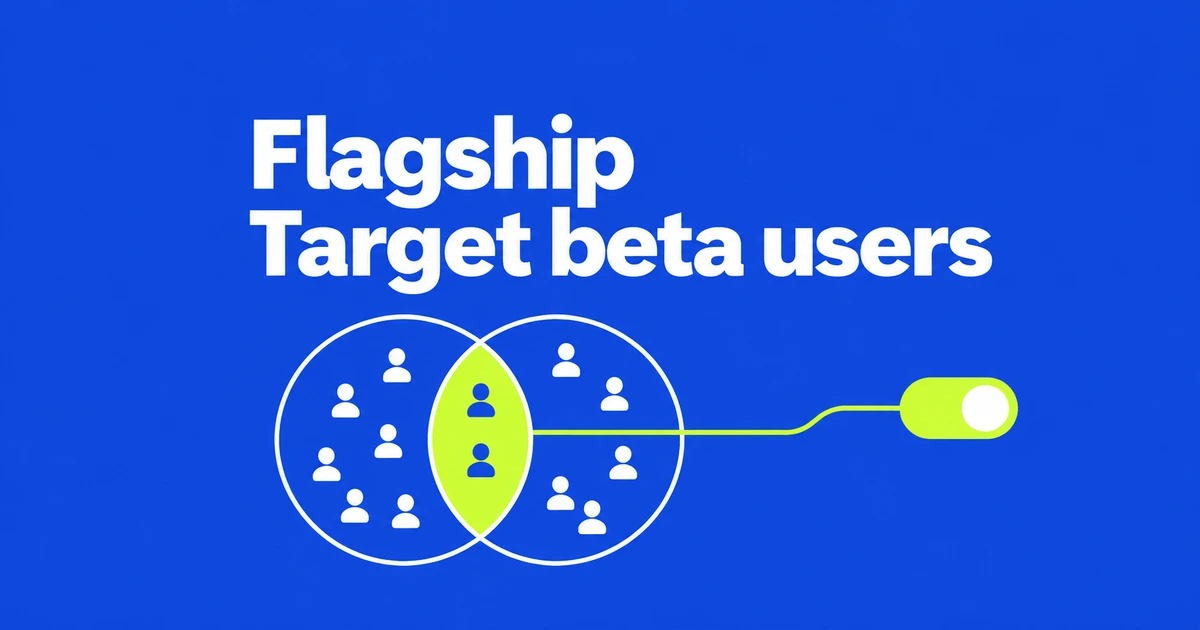
- Flagship can evaluate nested profiles and tag arrays directly.
- Combine a plan comparison with an array-membership check to select enterprise beta users.
- Set the default and rule order deliberately, then use a stable identifier for percentage rollouts.
Require both the enterprise plan and the beta tag
To offer a new checkout only to enterprise customers participating in a beta, combine profile.plan equals "enterprise" and tags has "beta" with AND. Serve the enabled variant for that rule, keep the default off, and ensure no other rule enables the feature for the remaining users.
Cloudflare’s October 23 Flagship update lets the application pass that profile and tag list as structured data. The application no longer needs to flatten the profile merely to make its fields available to targeting rules.
The operator direction matters. Use has when the user attribute is an array containing a scalar such as beta. Use in when the user attribute is a scalar, such as a plan, that must belong to a configured list. String substring matching is a different operation.
Pass an object through the binding or a JSON POST
With a configured FLAGS binding and a boolean new-checkout flag, the evaluation can look like this. Replace the example values with attributes established by your application.
const enabled = await env.FLAGS.getBooleanValue("new-checkout", false, {
  targetingKey: "customer-107",
  profile: { plan: "enterprise" },
  tags: ["beta"]
});
For a direct evaluation API call outside Workers, send nested objects and arrays in a JSON POST body. JSON-shaped text in a GET query remains a string. The API token needs at least one of the Flagship Read, Write or Evaluate permissions.
The TypeScript, Python and Go SDKs support structured context from version 0.6.0. They choose POST for HTTP evaluations containing structured values. Check the installed SDK version before changing the payload.
A correct condition can still lose to an earlier rule
Rules run in order. An earlier rule that returns off for every enterprise customer prevents a later enterprise-beta rule from deciding the result. Put narrower rules ahead of broader ones. A disabled flag returns its default variant, as does an evaluation with no matching rule.
Inspect the actual context as well. Missing attributes do not match even negative operators. If a literal top-level key named profile.plan exists alongside a nested profile object, the literal key takes precedence. Sending both old flattened fields and new objects can therefore produce an unexpected result.
Keep the assignment stable as the audience grows
A percentage rollout can narrow the eligible audience further. Use a stable user identifier, normally targetingKey, or configure a nested identifier such as profile.id. Missing or null bucketing values cause a new random assignment on each evaluation.
Users outside the selected percentage continue to later rules; they are not automatically forced off. Check that a later rule does not enable the same feature for them.
For an initial configuration check, compare three example contexts: an enterprise beta user, an enterprise user without the tag, and a beta user on another plan. The expected results make the audience promise concrete before rollout percentages complicate it.