Does Cloudflare’s New Brotli WAF Rule Block Attacks Automatically?
Cloudflare says its two new Brotli rules only log by default, yet ordinary Next.js images on your site start getting blocked. What turned a logging rule into a block?
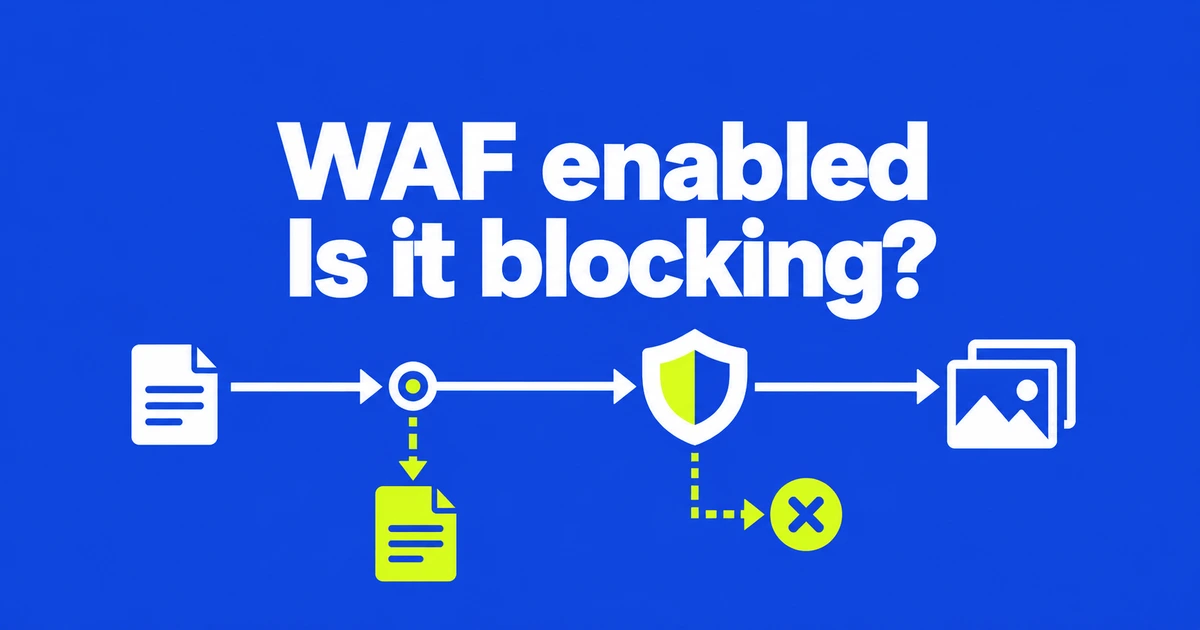
- The two Brotli-related rules in Cloudflare’s October 25 emergency release default to Log.
- Their matching conditions include legitimate traffic; a match is not proof of exploitation.
- An existing Block override can affect newly added rules, so inspect the effective action.
Log records the match without rejecting the request
Cloudflare’s October 25 emergency release introduces two managed rules related to CVE-2026-111497. Their default action is Log. That action provides visibility; it does not block a matching request.
An enabled rule and a blocking rule are therefore different operational states. Check both the rule status and the action your configuration actually applies.
The image rule also matches legitimate optimization traffic
These are broad matching conditions. Treat the resulting count as a set of requests to inspect rather than a count of confirmed attacks.
| Rule | What matches | Impact of Block |
|---|---|---|
| Brotli request body | A request declaring Content-Encoding: br. | Legitimate compressed request bodies can be rejected. |
| Next.js image optimizer | Requests to /_next/image. | Normal optimized images may stop loading. |
The Brotli rule does not match Accept-Encoding: br and does not change Cloudflare’s response-compression settings. Turning response compression off is a different change from controlling these incoming requests.
A previous ruleset-wide Block can override the new defaults
Cloudflare’s override model has three levels: ruleset, tag and individual rule. Ruleset and tag overrides affect future rules as well as existing ones. A specific rule override takes precedence over the broader settings.
That explains how a release with Log defaults can still cause blocking in an existing configuration. An applicable ruleset-wide Block may take effect as the new rules arrive. Inspect inherited settings before assuming the published default describes your traffic.
In the dashboard, open the Cloudflare Managed Ruleset under Security rules, then use Browse rules to inspect the individual action. A rule-specific Log override provides a way to evaluate matches. Narrow the investigation to the affected rule and scope before considering a broad WAF change.
Correlate the failing path with the action taken
Security Events shows events for requests Cloudflare acted on or flagged. If images stop loading, narrow the period and inspect paths and actions. Compare a Block event on /_next/image with the request that failed in the browser.
Sampled logs are not a complete record of every event. A missing entry does not establish that nothing was blocked or that no attack occurred. A shorter time range can reduce the effect of sampling and make the relevant events easier to inspect.
Keep runtime remediation in the same response plan. The Node.js security advisory describes the decoder flaw and available security updates. Recording or rejecting traffic does not repair that code. Choose traffic controls with their application impact in view, and complete the applicable software updates.