aria-live Not Announced? Create the Region Before the Message
The status message shows up on screen and its element has aria-live, yet the screen reader says nothing. Why does it skip the announcement?
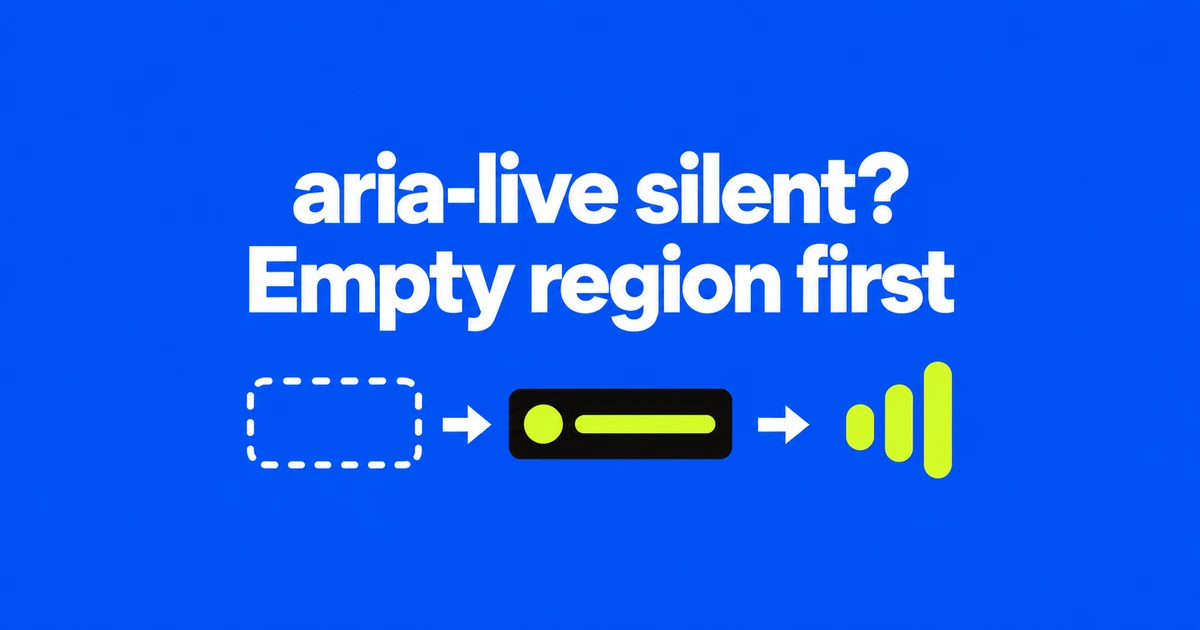
- A live region normally announces content changes, so establish the empty region before inserting the message.
- Use polite for routine updates; atomic and busy affect what is announced and when.
- Chrome's October update adds announcement recording, while actual screen reader output still needs testing.
Adding a populated element is not the same as updating a region
If a status message appears visually but remains silent, check when its aria-live container entered the page. Screen readers generally announce changes inside an established live region. Creating the element and its message together can miss that sequence.
MDN recommends an empty region first, with time for assistive technology to recognize it before the content changes. Initial HTML is the most reliable place to establish it. If JavaScript creates the region, defer the content update to a later event-loop task.
There is an important exception: role="alert" receives special handling that can announce initial content. Do not assume that behavior applies to a routine polite region.
Keep the container and change its text
This illustrative example puts the empty region in the initial page and updates it after a button click. It tests the notification pattern rather than performing a save operation.
<button id="notify" type="button">Test announcement</button>
<p id="status" aria-live="polite" aria-atomic="true"></p>

<script>
  const status = document.getElementById("status");
  document.getElementById("notify").addEventListener("click", () => {
    status.textContent = "Announcement test complete.";
  });
</script>
The aria-live mechanism does not require moving focus to the message. In an application, update the text when the result is known: after a successful save response, for example, rather than immediately when the user clicks Save.
The relevant distinction is an existing region receiving new content. Assigning the identical string again does not establish that another announcement will occur. Repeated notifications need their own test scenario.
Assertive is a priority setting, not a universal repair
Routine feedback belongs at polite priority so it can wait for an appropriate pause. Reserve assertive for urgent information that warrants interrupting current speech. Changing every silent message to assertive can replace one usability problem with another.
aria-atomic="true" asks for the whole region to be presented. That can matter when only a count changes but the surrounding phrase gives the number its meaning. Priority and announcement scope are separate decisions.
Also check aria-busy. The screen reader implementation guide says changes in a busy region should not enter the queue until the attribute is cleared. An interface that updates several pieces must clear aria-busy when those updates are complete.
Chrome adds another observation point
The October 2026 DevTools update adds support for recording live announcements and ariaNotify calls. This provides a way to inspect announcements on the browser side while investigating the code that produces them.
A browser record is not a recording of what a screen reader actually said. Assistive technology applies its own settings and queue handling. After inspecting the browser's behavior, repeat the interaction with the browser and screen reader combinations the application supports.
Listen for meaning as well as presence: whether the result is understandable, whether it interrupts ongoing speech, and whether successive actions still communicate the needed outcome. Establish the region, check the update and its priority, then verify the spoken experience.