How to Pair Two Tabs in a Chrome Extension’s Native Split View
Your comparison extension picks two open tabs for Chrome 155's native split view, and Chrome rejects the pair. Which two tabs actually qualify?
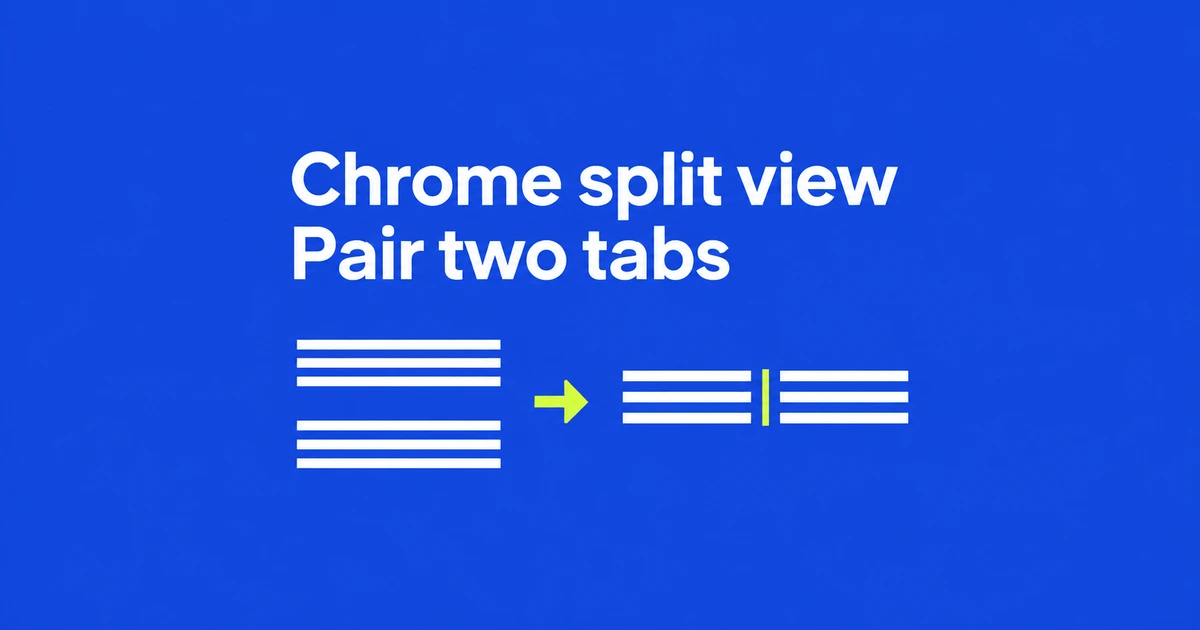
- Chrome 155 lets extensions create native split views from existing tabs or a newly created tab.
- Pairing requires adjacent, unsplit tabs with matching window, group and pinned state.
- Layout control requires no extra permission; reading page information is a separate concern.
Extensions can control the browser's own split layout
The Split View API in Chrome 155 gives comparison and preview extensions an alternative to arranging separate browser windows. They can create and separate the browser's native paired-tab layout.
Chrome's user-facing split view arrived in version 145. The new capability is programmatic control. Users do not need an extension simply to view two sites together: Chrome's built-in controls already provide that within one window.
Choose between pairing existing tabs and opening a new one
Given two valid tab IDs selected by the user, this fragment pairs them. The method returns a Promise; await it to obtain the split-view ID.
const splitViewId = await chrome.tabs.createSplit([
  firstTabId,
  secondTabId
]);
To create a new companion tab instead, pass the existing tab's ID to splitWithTabId. It opens on the right by default. Omitting a URL uses the New Tab Page.
await chrome.tabs.create({
  splitWithTabId: existingTabId
});
Run Tabs API calls in the extension service worker or an extension page. Content scripts cannot call the API directly.
Check the pair before offering the action
Two tabs being open is insufficient. Chrome requires this combination:
| Property | Requirement |
|---|---|
| Position | The tabs are adjacent. |
| Existing split | Neither tab already belongs to one. |
windowId | The same window. |
groupId | Matching group state. |
pinned | Matching pinned state. |
A pinned tab beside an unpinned one does not qualify. Neither do two tabs separated by another tab. An extension can explain these requirements in its selection UI; if it also rearranges tabs, that change should be understandable to the user.
Layout access does not grant access to page contents
The split-view operations need no additional permission. Building a picker that reads URLs or titles, or injecting scripts into pages, introduces separate access requirements.
For example, activeTab grants temporary host access to the current tab after a user invocation. It is not persistent access to every open tab.
When the user requests separation, pass the split-view ID—not an individual tab ID—to:
await chrome.tabs.unsplit(splitViewId);Separation returns the pages to independent tabs rather than closing them. A complete interaction therefore needs a pairing action, an explanation for incompatible selections and a way to separate the pair again.