Why 4× CPU Throttling Gives Different Results on Different PCs
Two developers record the same click at 4x slowdown and get very different traces. Which one matches the phone you are targeting?
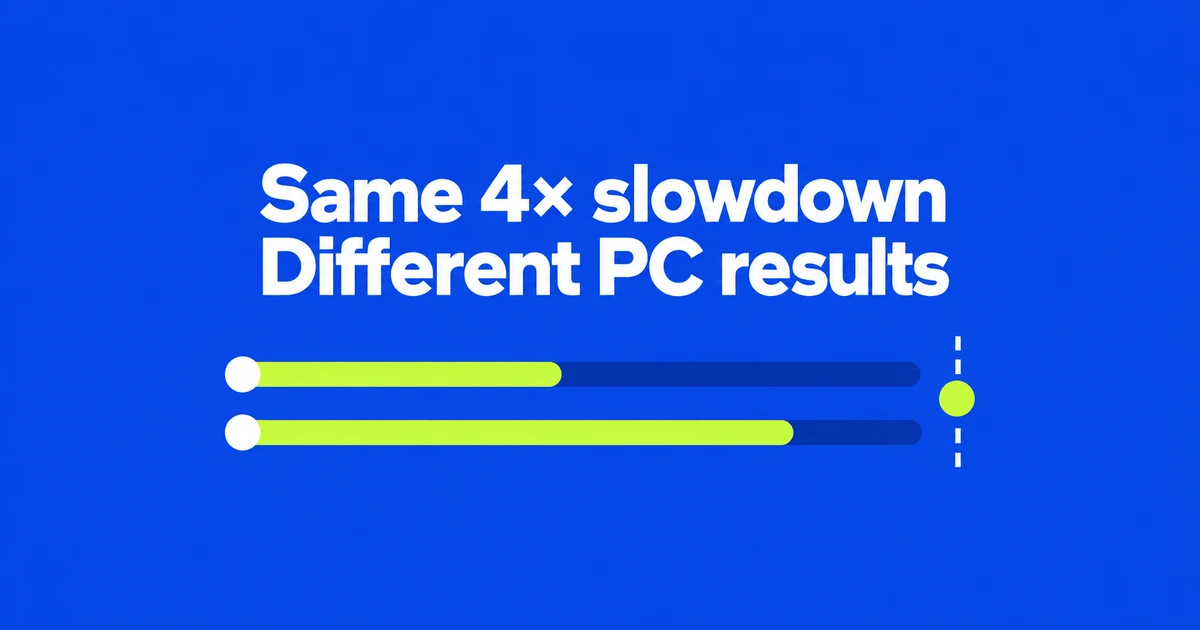
- A 4× slowdown is relative to your computer, not a fixed phone specification.
- Run CPU calibration in Settings, then select a calibrated preset in Performance.
- Reporting a CPU tier to a page and actually slowing execution are separate controls.
The same multiplier preserves differences between computers
Setting both laptops to 4× does not give them the same mobile performance. The Chrome DevTools Protocol defines the CPU throttling rate as a slowdown factor: 1 means no throttling, and 2 means a twofold slowdown. Each computer starts from its own performance level.
For a simplified example, suppose an operation takes 10ms on computer A and 30ms on B. Multiplying each by four produces 40ms and 120ms. Those are illustrative numbers, not benchmark results. They explain why a shared “4×” setting alone is an incomplete comparison method.
Chrome introduced calibration in version 134 to produce mobile presets for the development machine being used. The target is more useful than copying somebody else's multiplier.
Create the presets before recording the interaction
Open Settings → Throttling → CPU throttling presets. Save any unfinished page work first: calibration temporarily navigates away and reloads the page.
- Click
Calibrate, thenContinue. - Let the benchmark finish and display the low-tier and mid-tier rates.
- Open
Performance → Environment settings → CPU. - Select a calibrated preset and record the interaction you want to investigate.
The settings reference also places these presets in Capture settings. Network profiles are configured separately; matching the CPU target does not also match connection speed or latency.
Start with mid-tier, then test less powerful devices
Chrome recommends mid-tier as a starting point for typical mobile performance. Low-tier helps investigate problems affecting less powerful devices. Neither label names an exact phone model.
For example, a team investigating a pause after filtering a product list can compare the same filter and product data before and after a change. Record the preset, its displayed multiplier and the network setting alongside the trace so another developer can understand the conditions.
CPU throttling leaves the GPU process unthrottled. Heavy visual effects can therefore behave differently on a phone. The Device Mode limitations also make clear that desktop simulation cannot reproduce the entire mobile device. A problem that appears only on the actual phone needs an on-device investigation.
A reported CPU tier is not the slowdown factor
The October DevTools recap includes CPU performance-tier controls over CDP. For automation, distinguish the two protocol commands:
| Command | What it changes |
|---|---|
Emulation.setCPUThrottlingRate | The execution slowdown factor. |
Emulation.setCPUPerformanceOverride | The tier exposed through navigator.cpuPerformance. |
The latter is marked experimental in the protocol. Testing which effects a site chooses for a reported tier is a different job from measuring how slowly those effects execute. Calibrate each development computer, and make both controls explicit when turning the test into automation.