Google Workspace Still Charging for Suspended Users? What Lowers the Bill
Six employees left and you suspended all six accounts, but this month's Google Workspace invoice still bills for 30 seats. Would deleting them change that before renewal?
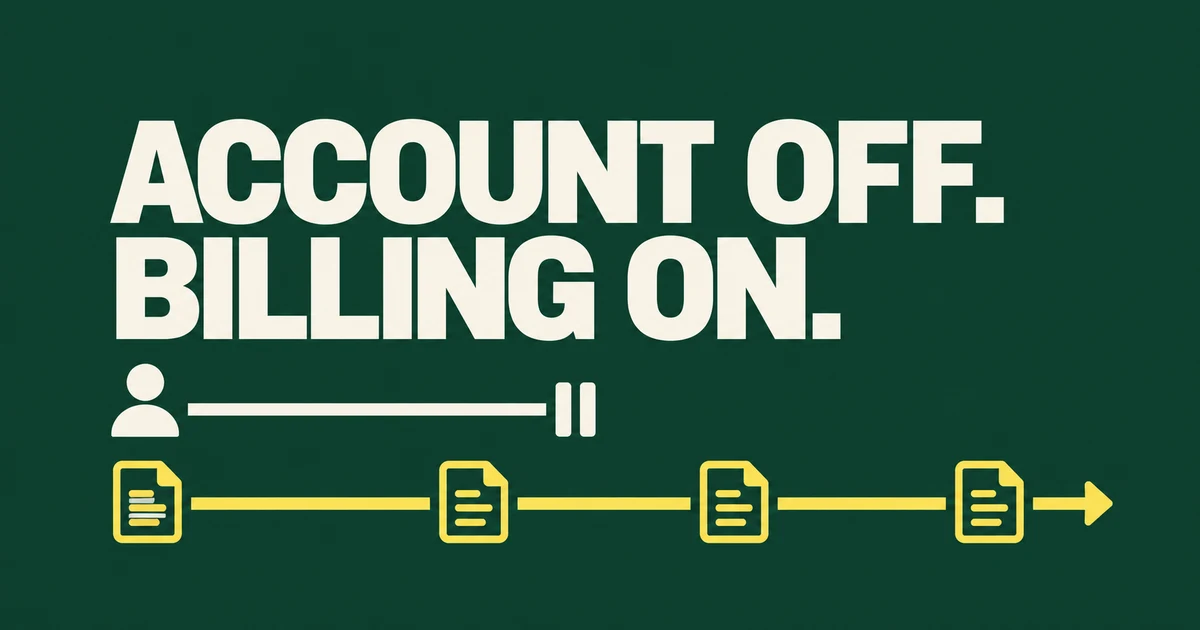
- Suspending a Google Workspace user does not stop the license charge. It blocks access while keeping the account and data.
- Flexible and Annual/Fixed-Term contracts react differently to fewer users. Removing an account does not automatically reduce an annual commitment before renewal.
- Choose a preservation route before deleting anything. An Archived User license can preserve a leaver's data and free an active license for reassignment, but that is not the same as lowering the existing contract bill.
The employee has left. Their account says “Suspended,” yet the next invoice still includes them. That is expected behavior when suspension was the only change: the sign-in decision and the subscription decision are separate.
In a Reddit discussion about an inherited Workspace environment, an administrator described paying for far more enterprise licenses than current staff needed, including accounts associated with former employees. The useful question is not simply how to disable those people. It is which data must remain, which licenses can be reused and when the contract can shrink.
Suspended means blocked access, not a cheaper account
Google's suspension guidance says administrator-suspended users keep their data and are charged at the same rate as active users on both Annual and Flexible plans. Suspension is a security control, not a billing tier.
That also makes it a useful immediate offboarding action while the data decision is still unresolved. Do not confuse an administrator suspending an individual user with Google suspending an entire organization for a billing or policy issue. They need different remedies.
| State or action | Access and data | Billing consequence to check |
|---|---|---|
| Suspend the user | Blocks user access; does not delete existing data | The active license charge continues |
| Archive the user | Preserves supported service data without normal user access or new incoming email | Archived User billing and active-license reassignment are separate from the annual commitment |
| Delete the user after preservation decisions | Removes the account; required data must be handled first | Flexible can reduce user charges; Annual remains committed until renewal |
| Reduce an annual commitment at renewal | A subscription action, not a data-preservation method | Follow renewal options and remove or reassign unwanted licenses before the renewal date |
First check whether the contract is Flexible or Annual
Open Billing → Subscriptions in the Admin console and select the affected Workspace subscription. Record its payment plan, license commitment, assigned users and renewal date. Do this for the actual subscription, not just the payment card or invoice frequency.
Google's Annual/Fixed-Term documentation separates the contract term from payment arrangements. A recurring monthly payment can still be part of a longer commitment. Stopping one user's access does not cancel that commitment.
On the Flexible Plan, the bill follows user accounts over the month, with billing adjustments for changes during the period. Google's license-reduction instructions describe deleting no-longer-needed users as the way to reduce licenses on that plan. Suspension leaves the paid account in place.
On Annual/Fixed-Term, removing unnecessary licenses leaves the current payment unchanged until contract renewal. A freed license can be useful for a replacement employee without becoming an immediate refund.
Thirty licenses and six leavers: where the saving can disappear
Suppose a company has committed to 30 active licenses and six employees leave. Let P be the monthly-equivalent price of one active license under that contract, and A the cost of one archived license under the selected archive arrangement.
| Annual-contract scenario | Active subscription commitment | Separate archive cost |
|---|---|---|
| Suspend six accounts only | 30 × P | No new archive purchase in this example |
| Archive six and free active seats, before renewal | Still 30 × P | 6 × A, if separately charged under the chosen arrangement |
| Renew correctly with 24 active licenses and keep six archived users | 24 × P at an unchanged active-license rate | 6 × A under the archive arrangement |
The example isolates license-count arithmetic, not a quoted plan price. The archive path can improve preservation while adding an extra line of spending before the original commitment falls. If six new employees are joining instead, reusing the freed active seats may be the useful result.
At renewal, the modeled difference from keeping 30 active licenses is 6 × (P − A) per month, assuming unchanged rates and no other products. It is not automatically six full active-license fees saved: the preservation option has its own cost.
Archiving preserves data but does not create an active replacement inbox
The Archived User guidance says archiving makes the active Workspace license available for reassignment within 24 hours. The archived account cannot sign in or receive new email and calendar invitations. Its data still counts toward pooled storage.
Choose the archive arrangement available for the actual edition and billing plan. Business subscriptions can have an Admin-console purchase path; Google also documents a Flexible-plan route for archiving during user deletion without a separate Archived User subscription. Check the subscription screen and available user action before buying another product. Other cases may need a sales representative or partner.
Make two additional decisions: who will retrieve old records, and where future messages sent to the former employee should go. Preserved data and continued mail delivery are separate requirements. Check any Vault, Voice or other add-on subscriptions as well; archiving a user is not a blanket cancellation of every attached product.
Complete the renewal change, not just the user cleanup
Google's current reduction procedure calls for changing the subscription's renewal option to renew with fewer licenses. Before renewal, delete the accounts whose active licenses are no longer needed or follow the documented license reassignment route, such as to an appropriate Archived User or Cloud Identity license.
Cloud Identity is not a drop-in preservation replacement for Gmail and Workspace content. Decide which services and data must survive before choosing an unlicensed or differently licensed account. Saving an identity record is not necessarily saving the user's mailbox.
Record the expected active-license count at renewal and the separate archived-user count. Then ask the billing administrator or reseller to confirm both line items. A useful request is:
“Six users have left. We need their existing records preserved but no active Workspace access. Please confirm the preservation arrangement, any separate add-on charges, and the date our active commitment can fall from 30 to 24. Confirm the renewal option and the projected invoice after that change.”
Do not use deletion as the first billing test
Google's user-deletion procedure includes data-transfer and retention decisions. Read those requirements for the services in use before removing an account. An export that nobody has verified is not a complete recovery or preservation plan.
A license-cleanup discussion asks how to automate a constant flow of leavers. Automation is useful after the decision is explicit: preserve which data, assign which product, reuse which seat and reduce which commitment on which date.
To lower the bill, change the billing position—not merely the account status. Suspend access promptly, choose the required preservation route, and finish the subscription change appropriate to the payment plan.