Safari 27 Blocks Email-Based Identity Resolution
You use one email address to sign up on your phone and your laptop, with no shared cookies. How does that address still link your visits, and what does Safari 27 now block?
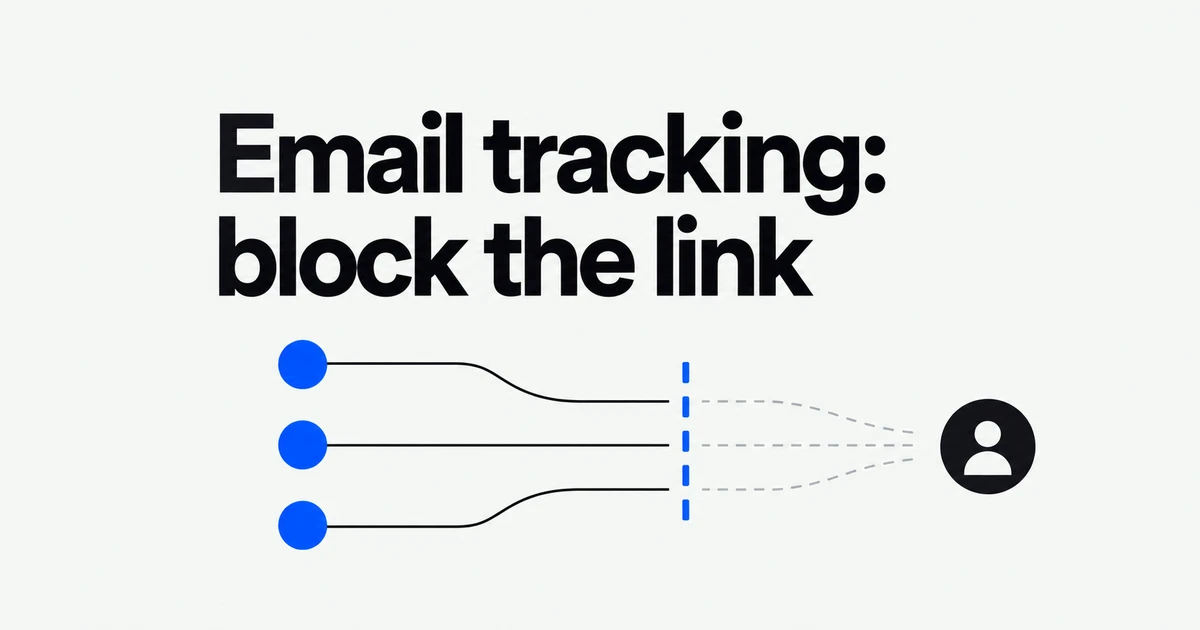
- An email address can link someone’s activity across websites.
- Safari and WebKit now block connections to identity-resolution infrastructure on OS 27.
- Sign in with Apple and iCloud+ offer different ways to hide an address at signup.
An email address can replace the cookie as a link
In its October 19 explanation, WebKit describes third parties collecting email addresses and linking them to tracking IDs. The same address can connect activity across sites and devices.
The new protection stops connections to resolvers
Safari and WebKit on iOS, iPadOS, macOS and visionOS 27 block this infrastructure at the domain level. First-party personalization is not the target.
WebKit’s policy distinguishes covert tracking from a visible login that the user intentionally completes. Login, single-site analytics and advertising measurement are among the practices it does not intend to disrupt. It also acknowledges unintended effects when those practices share tracking techniques. This is not a promise to remove every ad or disable ordinary accounts.
Hide My Email works at the point of disclosure
You can also avoid giving a site your personal address. Apple offers two routes with different requirements.
| Route | Requirement | What it provides |
|---|---|---|
| Sign in with Apple | The app or site supports it. | A unique address that forwards messages to your inbox. |
| iCloud+ Hide My Email | An iCloud+ subscription. | On-demand addresses for ordinary forms and newsletter signups. |
With Sign in with Apple, you choose whether to share or hide your address. Hidden addresses use @privaterelay.appleid.com; forwarding is restricted to designated senders from the app or website.
The iCloud+ feature can create addresses in Safari forms, Mail and settings. Replies keep your personal address private. Labels and notes help track where an address was used, and unused addresses can be deactivated. This feature predates OS 27: Apple lists iOS 15, iPadOS 15 and macOS 12 as its minimum device versions.
Review existing accounts before your next signup
On iPhone or iPad, open Settings, select your name, then Sign in with Apple to inspect an app’s address. On Mac, use your account in System Settings and select the same service.
For a new account, check the address-sharing choice if Apple login is offered. For a regular form, iCloud+ subscribers can create a separate address and label its purpose. That combines browser tracking protection with control over the address disclosed during signup.
Frequently asked questions
Does every Hide My Email option require iCloud+?
The option within Sign in with Apple is distinct from iCloud+ address generation. Creating addresses on demand for ordinary forms is the iCloud+ feature.
Can I reply to forwarded messages?
Yes. Apple supports receiving and replying while keeping your personal address private.