Apple’s 2027 Developer ID expiry: Which files need re-signing?
Customers who installed your Mac app keep launching it, but your .pkg installer runs into the February 1, 2027 Developer ID expiry. What do you re-sign, and with which certificate?
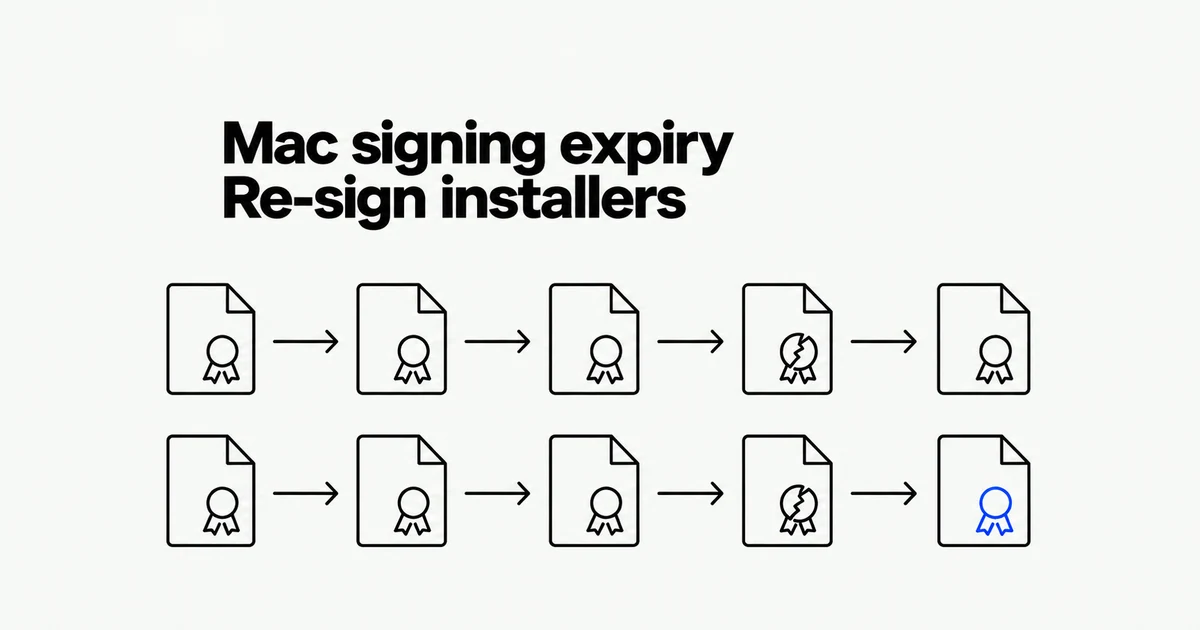
- The original Developer ID authority expires February 1, 2027; affected .pkg installers need a new signature.
- Previously signed and notarized Mac apps with a secure timestamp keep working through this expiry.
- Identify the issuer on your own certificate, then replace Application and Installer certificates separately where needed.
A working app does not prove its installer will keep working
For software distributed outside the Mac App Store, separate the installed application from the package on your download page. Apple’s October 1 notice requires affected installers to be re-signed before the original Developer ID authority expires.
| Artifact | Action for this expiry |
|---|---|
| .pkg signed with an affected certificate | Re-sign before February 1, 2027, when installation stops working. |
| Previously signed and notarized Mac app with a secure timestamp | Continues working; no re-signing required for this expiry. |
| Future updates and new releases | Use the new certificate and include a secure timestamp for notarization. |
Other validity checks remain. An app using a Developer ID provisioning profile stops launching when that profile expires. Revocation is also different from ordinary certificate expiry.
Check the issuer, not just the name or expiration date
The replacement guide says a team can have identically named certificates from the old authority and G2. Select your signing certificate in Keychain Access, expand Issuer Name, and inspect Organizational Unit.
Apple Certification Authority identifies the previous issuer; G2 identifies the current one. Check your own certificate, not the Developer ID Certification Authority entry itself: that authority chains to Apple Root CA and can show the same wording.
The G2 authority is valid into 2031. That is not the lifespan of the certificate issued to you. Apple’s replacement guidance says G2-issued developer certificates require annual renewal.
Application and Installer are different credentials
Developer ID Application signs the app; Developer ID Installer signs its installer package. A release pipeline using both needs the corresponding replacements.
The replacement procedure requires the Account Holder. In Certificates, Identifiers & Profiles → Certificates → +, select the appropriate certificate type and choose G2 Sub-CA if asked for an intermediary. Submit the certificate signing request, install the resulting certificate, and update the systems that sign releases.
Apple’s packaging guide also calls for checking that the Installer signing identity is available. Do not filter that identity search with -p codesigning: it excludes Installer identities. A certificate installed on a developer laptop does not establish that the build machine can sign with it.
Finish at the download link, not at certificate creation
Re-sign affected packages with the new Installer identity. When producing a new build, ensure the enclosed code uses the appropriate signature too. Apple’s packaging workflow proceeds from inner code and containers to the outer container.
Notarize the file intended for distribution. The notary service checks for malicious content and signing problems, then supplies a ticket. Apple recommends reviewing warnings and testing the software even after notarization succeeds.
Finally, verify that the download path serves the replacement. An existing installation launching successfully does not test a new customer’s install. Prioritize the affected packages, complete their replacement before the deadline, and track the new certificates’ renewal dates.