BigCommerce WebMCP: Enabled Does Not Mean Shopping Tools Are Ready
A BigCommerce storefront has WebMCP turned on, yet a browser agent sees only image tools. What else has to be switched on before it can search the catalog or fill a cart?
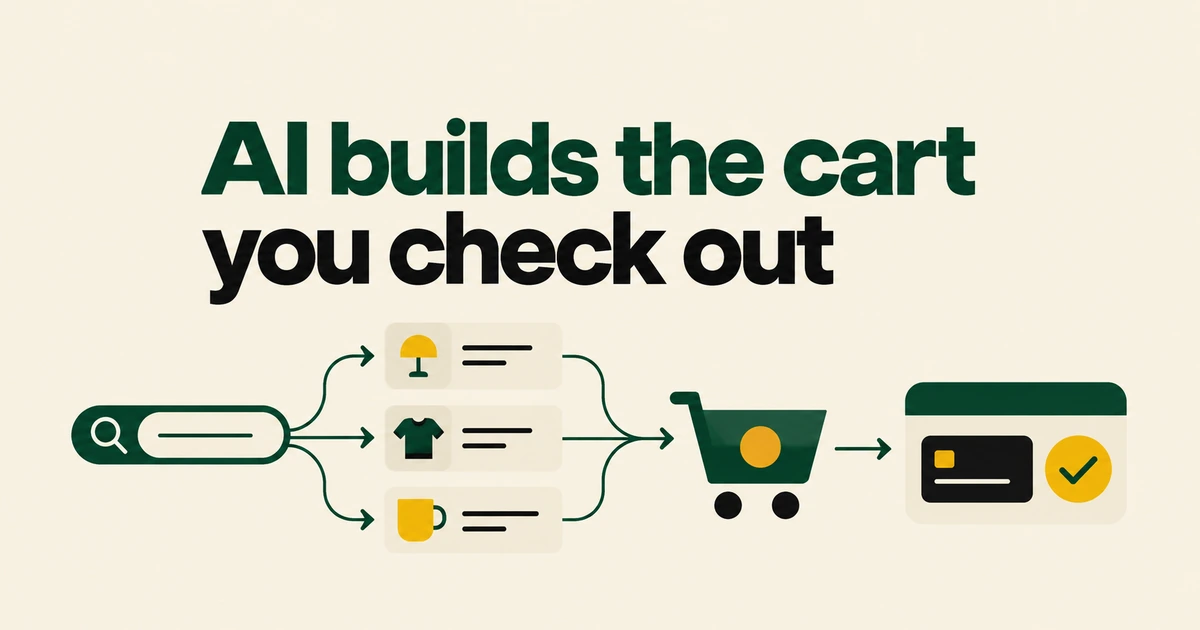
- Commerce.com and Cloudflare are giving browser agents structured storefront tools through WebMCP.
- The bridge can be enabled while shopping tools remain unavailable: server-side MCP must also be on.
- The shopper completes checkout, and merchants retain a WebMCP opt-out.
The bridge and the shopping tools have separate prerequisites
Cloudflare's October 21 announcement describes a WebMCP rollout for Commerce.com's platform, which it says runs almost 100,000 domains on Cloudflare. The integration lets a browser agent call storefront tools instead of inferring actions from page elements.
BigCommerce enables WebMCP by default on Stencil storefronts and Catalyst storefronts hosted on Cloudflare. Shopping tools require server-side MCP as well. Seeing the default image tools does not establish that an agent can search the catalog or manage a cart.
The MCP setup guide requires a store owner to enable the server under Settings → API and MCP → MCP. Full server availability can take up to ten minutes. Check the exposed tool list after enabling it.
The agent prepares the cart; the shopper completes checkout
Calls run in the shopper's active storefront session, using the same prices and cart. Commerce.com's backend defines the tool behavior, while Cloudflare passes tool definitions and calls through.
| Step | Tool and result |
|---|---|
| Find products | search_products queries the catalog. |
| Build the cart | add_item_to_cart adds an item. |
| Hand off to checkout | create_checkout_url returns a link for the shopper to review and complete the purchase. |
These are the names in the storefront tool reference. Server-side MCP supports agents connecting directly; WebMCP brings the same shopping capabilities into the browser.
An individual merchant can opt out
Cloudflare's integration uses merchant metadata and edge configuration rules to exclude individual storefronts within shared zones. An excluded store does not receive the WebMCP bridge script.
The merchant control is the WebMCP toggle in MCP settings. BigCommerce says full disablement can take a couple of days; re-enabling after opting out requires contacting support. Saving the preference is therefore different from verifying that it has propagated.
Ordinary shopping remains available without browser support
WebMCP remains experimental. Cloudflare's Browser Run documentation distinguishes experimental Chrome Lab sessions from its stable browser pool. Deployment of a storefront script does not establish universal browser support.
If the browser lacks WebMCP support, or the storefront MCP server is unavailable, the integration exits and leaves the normal storefront usable. For a merchant, the immediate checks are the server setting, the exposed shopping tools and the checkout handoff.
Frequently asked questions
Does “almost 100,000” measure completed AI purchases?
No. It is the platform's domain footprint reported by Cloudflare.
Can this flow buy without the shopper completing checkout?
The documented integration returns a checkout link and leaves completion with the shopper.
Does opting out block all AI access?
No. It removes the browser tool integration; agents can still attempt to interpret the ordinary pages.