Copilot Autofix vs. Agentic Autofix: What Each Does and Costs
Both Autofix options end in a draft pull request for your code scanning alert. Which one runs a metered agent session, and what does it do before the PR?
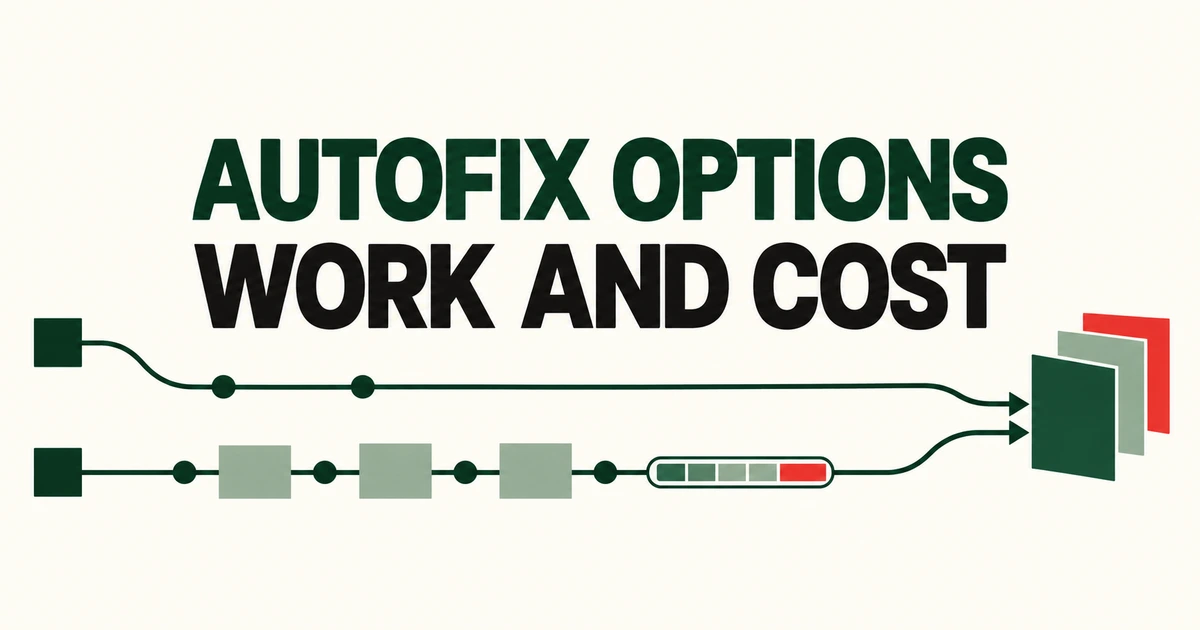
- Copilot Autofix suggests a change; agentic autofix investigates, edits, attempts validation and opens a draft PR.
- You can assign up to 25 default-branch code scanning alerts in one batch.
- Agent sessions consume AI credits and Actions minutes. Review the code and validation results before merging.
The difference is the work before the PR
Copilot Autofix offers a suggested change for a supported alert. Agentic autofix starts a session that explores the repository, develops a fix, attempts to validate it and opens a draft pull request. The October 15 general release makes that agent workflow available for code scanning remediation.
The suggested-fix workflow can also produce a PR. After Generate fix, the user can choose Create PR with fix to create a branch, commit the suggestion and open a draft. The distinction is how much investigation and validation you delegate, rather than whether a PR can exist at all.
| Option | Work delegated | Usage |
|---|---|---|
| Copilot Autofix | Generate a suggested change for one supported alert, for you to review and apply. | Suggested fixes do not consume AI credits. |
| Agentic autofix | Explore the codebase, develop changes and attempt validation, then prepare a draft PR. | Each session consumes AI credits and GitHub Actions minutes. |
Enabling the agentic option replaces Generate Fix on individual alerts with Assign to Copilot. That button starts a different workflow with different usage implications.
Assign default-branch alerts, individually or in batches
Agentic autofix targets the code scanning backlog on the default branch. An alert found only on a PR or another branch cannot be assigned through this flow.
With the feature enabled, a user with write access can open Security and quality → Code scanning, select an alert and click Assign to Copilot under Assignees. From the backlog or a security campaign, select up to 25 alerts to assign them together.
One assignment creates one agent session and one PR. You can submit up to 25 alerts in that session; the PR reports the validation result for the proposed changes.
A Copilot seat is not the same as an execution budget
The current access documentation covers public GitHub.com repositories and organization-owned repositories with Code Security or Advanced Security. Users do not need a Copilot license. User-owned repositories inside an enterprise using Enterprise Managed Users are excluded.
For an enterprise-owned organization, the enterprise must first allow the feature. Permission alone does not activate it. Organization enablement turns it on for eligible repositories by default; repository administrators can opt out or re-enable it within the higher-level controls. Standalone organizations skip the enterprise step, while an administrator of an eligible personal public repository can configure it directly.
The repository control is under Settings → Advanced Security → Code Security → Agentic Autofix. Organizations that used the public preview must enable it again.
Sessions consume Code Security AI Credits and GitHub Actions minutes. The GA announcement also requires a Copilot billing method and places usage under Advanced Security in enterprise AI usage reporting. The no-AI-credit rule for suggested fixes does not apply to these agent sessions.
Read what the validation actually established
Copilot reruns CodeQL with the code scanning query suite to validate changes. GitHub explicitly says it cannot confirm fixes for alerts from custom CodeQL queries, the security-extended suite or third-party tools. Being able to assign an alert does not mean every scanner’s result can be independently revalidated by the agent.
The PR describes the changes and validation steps. If validation was unsuccessful, or Copilot believes the alert may be a false positive, it reports that in the PR. Inspect the session, review the diff and run tests before merging.
You can request further work through PR comments or the session in the repository’s Agents tab. Choose suggested fixes when you want a candidate patch to develop yourself; use agentic autofix when you want to delegate investigation through draft-PR preparation, with an execution budget to match.