Find the Coding Agent Waiting for Your Reply with Corgi
One coding agent is still working while another has been waiting on your approval, somewhere among several open terminals. How does Corgi show you which one needs you?
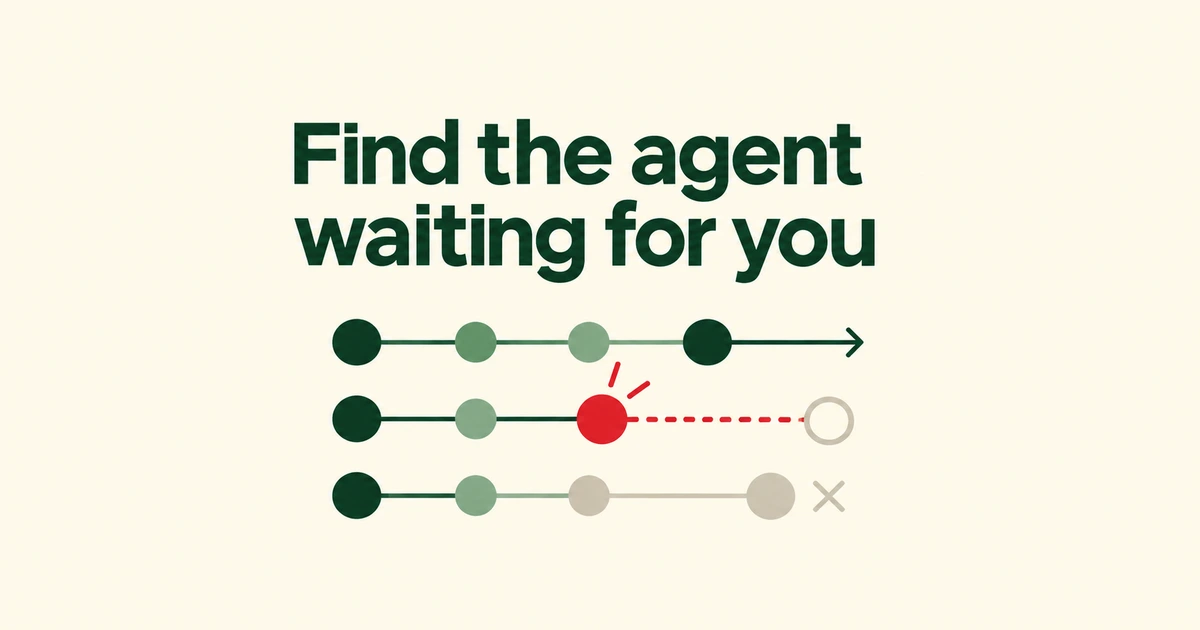
- Corgi gathers working, waiting-for-input and unread-completion states across coding agents.
- In the Corgi key preset, F1 jumps to agents needing attention; visiting a pane does not answer or approve anything.
- Detaching preserves the running session. Recovery after a reboot restores saved context, not application memory.
A waiting agent and an unread result need different responses
Corgi brings agent status into the terminal workspace. The project, recently introduced on Hacker News, supports Claude Code, Codex, Pi and OpenCode. Its appeal is easy to recognize when several sessions are open: one may be writing code while another has been waiting for your answer.
The workspace indicators distinguish Needs input from Unread. The former means an answer or approval is needed; the latter means a completed turn has not been acknowledged. Neither is interchangeable with the count of agents currently working.
In the Corgi preset, F1 or prefix f visits waiting agents before completed ones. Visiting acknowledges the attention item; you still read the question and respond in the pane. The prefix is pressed and released before the following key. Ctrl+B is the default, and Ctrl+A is another setup choice. Use prefix ? to inspect the keys for your selected preset.
The counts depend on observable provider events. Missing provider information can leave gaps, so a quiet sidebar is not proof that every task has finished.
Start with the CLI and account you already use
The launcher can start installed agents or resume earlier conversations. Run corgi in the project directory and choose New in the sidebar. Choose New terminal when you need a regular shell.
Recent conversations and history search help you return to earlier work. Selecting a conversation that is already running focuses its existing pane. Agent installation and sign-in remain prerequisites. Corgi configures status integration for the agents it finds; Codex requires a one-time trust approval in /hooks. A terminal manager does not supply a model subscription.
Optional Clever Corgi features, including activity summaries and Git worktree briefs, consume usage from the selected model provider. Resource collection does not call a model. Choose which summary features to enable with that usage in mind.
Detach the viewer to keep the session running
Detach leaves the runtime active. With the Corgi preset, use prefix q, then run corgi to reconnect. For a remote host, the documented command is ssh -t host corgi; the runtime remains on that host if the connection drops.
| Action | Result |
|---|---|
| Detach | The viewer leaves; session processes continue. |
| Close an ordinary tab or pane | Its processes end. |
| Recover after a crash or reboot | Saved layout and output return; recorded agent conversations can resume. |
There is a documented exception to closing: a Claude conversation already running in Claude’s background daemon can be attached to a tab. Closing that tab leaves the separate background session running.
Cold recovery cannot restore application memory. Ordinary panes start new shells, while recorded agents remain dormant until focusing their panes invokes resume. A restored terminal display does not mean the old test process or development server is still executing.
Importing tmux does not move its live processes
The tmux import brings across folders, window names, split layout and recent output. Programs stay in tmux; Corgi opens shells. Review that boundary before closing the original environment.
In the launch discussion, users asked about replacing existing terminal setups and connecting across machines. The creator described native remoting as future work. Connecting over SSH should therefore not be read as automatic synchronization between several computers.
Try the workflow in a small project: check a waiting agent, answer in its pane, detach and reconnect. Judge it by how easily you can find and respond to the right conversation before moving more of your terminal work into it.