How to Set Copilot Code Review to Lite Instead of Balanced
The repository default is now Lite, yet an open pull request still gets a Balanced review. Which setting is that PR following?
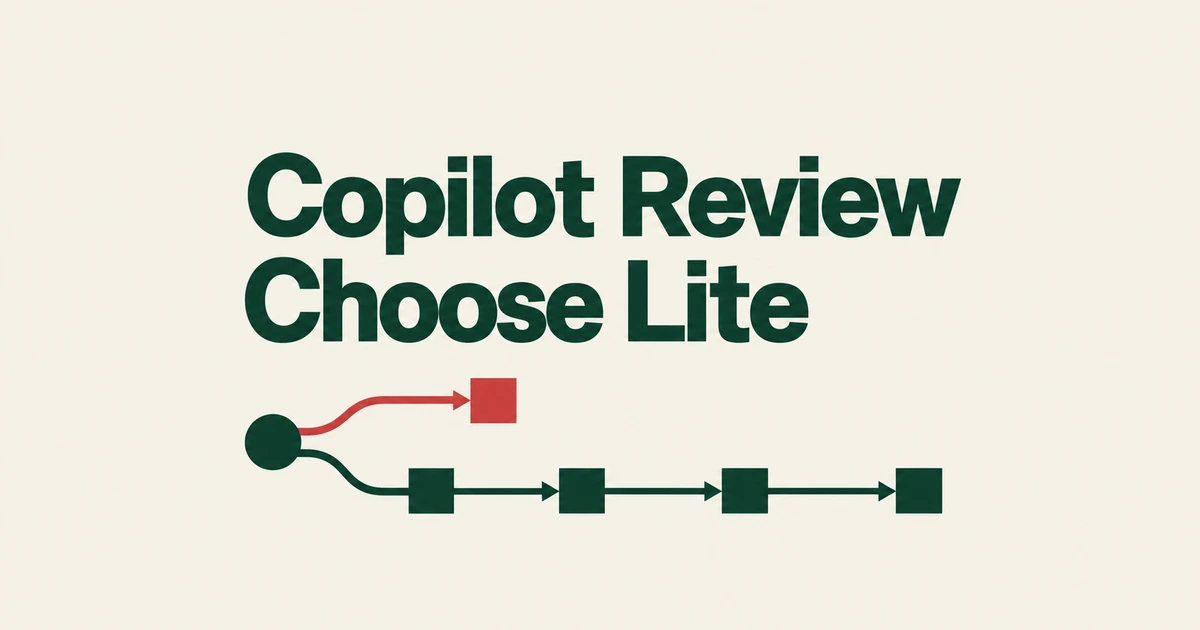
- Default now means Balanced; an explicit Lite selection was preserved.
- Use Lite for routine feedback and consider Balanced for complex or sensitive changes.
- An existing PR’s previous effort can take priority over changed defaults.
Choose Lite explicitly if that is the review you want
GitHub’s October 2 announcement confirms that Default began using Balanced on September 28 for new and existing repositories and organizations. Explicit Lite settings were respected.
A team that previously left the control alone should therefore revisit it. Default follows GitHub’s built-in choice; it does not permanently pin the earlier effort level.
Match review depth to the change
According to GitHub’s documentation, Lite provides targeted feedback on common issues. Balanced spends longer analyzing complex logic, security-sensitive code, and changes spanning services.
| Change | Option to consider |
|---|---|
| Routine work where quick feedback matters | Lite |
| Complex, security-sensitive, or cross-service changes | Balanced |
Balanced consumes more AI credits and can use slightly more Actions time. Choose the effort level according to the depth of analysis the change needs.
Set a personal or repository default
Open your profile menu, then Copilot settings → Copilot → Code review → Review effort level, and choose Lite. The dedicated settings page introduced September 23 also covers Business and Enterprise users. Older instructions pointing to a single switch on the Features page may miss this newer layout.
Repository administrators can use Settings → Copilot → Code review to select the repository’s automatic-review default. Organizations also have a default-effort control. The configuration guide treats review effort and automatic-review activation as separate choices.
Turning automation off leaves your effort selection available for manual requests. Choosing Lite does not stop automatic reviews. To stop them, also check whether a repository or organization ruleset independently requests a review.
An existing PR can keep its previous effort
The selection order explains why changing a repository default may not affect a PR already under review:
- Effort selected for this request
- Effort previously used on the PR
- The requestor’s setting
- The repository setting
- The organization setting, or owner’s setting for a user-owned repository
- GitHub’s Balanced default
For a new PR, the author is the requestor. When a draft becomes ready for review, the person making that change is the requestor.
To run Lite on a particular PR, select it while requesting Copilot through Reviewers. The overview comment records the effort used. Check that result as well as the settings screen: they answer different questions about future defaults and the review that actually ran.