Cloudflare Agents: Separate Tabs Still Share Browser Logins
A user opens a new conversation tab, and your Cloudflare agent is still signed in from the last one. Where does that login live, and how do you keep users apart?
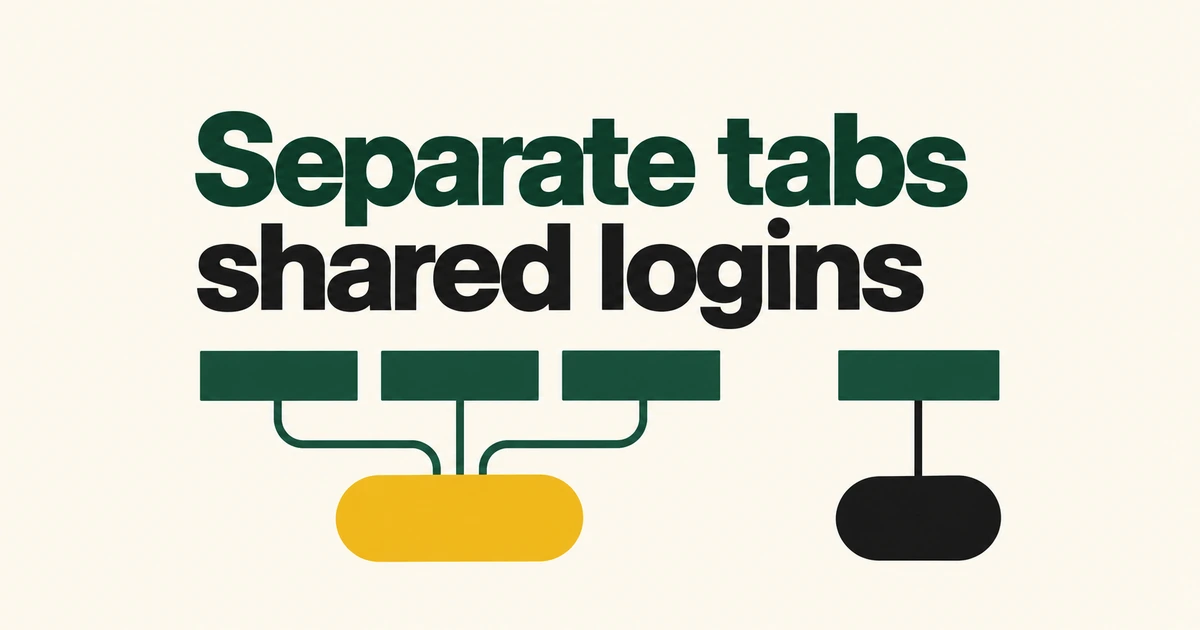
- Cloudflare Agents' browserTool can carry open pages and logins across conversation turns.
- Its default idle timeout is ten minutes. An expired or failed session loses the previous tabs and login state.
- Separate conversation tabs still share cookies inside one Browser. Independent user logins need separate browsers.
Persistence lasts while the remote browser survives
Cloudflare's October 13 Agents SDK release lets an agent return to a page on a later turn. Available from SDK v0.28.0, browserTool lets the model drive the browser with code using the Chrome DevTools Protocol.
The browser runs outside the Durable Object. The object can hibernate and reconnect using its saved session identifier, provided the remote browser remains alive. The tool's default idle timeout is ten minutes.
After expiry or closure, the next call uses a replacement browser. When the same conversation calls the tool again, restarted: true indicates that the earlier tabs and login state are gone. The new session does not restore the previous login.
A new tab is not an isolated login
The Agents documentation assigns each Pi conversation an active tab by default, but cookies and logins are shared within the same Browser. It directs applications to use separate browsers when users need independent login sessions.
Browser contexts are a different mechanism. Cloudflare's general session-reuse example creates a separate context for each request to isolate cookies and storage. Agents' conversation tabs do not automatically provide that boundary.
Choose whether conversations should share an account before deciding which Browser instance they use.
Quick Actions do not inherit that session
Browser Run separates stateless Quick Actions, such as screenshots and PDFs, from Browser Sessions with direct browser control. Revisiting an authenticated page depends on which path the agent uses.
| Tool | State across calls |
|---|---|
Agents browserTool | Reuses pages and logins while its browser session remains alive. |
| Quick Actions | Processes the request in a fresh browser, then closes it. |
The Quick Action adapter does not share browserTool's login. Reading a protected page through it requires authentication options, such as cookies, supplied separately.
Check what completed before continuing
Inactivity is only one reason a browser can disappear. Connection errors, browser failures and infrastructure recycling can also end it. Cloudflare lists close reasons in the Browser Run dashboard's Runs tab.
Pi does not automatically replay a browser call interrupted by eviction, because replay could submit a form or click a button twice. The model receives an interrupted result and determines how to proceed. Stopping the conversation also does not cancel a browser call already running; it finishes or reaches its timeout. These are the documented interruption semantics.
A recovery step should establish what the website has already done and whether the login still exists. Conversation history, browser lifetime and completed site actions need separate checks.
Frequently asked questions
Does every task stop after ten minutes?
No. Ten minutes is this tool's default idle timeout, not the execution limit for every call.
Does a new conversation isolate another user's account?
Not when it uses the same Browser. Separate tabs share login state; independent user sessions require separate browsers.